Cinematic AI Video Prompts: Camera Directing Guide for Runway Gen-3, Luma & Kling

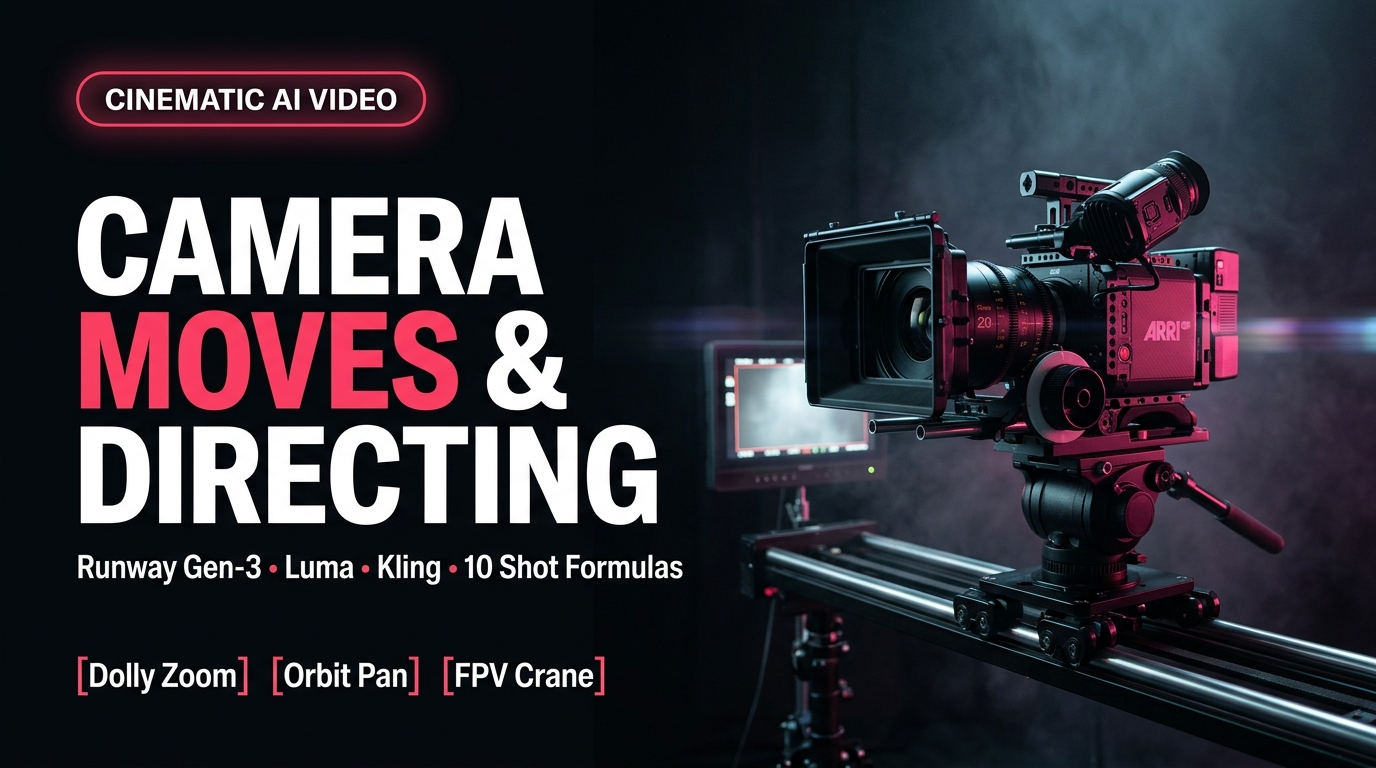
Generating cinematic video with AI models like Runway Gen-3 Alpha, Luma Dream Machine, and Kling AI has evolved far beyond typing "cinematic movie scene 4k". The difference between an amateur, wobbly clip and a Hollywood-grade visual sequence lies in director-level camera framing, focal length specs, and deliberate kinetic movement cues.
In this comprehensive guide, we unpack the cinematic vocabulary that modern AI video diffusion models actually respond to. You will learn the exact 6-parameter formula for writing motion prompts, how to engineer smooth camera transitions, and copyable prompt templates tested across Runway, Luma, and Kling.
1. The 6-Layer Kinetic Video Prompt Framework
Why random descriptive text fails and structured cinematography succeeds
Video diffusion engines calculate latent noise progression over temporal frames. When you specify motion ambiguously, the model hallucinates motion in random directions, resulting in morphing limbs or rubbery physics. Structuring your prompt into 6 distinct cinematic layers ensures temporal coherence across every frame:
Extreme close-up (ECU), medium full shot (MFS), or aerial drone wide shot. Specify optical characteristics: anamorphic 35mm lens, shallow depth of field, f/2.0.
Clear visual anchor with specific micro-actions. Example: A weathered deep-sea diver looking over her left shoulder into the abyssal trench.
The camera movement direction and speed. Use explicit terms: slow cinematic push-in dolly, orbital 360-degree pan, whip tilt-down.
Atmospheric motion in the background that sells realism: swirling neon steam, heavy raindrops bouncing off pavement, fluttering curtains.
How light behaves dynamically: golden hour rim light, flickering cathode-ray monitor glow, volumetric god rays piercing haze.
Aesthetic render engine references: Kodak Vision3 500T 5219 grain, ARRI Alexa LF color science, moody muted teal-and-orange grade.
2. 5 Essential Camera Moves and Exact Prompt Formulas
Proven cinematography vocabulary for Runway Gen-3, Luma Dream Machine, and Kling AI
A. The Cinematic Push-In Dolly / Vertigo Zolly
Suspense & FocusDolly push-ins create intimate tension or revelation. Pair a forward camera track with background compression for a dramatic narrative beat.
Cinematic medium close-up, slow forward dolly push-in shot toward a solitary female cyberpunk hacker staring at glowing holographic consoles. Her eyes reflect cyan light, subtle blink, lips slightly parted in concentration. Volumetric dust motes floating in neon purple ambient haze. ARRI Alexa Mini, 50mm T1.5 prime lens, smooth optical stabilization, filmic depth of field, 24fps motion cadence.
B. Low-Angle 180° Orbit Tracking Pan
Hero MomentCircling a subject while keeping them centered highlights dramatic authority and exposes the rich environment rotating in the parallax background.
Ground-level low-angle perspective, smooth 180-degree circular orbit pan around a mountain climber standing triumphantly atop a jagged snowy peak at sunrise. Warm amber sunlight flare striking the lens as camera sweeps from behind to profile. Snow gusts whip past in cinematic slow-motion. Shot on RED V-Raptor 8K, 24mm ultra-wide cine lens, epic blockbuster color grading.
C. Crane Boom Down & Reveal
Establishing to SubjectTransition smoothly from world-building scope down to micro-character intimacy in one fluid continuous movement.
Continuous crane jib boom-down shot starting 20 feet above a bustling Tokyo crosswalk in pouring rain, descending smoothly past dripping paper lanterns to settle at eye-level with an artisan ramen chef working behind steam. Wet asphalt reflections, soft bokeh lights, cinematic fluid camera descent, 35mm anamorphic aspect ratio 2.39:1.
D. High-Speed FPV Drone Tracking Shot
High Kinetic ActionFast, acrobatic camera tracking for sports, chase scenes, and expansive wilderness landscapes with intense kinetic energy.
FPV acrobatic drone shot skimming two feet above a crystal turquoise ocean lagoon at high speed, banking sharply 45 degrees left around a massive limestone sea stack, chasing a retro wooden speedboat cutting white spray. Dynamic camera roll, intense motion blur on peripheral edges, GoPro cine log color profile, hyper-realistic water physics.
3. Runway Gen-3 vs. Luma Dream Machine vs. Kling AI
How to adapt your prompt strategies for each leading video model
| Engine | Primary Strength | Best Camera Moves | Prompting Secret |
|---|---|---|---|
| Runway Gen-3 Alpha | Temporal fidelity, realistic human kinetics, camera director controls | Dolly In, Pan Left, Tilt Up, Zoom Out | Separate camera direction from subject action with clear punctuation. |
| Luma Dream Machine | Complex 3D environment transitions, surreal physics, fluid lighting | FPV fly-throughs, speed ramps, portal zooms | Specify start and end states clearly or use first/last keyframe images. |
| Kling AI 1.5 | Complex physical interactions (eating, opening doors, hair physics) | Static lock-off with micro-motion, slow orbital tracks | Keep camera motion subtle so model allocates compute to subject accuracy. |
4. Image-to-Video (I2V): Turning Midjourney & FLUX Stills into Motion
Achieving 100% aesthetic control by decoupling image generation from motion generation
The secret used by top AI filmmakers and commercial studios is simple: Never use pure Text-to-Video for hero shots. Instead, generate the perfect still frame in Midjourney v6.1 or FLUX.1 first, then inject it as the starting frame in Runway or Kling.
Three Rules for Flawless I2V Animation:
- •Only prompt the delta: Do not re-describe what is already visible in the initial image. Only describe what moves and where the camera travels.
- •Avoid conflicting focal vectors: If your initial image is an extreme close-up, do not ask the camera to pull back 500 feet into an aerial cityscape in 4 seconds; it triggers severe warping.
- •Use Camera Speed Sliders: Keep camera motion scale between 2 and 4 (out of 10). High camera velocities amplify distortion artifacts on faces and hands.
5. Top 4 AI Video Artifacts and How to Eliminate Them
1. Morphing & Elastic Limbs
Cause: Asking for too many complex skeletal movements simultaneously (e.g., "running while opening a backpack and pulling out a map").
Fix: Simplify to one primary physical action per 4-second clip. Chain separate clips together in your video editor.
2. Wobbly Handheld Jitter
Cause: Leaving camera stabilization unstated or using words like "chaotic" or "hectic".
Fix: Add positive stabilizers: smooth motorized gimbal track, Steadicam shot, locked-on tripod.
3. Sudden Facial Degradation
Cause: Extreme rapid camera rotations that force the diffusion model to recalculate facial geometry from zero.
Fix: Restrict camera angles to 30° to 45° arcs when human faces occupy >40% of the screen.
4. Motion Stagnation (The "Breathing Still" Bug)
Cause: Prompts that describe static visual states rather than verbs with momentum.
Fix: Inject active physics terms: billowing smoke, cascading water, hair blowing across eyes, camera tracks forward briskly.