How to Write Midjourney Prompts for Realistic Human Faces: Camera Settings, Lighting & Formulas (2026)

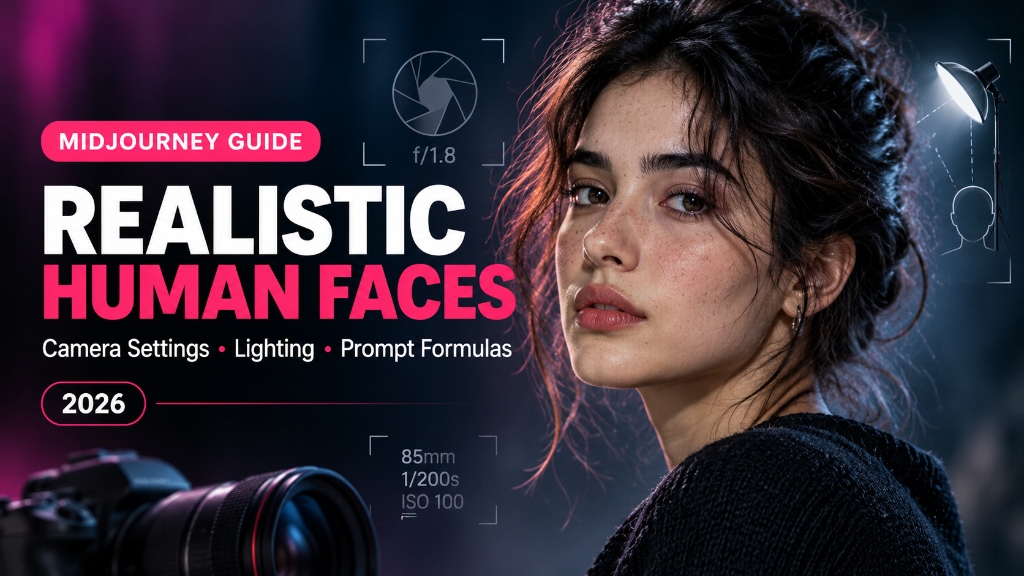
Why do most AI-generated portraits look like waxy plastic mannequins? In this definitive guide, you will master the exact camera settings, lighting configurations, and prompt tokens needed to produce authentic, pore-level photorealistic human faces in Midjourney v6 and v6.1.
If you have ever typed photorealistic 8k ultra detailed portrait of a woman into Midjourney, you already know the frustrating result: glossy porcelain skin, uncanny symmetrical Barbie doll eyes, and an unmistakable AI glaze that screams fake from across the room.
The breakthrough in generating genuinely realistic human faces does not come from buzzwords like "hyperrealistic" or "octane render". It comes from borrowing the vocabulary of real portrait photographers: focal length, depth of field, natural lighting direction, and intentional human imperfections.
1. The 6-Part Photorealistic Formula
Midjourney weights tokens by their position in the prompt. For portraits, the optimal formula follows a structured hierarchy:
1. Subject & Age Specificity
Never just say "a man". Say "a 34-year-old Scandinavian carpenter with subtle crow's feet and windburned cheeks".
2. Camera & Focal Length
Specifying "shot on Hasselblad X2D 100C with 85mm f/1.4 lens" controls facial compression and eliminates wide-angle nose distortion.
3. Lighting Type & Direction
Use terms like "soft diffused North-facing window light", "subtle golden hour side rim light", or "Rembrandt studio lighting".
4. Skin Texture & Micro-Details
Tokens such as "visible skin texture, micro-freckles, subtle peach fuzz, natural pores, no heavy makeup" defeat the plastic sheen.
5. Environment & Catchlight
A subtle background bokeh and natural catchlights in the pupils bring eyes alive without dead, flat reflections.
6. Crucial Engine Parameters
Always end with --v 6.1 --style raw --ar 4:5. The --style raw flag disables Midjourney's default glamour filter.
2. The Vocabulary Shift: Stop Using These Buzzwords
In modern Midjourney (v6+), legacy prompt filler hurts image quality by diluting your actual subject instructions:
| ❌ Avoid (Causes Plastic AI Glaze) | ✅ Use Instead (Triggers Real Optical Physics) |
|---|---|
| photorealistic, hyperrealistic, 8k, 4k | raw documentary portrait, 35mm editorial photograph, candid kodachrome |
| perfect face, smooth skin, beautiful woman | natural skin pores, subtle uneven skin tone, micro-freckles, realistic blemishes |
| octane render, unreal engine 5, masterpiece | shot on Leica M11, Summilux 50mm f/1.4, shallow depth of field, creamy bokeh |
| studio lighting, bright light | soft ambient overcast lighting, subtle Rembrandt lighting with soft shadows |
--ar 4:5 (standard Instagram/print portrait) or --ar 2:3 (standard 35mm DSLR frame).3. 7 Ready-to-Copy Photorealistic Portrait Prompts
These prompt formulas have been tested across hundreds of generations in Midjourney v6.1 to produce authentic, believable human expressions:
Template 1: The Candid Street Editorial Portrait
Captures dynamic environmental lighting with unposed, genuine eye contact and realistic hair strands.
A candid 35mm street portrait of a 28-year-old Japanese architect standing on a Tokyo street corner after light rain, overcast diffused afternoon sky, damp coat collar, natural skin texture with subtle pores and flyaway hair strands, shallow depth of field with blurred city neon in background, shot on Leica M11, 50mm f/1.4 lens, natural muted color grade, realistic catchlights in eyes --ar 4:5 --style raw --v 6.1
Template 2: Golden Hour Window Light Portrait
Creates authentic warmth and soft tonal transitions across cheekbones without blowing out highlights.
Editorial portrait of a 32-year-old French woman sitting beside a large loft window, warm 5 PM golden hour sunlight casting soft diagonal shadows across her face, subtle freckles across the bridge of her nose, delicate peach fuzz along the jawline, unstyled messy brown bob hair, relaxed introspective gaze, shot on Canon EOS R5 with 85mm f/1.2 lens, soft creamy background bokeh, authentic film grain --ar 4:5 --style raw --v 6.1
Template 3: Character-Rich Elder Documentary Portrait
Midjourney excels at wrinkles, weathering, and life story when you focus on honest micro-textures.
Intimate close-up documentary portrait of a 68-year-old Mediterranean fisherman with deep weathered laugh lines around his eyes, weathered sun-kissed skin texture, white and grey stubble, wearing a worn knit wool beanie, sea mist in the air, soft northern diffused maritime light, honest and proud expression, shot on Hasselblad X2D 100C, 90mm lens, tack-sharp eye focus with detailed irises --ar 4:5 --style raw --v 6.1
Template 4: Studio Fashion High-Key Portrait
Clean, modern high-fashion aesthetics while retaining genuine dermal pores and non-plastic lip texture.
Minimalist studio beauty portrait of a 24-year-old Nigerian model with glowing deep dark skin, minimal makeup, natural dewy skin sheen with visible pores, clean sculpted bone structure, wearing a simple sculptural cream turtleneck, soft dual-octabox studio lighting with subtle rim highlight along the shoulders, neutral warm grey seamless backdrop, shot on Phase One IQ4 150MP, 110mm lens --ar 4:5 --style raw --v 6.1
Template 5: Atmospheric Moody Film Noir Portrait
Uses high-contrast chiaroscuro and atmospheric haze to deliver powerful dramatic narrative.
Cinematic 35mm film still portrait of a 40-year-old detective in a dim vintage office, hard Venetian blind shadows cast across half his face, cigarette smoke curling softly in a beam of warm desk lamp light, subtle tired bags under eyes, textured linen shirt collar, gritty 1970s Kodachrome film grain, shallow focus, shot on Arri Alexa with vintage anamorphic lens, aspect ratio 16:9 --ar 16:9 --style raw --v 6.1
Template 6: Outdoor Golden Hour Backlit Portrait
Masters natural lens flare, glowing hair strands, and transparent sun backlighting.
Authentic outdoor portrait of a 22-year-old student smiling gently, strong backlight from setting sun creating a radiant golden rim light through curly hair, soft fill reflector illuminating natural warm brown eyes, genuine smile with realistic teeth alignment, wildflower meadow in soft out-of-focus background, shot on Sony A7R V with 135mm f/1.8 GM lens, gentle halation, organic color science --ar 4:5 --style raw --v 6.1
Template 7: Close-Up Detailed Iris & Expression Macro
Focuses on intricate iris pigmentation, genuine eyelash geometry, and moisture reflection.
Extreme close-up macro portrait focusing on eyes and nose of a 29-year-old woman with hazel-green eyes, intricate fractal iris pigmentation, individual sharp eyelashes, natural skin pores, faint laugh lines, subtle light reflection of a studio softbox in pupils, calm contemplative gaze, macro 100mm f/2.8 lens, tack sharp depth of field on eyelashes, ultra-clean optical clarity --ar 4:5 --style raw --v 6.1
4. 4 Advanced Tricks That Professionals Never Skip
1. The "--style raw" Rule is Non-Negotiable
By default, Midjourney applies an opinionated artistic filter that enhances contrast, adds painterly blooms, and smooths skin into digital art. The --style raw flag strips that away, honoring your photorealistic camera and lens tokens with documentary fidelity.
2. Keep Stylize Value Moderate (--s 150 to 250)
While high stylize values (--s 750) look dramatic for fantasy landscapes, they ruin human faces by forcing symmetry and perfection. For photorealism, stick between --s 100 and --s 250.
3. Use Vary (Subtle) Over Reroll
If you get a portrait with almost-perfect composition but slightly odd eye reflection, do not reroll the whole prompt. Click Vary (Subtle) or use Vary (Region) (Inpainting) over just the eyes or mouth with the prompt token "natural symmetrical eye with clear pupil catchlight".
4. Borrow Reverse Engineering with ProCraft Image to Prompt
When you see a real photograph with lighting or skin tone you love, run it through ProCraft's Image to Prompt tool. It automatically extracts the exact camera lens, lighting angles, and color palette tokens to replicate the style reliably.
5. Frequently Asked Questions
Explore 6,800+ Tested Midjourney & AI Image Prompts
Need inspiration for your next photoshoot, commercial campaign, or character concept? Explore our searchable prompt library for ready-to-use photography and portrait styles.