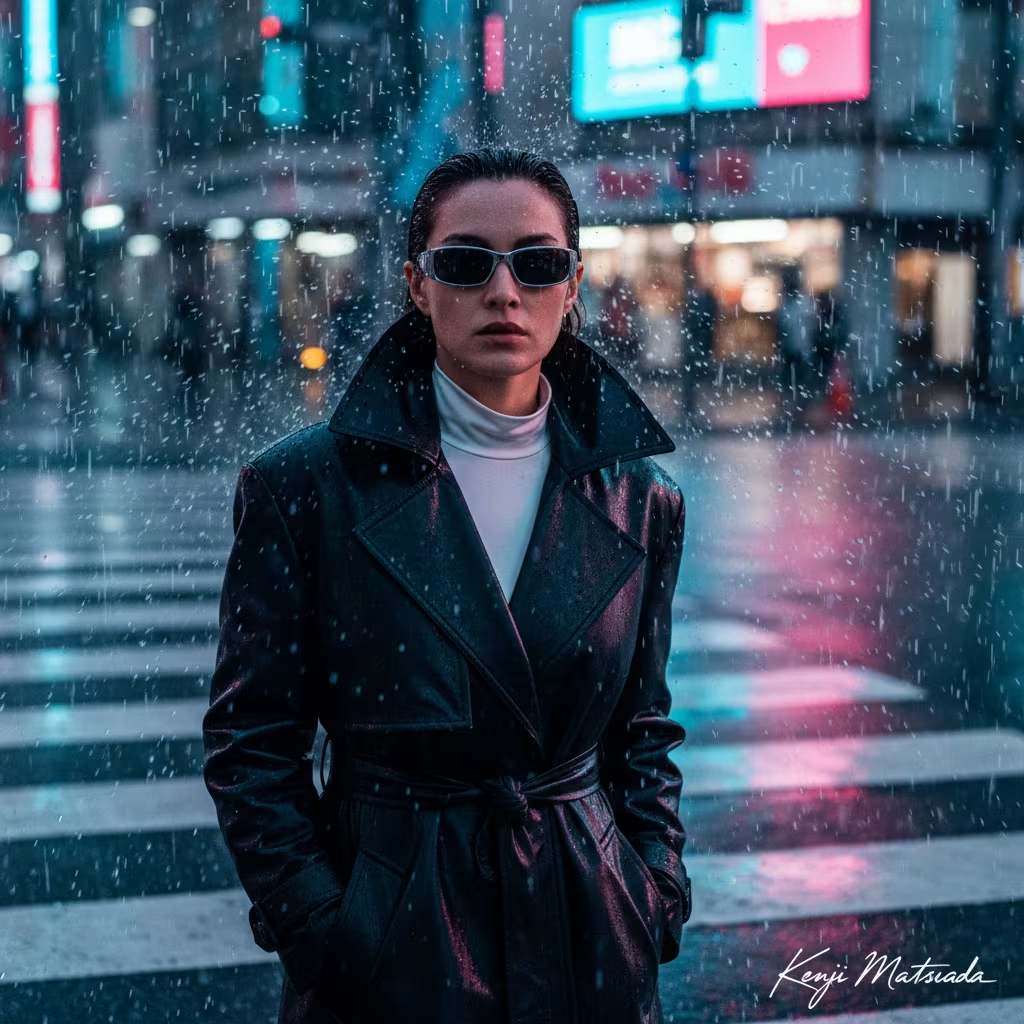
Create Cinematic Motion Blur Editorials
Generate cinematic fashion portraits with this AI prompt, featuring motion blur effects, sharp facial focus, dramatic lighting, and professional editorial styling.
What This Prompt Does
- ●Generates a high-fashion AI image with cinematic motion blur while keeping the subject's face in sharp focus.
- ●Preserves facial identity through face restoration technology that maintains realistic skin texture and features.
- ●Creates a Vogue-style editorial portrait with dramatic lighting and customizable chaos scenarios in the background.
Tips for This Prompt
- ●Choose a dynamic chaos scenario that creates motion blur around your subject, such as swirling fabric, flying debris, or windswept elements while keeping the face sharp.
- ●Select outfit details that complement the high-fashion editorial style, like flowing couture gowns, structured designer pieces, or avant-garde fashion that moves dramatically in the scene.
- ●Use the JSON prompt to guide the AI in creating a cinematic freeze-frame portrait where your artist signature appears as an elegant watermark in the bottom right corner.
How to Use the Prompt
- ●Step 1: Attach your logo / image.
- ●Step 2: Fill in the [ARTIST NAME], [CHAOS SCENARIO], and [OUTFIT DETAILS] with your specific values needed.
- ●Step 3: Run the JSON prompt above.
The Prompt
{
  "project_title": "Cinematic_Motion_Blur_Editorial",
  "user_signature": "[ARTIST NAME]",
  "generation_parameters": {
    "positive_prompt": "High-fashion cinematic editorial portrait, medium shot. A subject facing the camera [CHAOS SCENARIO]. The subject is wearing a [OUTFIT DETAILS]. The face is kept in sharp focus with hyper-realistic skin texture and dramatic lighting, while the environment is blurred. Vogue aesthetic, 8k resolution, masterpiece, depth of field, freeze-frame action shot.",
    "negative_prompt": "static, calm, still air, blurry face, distorted features, cartoon, illustration, 3d render, bad anatomy, watermark, low quality, noise, grain, ugly, deformed.",
    "face_restoration_settings": {
      "enabled": true,
      "method": "Face Swap / IP-Adapter",
      "strength": 1,
      "instruction": "Preserve exact identity and facial features of the source photo."
    },
    "text_overlay": {
      "content": "[ARTIST NAME]",
      "font_style": "Handwritten Signature Script",
      "position": "Bottom Right",
      "color": "#FFFFFF",
      "opacity": 0.85
    },
    "technical_settings": {
      "aspect_ratio": "2:3",
      "sampler": "DPM++ 2M Karras",
      "steps": 30,
      "cfg_scale": 7
    }
  }
}
Related AI Prompts
Discover more high-performing prompts in Photography
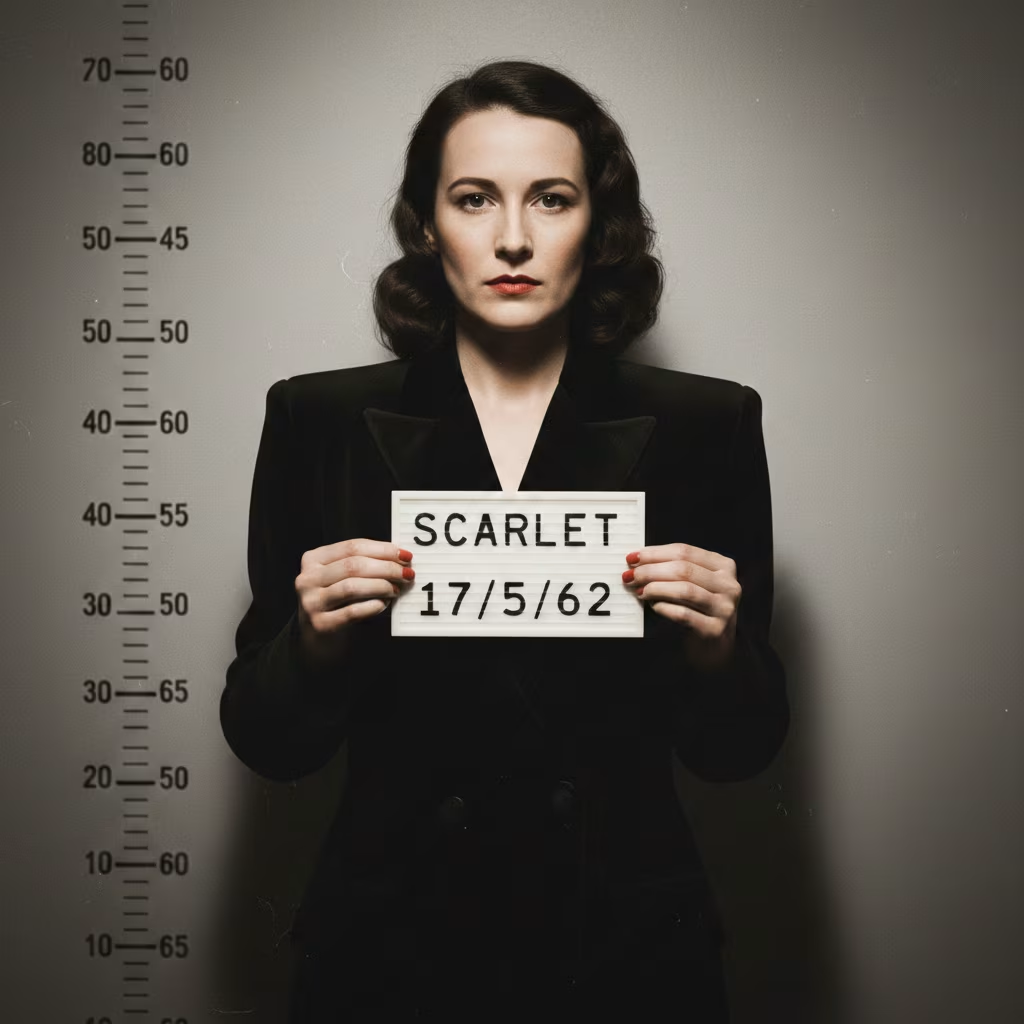
Generate Hyperrealistic Mugshot Portraits
Generate hyper-realistic mugshot portraits with this AI prompt, featuring professional photography quality, vintage aesthetic, customizable subjects, and authentic booking photo details.
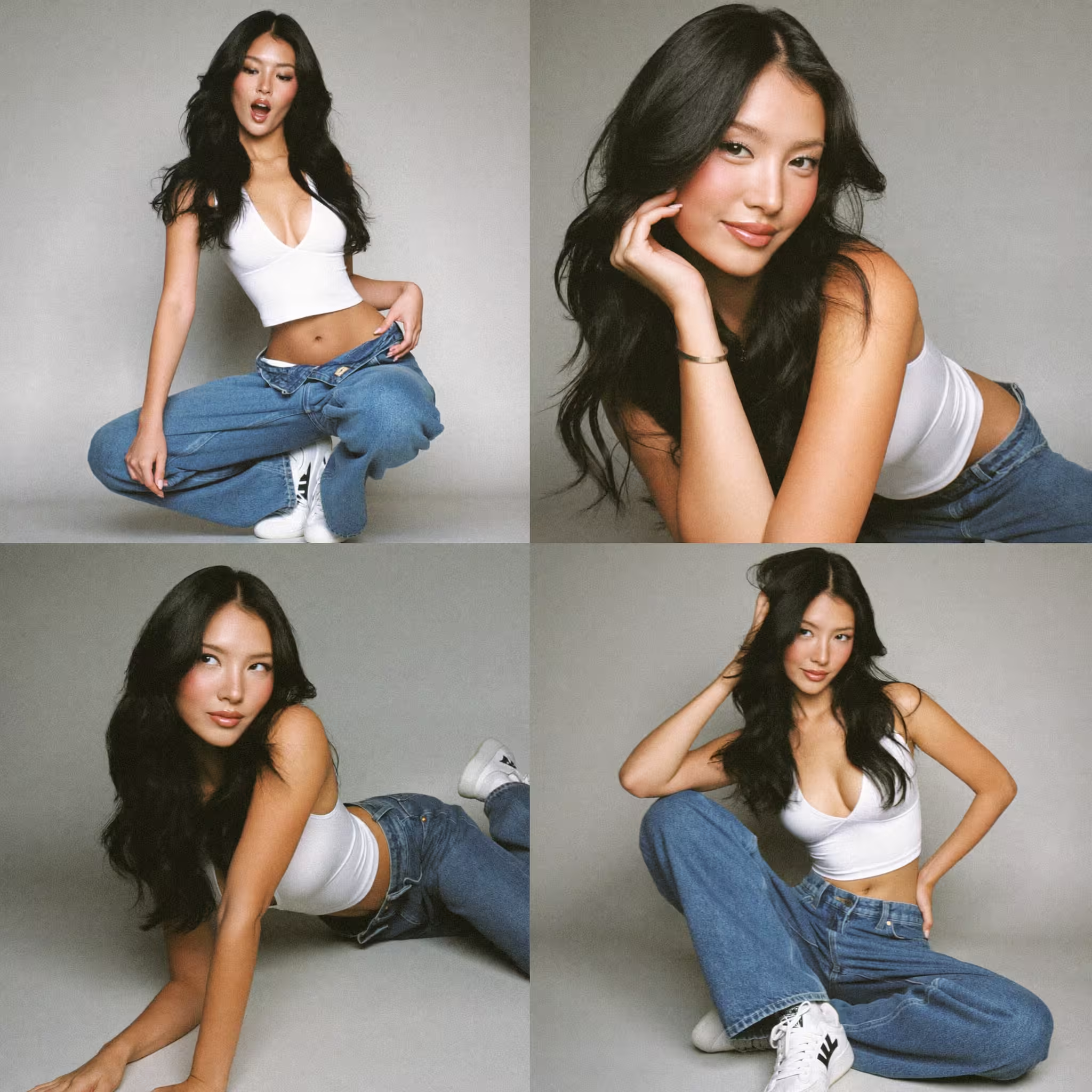
Create Smartphone Fashion Portrait Collages
Create stunning smartphone fashion portrait collages with this AI prompt, featuring multiple poses, natural lighting, and modern editorial styling for social media.
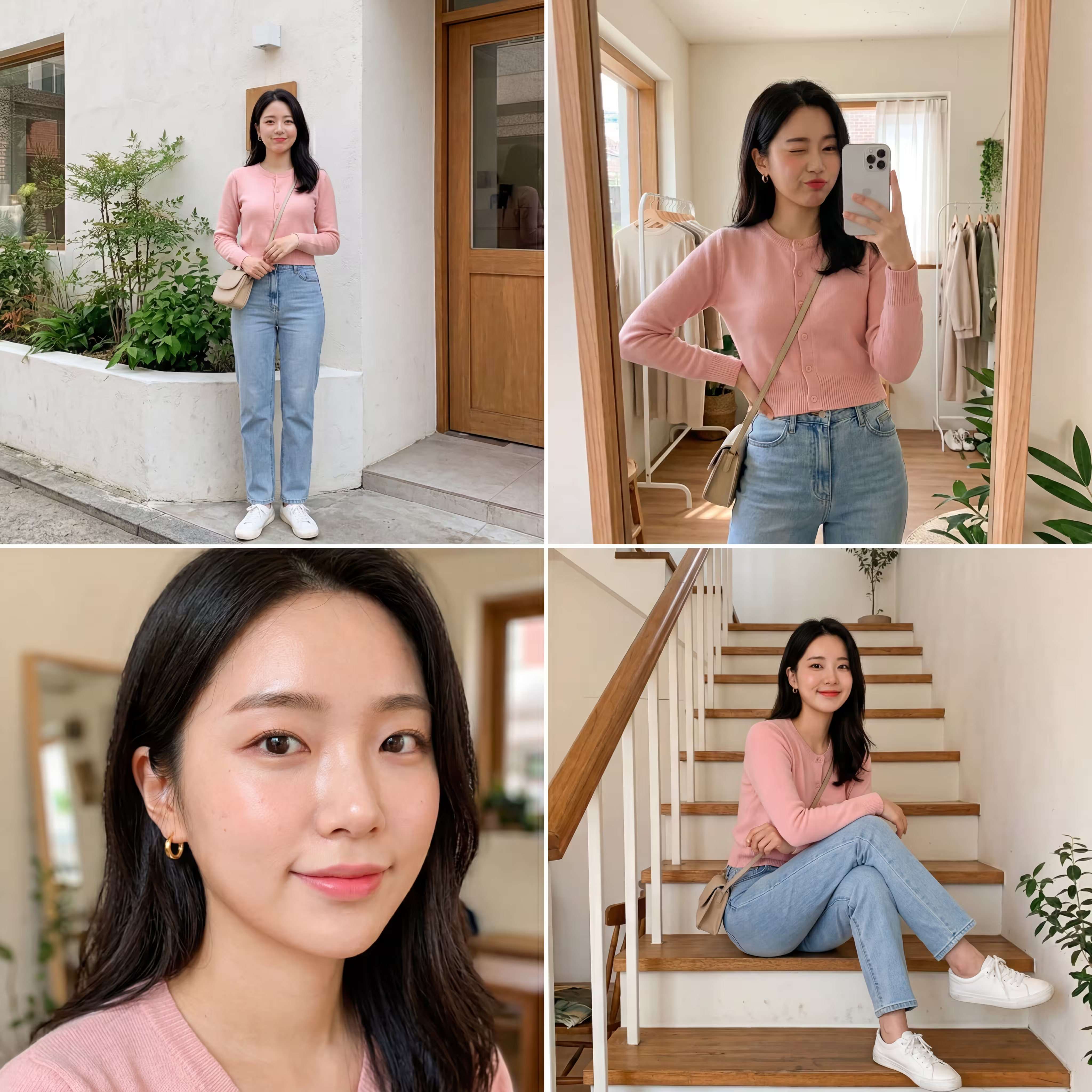
Generate Instagram Fashion Grid Posts
Create stunning Instagram fashion grids with this AI prompt, featuring four poses, consistent styling, smartphone aesthetics, and influencer-ready visual appeal.
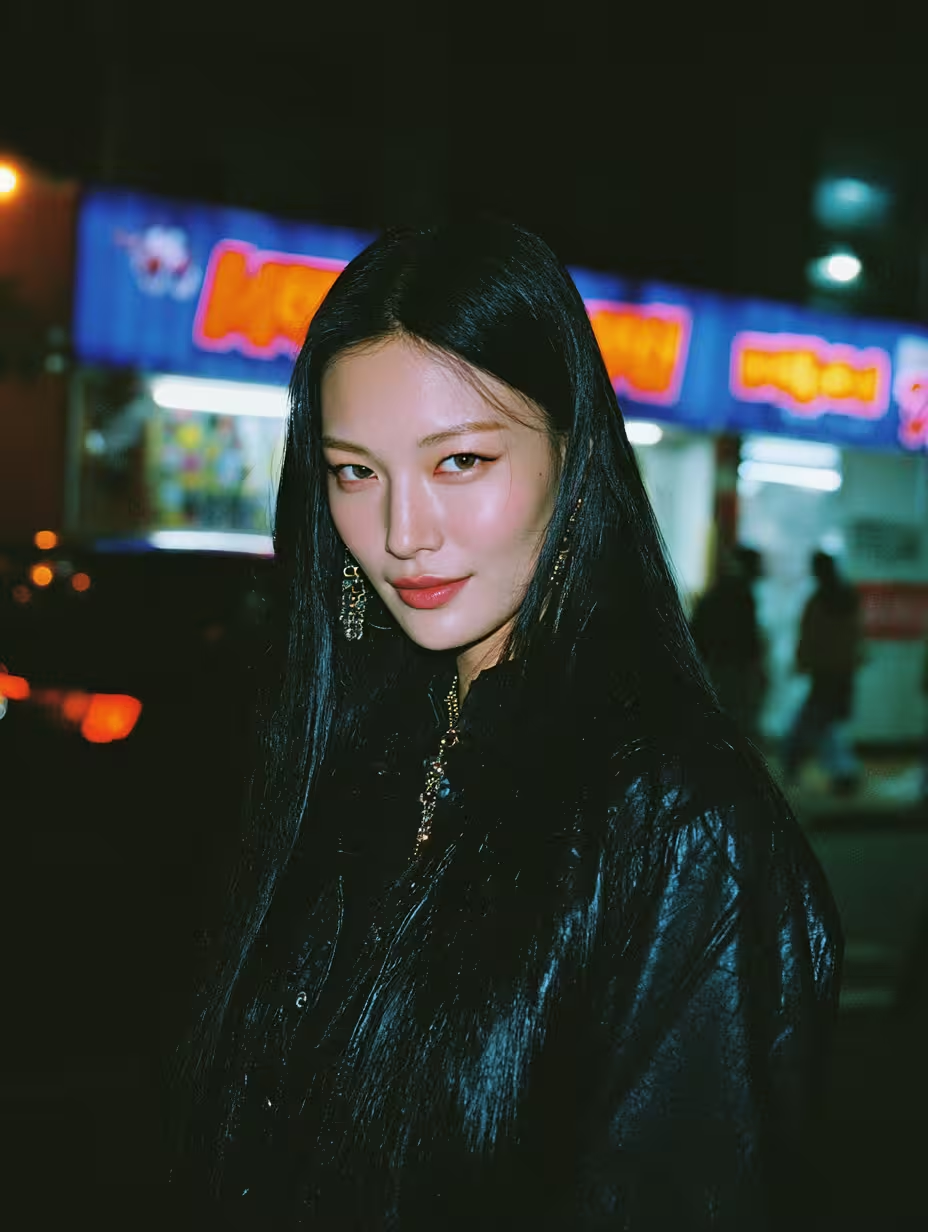
Generate Urban Portrait Photography
Generate stunning street photography portraits with this AI prompt, featuring urban settings, golden hour lighting, cinematic composition, and professional editorial styling.

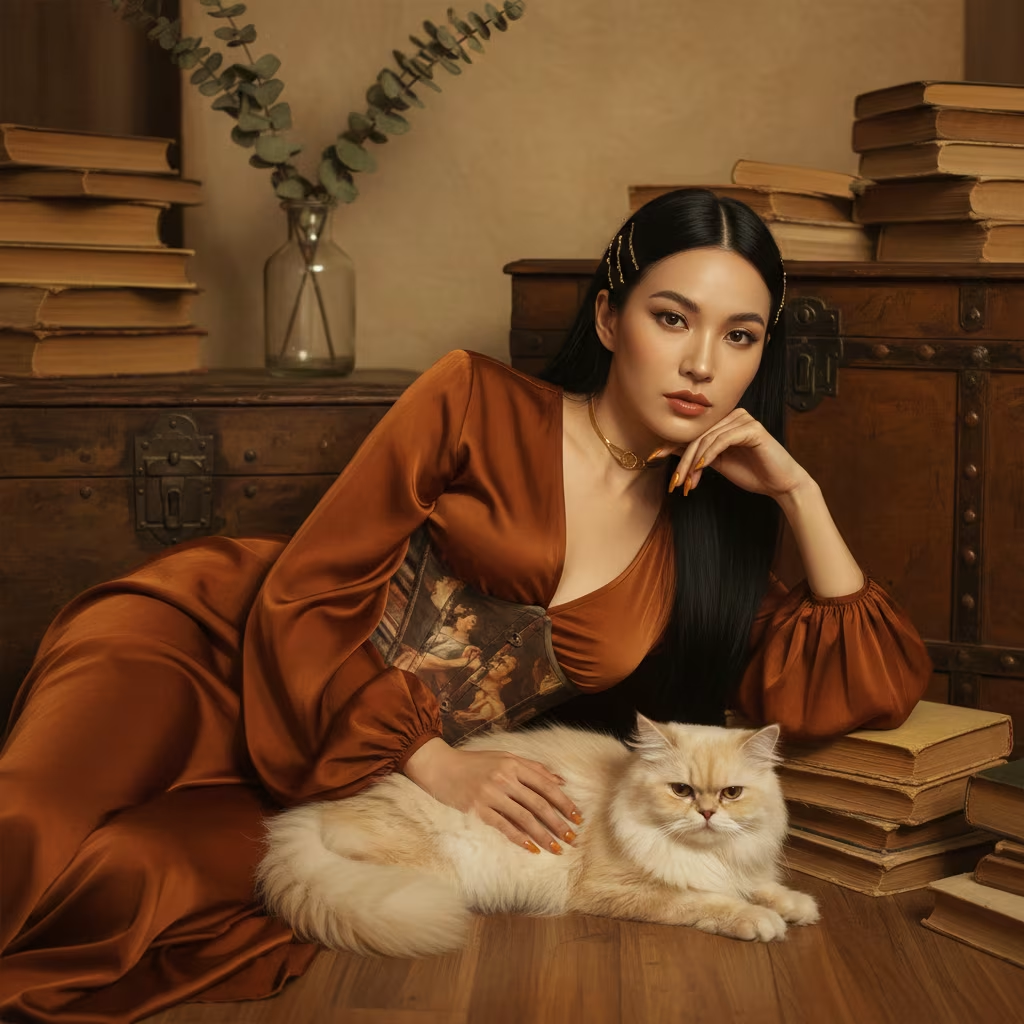
Create Vintage Editorial Portraits
Generate ultra-detailed editorial portraits with this AI prompt, featuring customizable subjects, vintage aesthetics, cinematic lighting, and personalized styling elements.
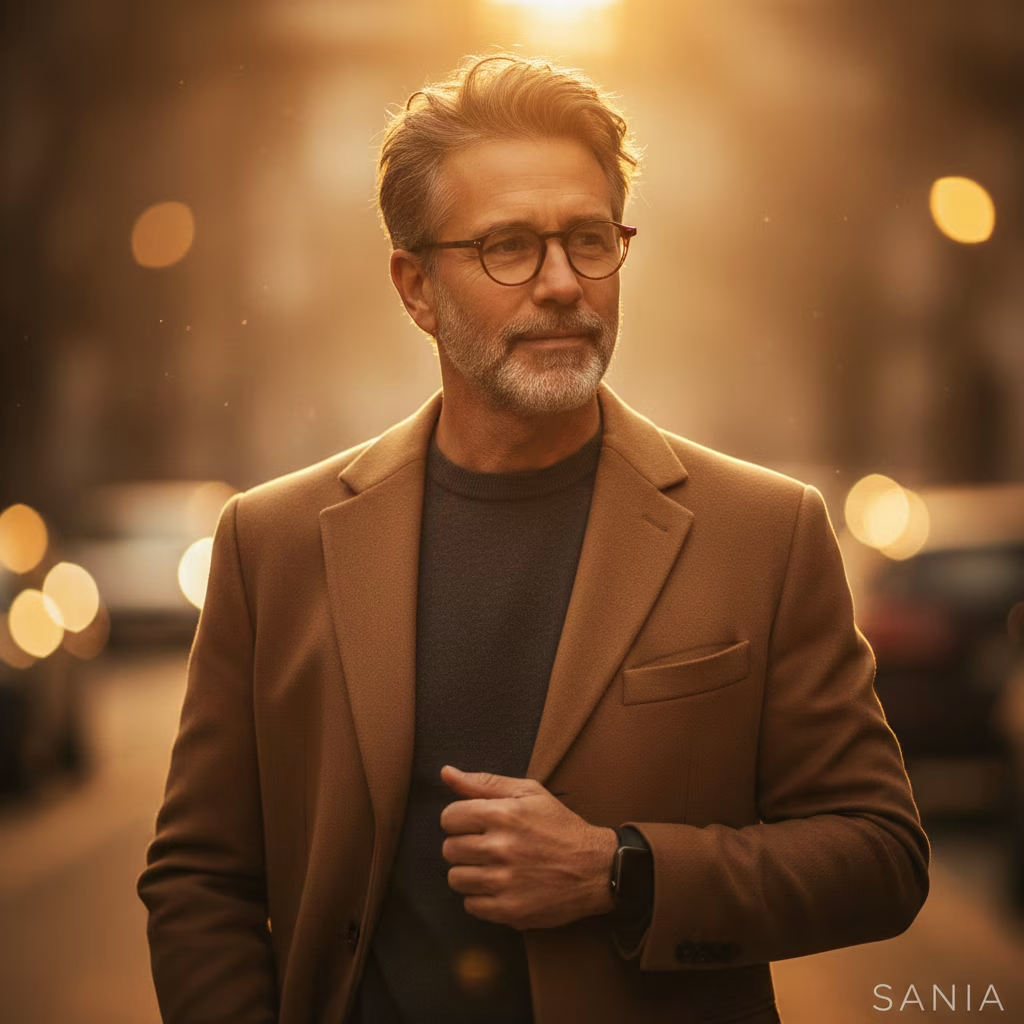
Generate Cinematic Portrait Photography
Generate stunning cinematic portraits with this AI prompt, featuring professional lighting, realistic details, customizable subjects, and dreamy atmospheric effects.