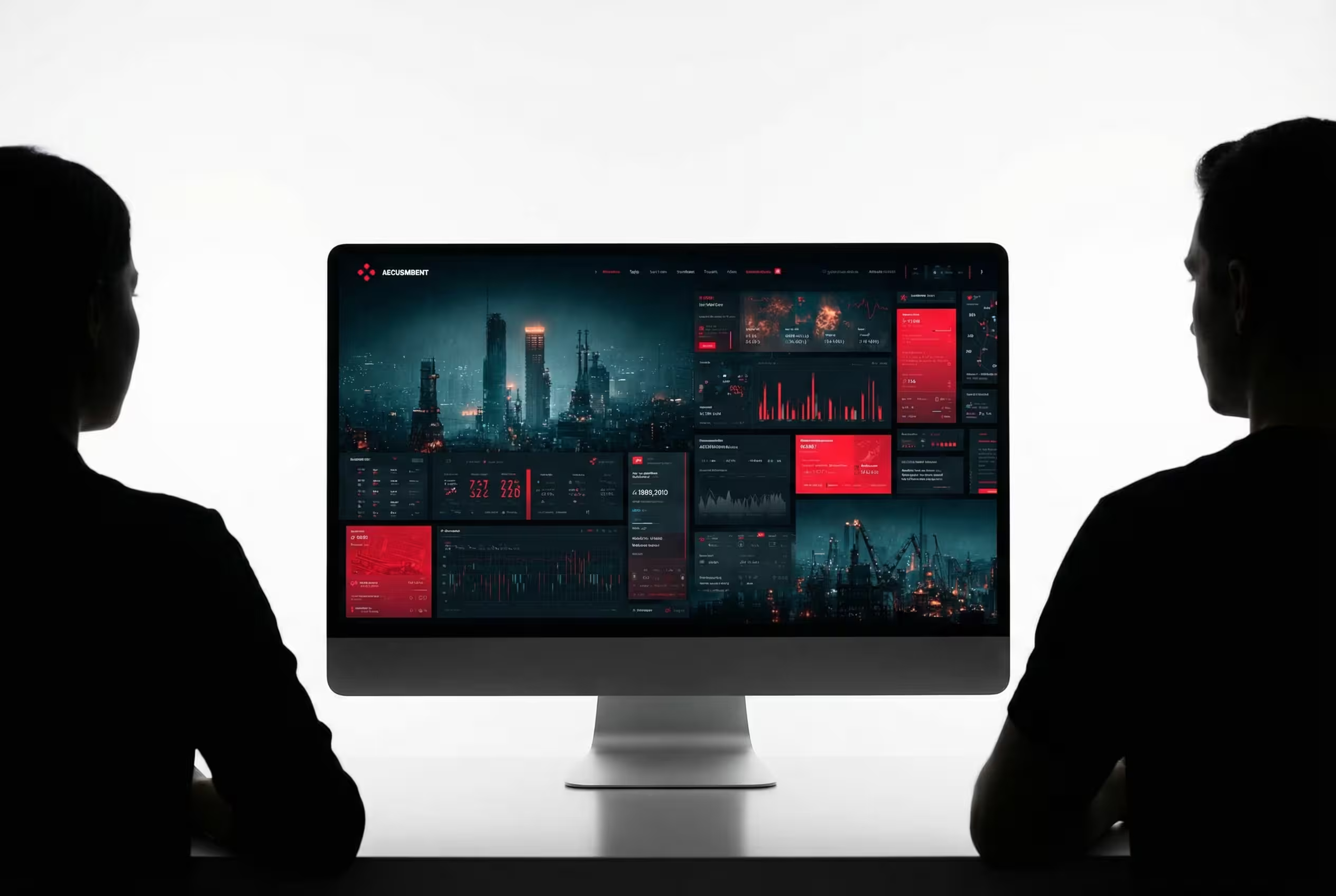
Create Minimal Desktop Mockups
Replace monitor screens with custom images using this AI prompt, featuring realistic perspective matching, lighting balance, and professional presentation quality.
What This Prompt Does
- ●Creates an AI image showing a desktop monitor with two silhouetted people viewing it from both sides in a backlit setup.
- ●Replaces the monitor's screen content with a user-uploaded image while matching perspective and maintaining realistic screen glow effects.
- ●Generates a high-contrast commercial mockup with clean dark mode aesthetics and professional product presentation quality.
Tips for This Prompt
- ●Upload your screenshot, dashboard, or app interface in high-resolution for the AI image to display it naturally on the monitor screen.
- ●Choose a background environment that complements your content, such as a modern office for business tools or a creative studio for design software.
- ●Use the JSON prompt to guide the AI in creating a professional tech presentation scene with realistic screen integration and balanced lighting.
How to Use the Prompt
- ●Step 1: Attach your logo / image.
- ●Step 2: Fill in the [MONITOR SETUP] with your desired monitor configuration and [BACKGROUND] with your preferred environment setting.
- ●Step 3: Run the JSON prompt above.
The Prompt
{
  "task": "minimal_desktop_monitor_screen_replacement",
  "input": {
    "user_uploaded_image": "PLACEHOLDER_FOR_UPLOADED_IMAGE",
    "auto_fit_to_screen": true,
    "preserve_aspect_ratio": true,
    "center_crop_if_needed": true
  },
  "scene": {
    "composition": "[MONITOR SETUP] with two silhouetted people on left and right",
    "camera_angle": "straight-on frontal view",
    "environment": "[BACKGROUND]",
    "foreground": "two human silhouettes seated facing the monitor",
    "vibe": "clean dark mode presentation aesthetic"
  },
  "screen_integration": {
    "replace_existing_screen_content": true,
    "remove_existing_UI_text": true,
    "apply_subtle_perspective_match": true,
    "respect_monitor_bezel_boundaries": true,
    "apply_soft_screen_emission": true,
    "match_screen_brightness_to_backlight": true,
    "avoid_flat_overlay_effect": true
  },
  "lighting": {
    "style": "high contrast backlit studio",
    "background_light": "bright white",
    "foreground_subjects": "dark silhouettes",
    "screen_brightness": "balanced so screen content remains readable",
    "shadow_style": "minimal detail in silhouettes"
  },
  "realism_rules": {
    "maintain_monitor_proportions": true,
    "no_screen_spill_over_bezel": true,
    "preserve_silhouette_edges": true,
    "no_extra_limbs_or_distortion": true,
    "keep_clean_minimal_composition": true
  },
  "output": {
    "style": "ultra clean high-contrast product presentation",
    "resolution": "high resolution",
    "detail_level": "commercial tech mockup quality",
    "no_added_text": true
  }
}
Related AI Prompts
Discover more high-performing prompts in Marketing
Generate Luxury Billboard Mockups
Replace billboard posters realistically with this AI prompt, featuring automatic fitting, perspective correction, lighting integration, and luxury outdoor campaign aesthetics.
Generate Smartphone Screen Mockups
Generate photorealistic smartphone mockups with this AI prompt, featuring custom screen content, studio lighting, realistic reflections, and professional product photography quality.
Generate Laptop Screen Mockups
Replace laptop screens realistically with this AI prompt, featuring perspective warping, glass reflections, proper lighting, and photorealistic lifestyle mockup integration.
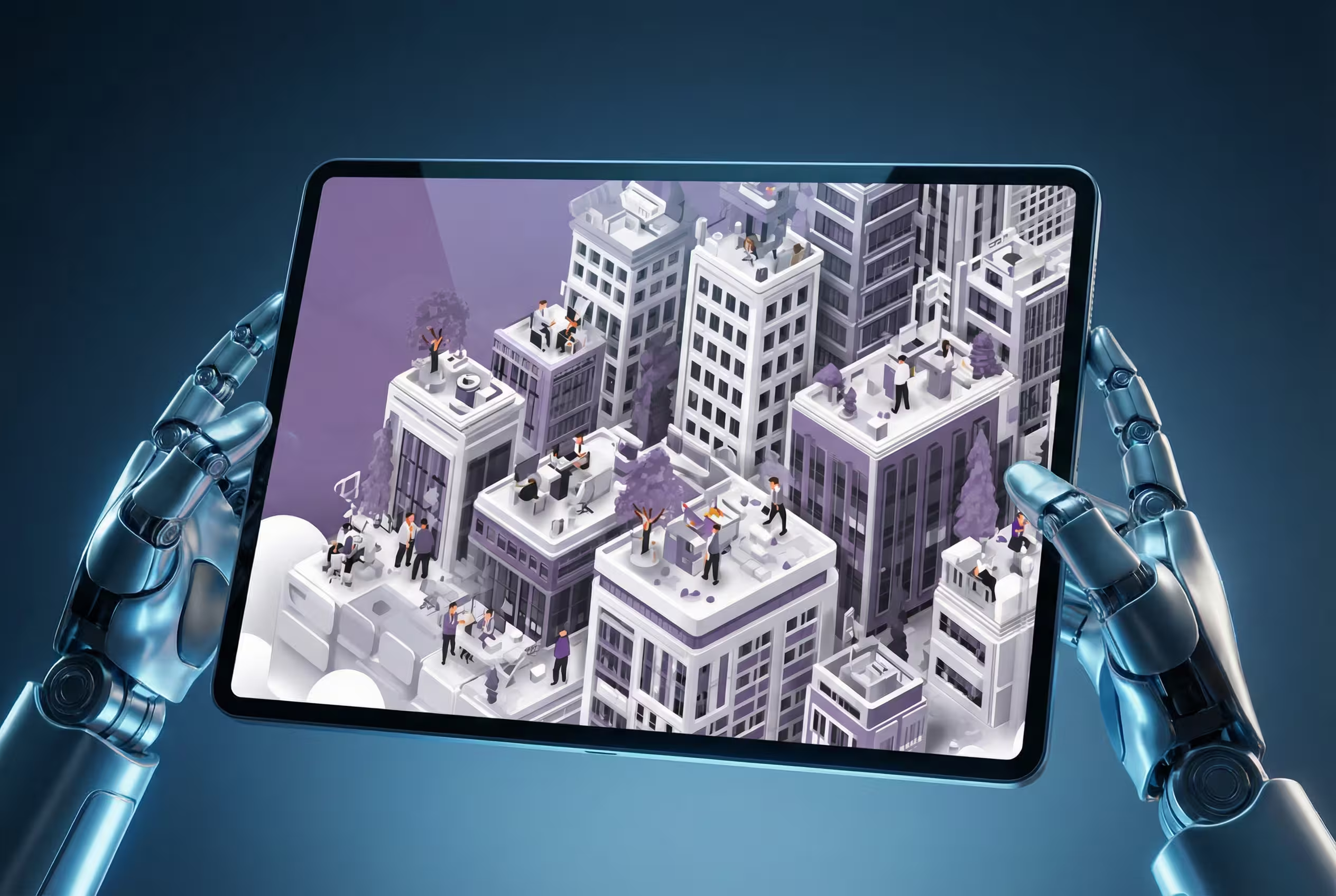
Create Cinematic Tablet Mockups
Create photorealistic tablet mockups with this AI prompt, featuring cinematic lighting, perspective warping, screen replacement, and futuristic presentation styling.
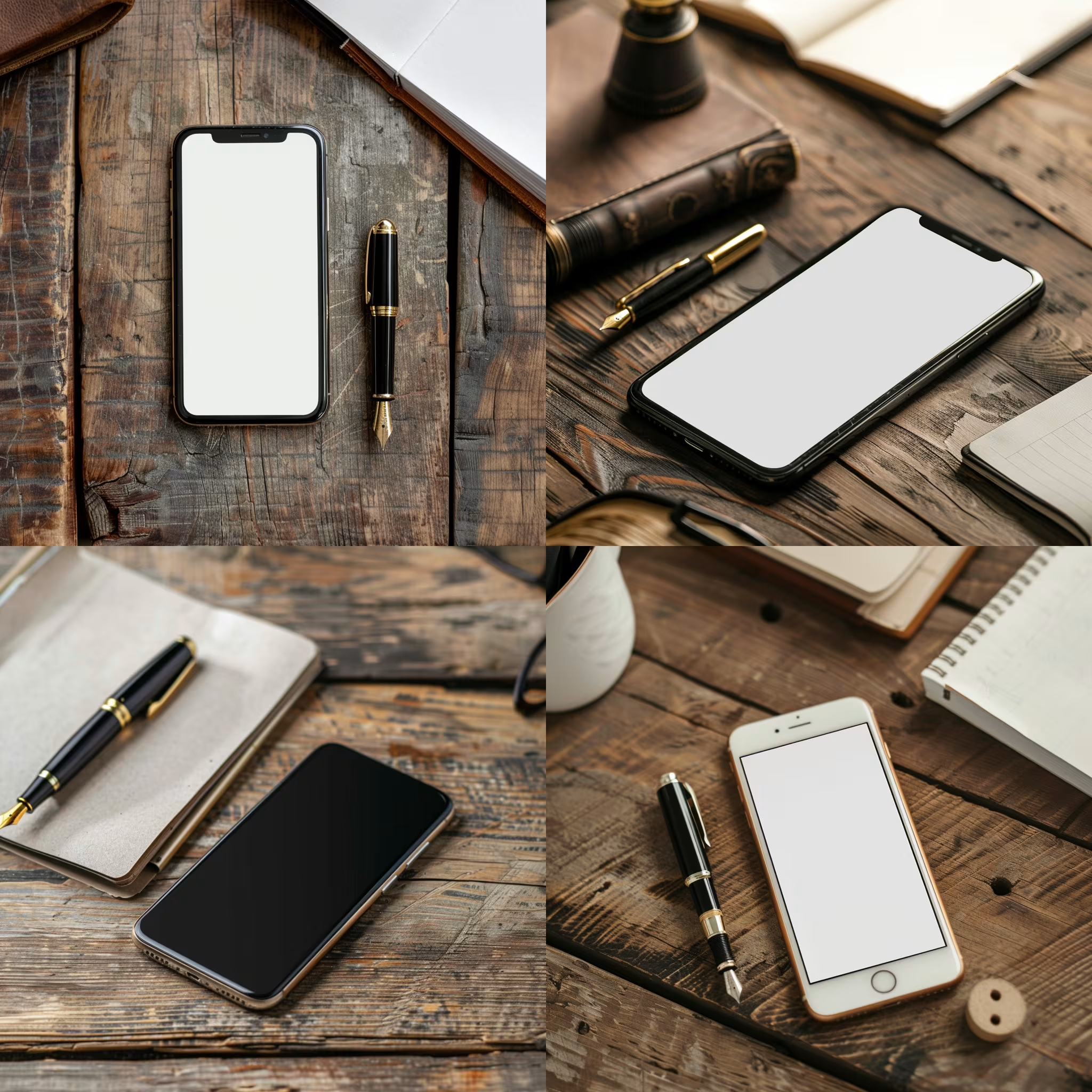
Create Blank Mockup Designs
Create killer mockups with this AI image prompt, transforming empty devices into stunning visuals with style and flair.

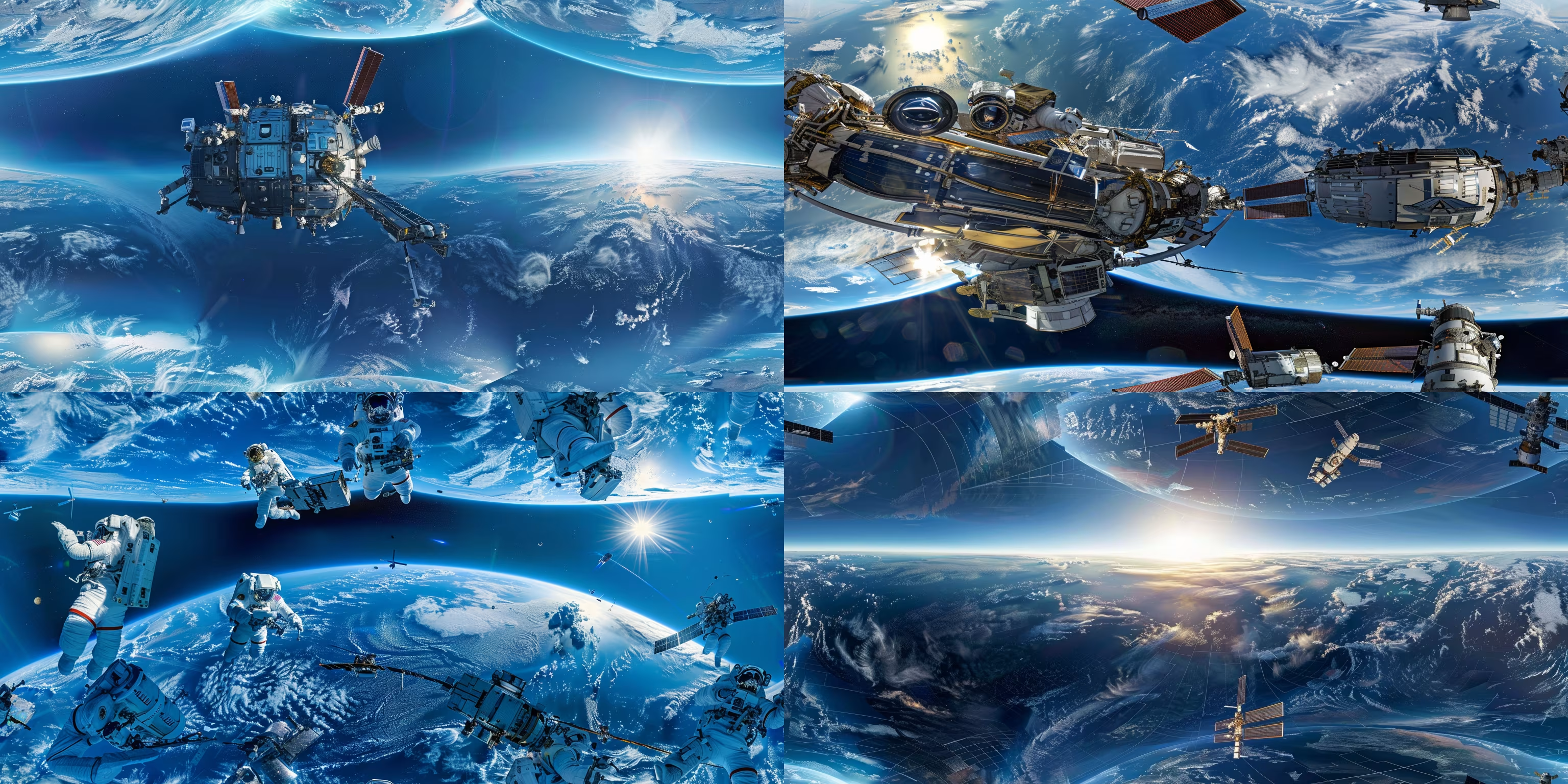
Generate Equirectangular Projection Images
Create jaw-dropping 360-degree equirectangular projections with this AI image prompt, capturing immersive environments in stunning detail.