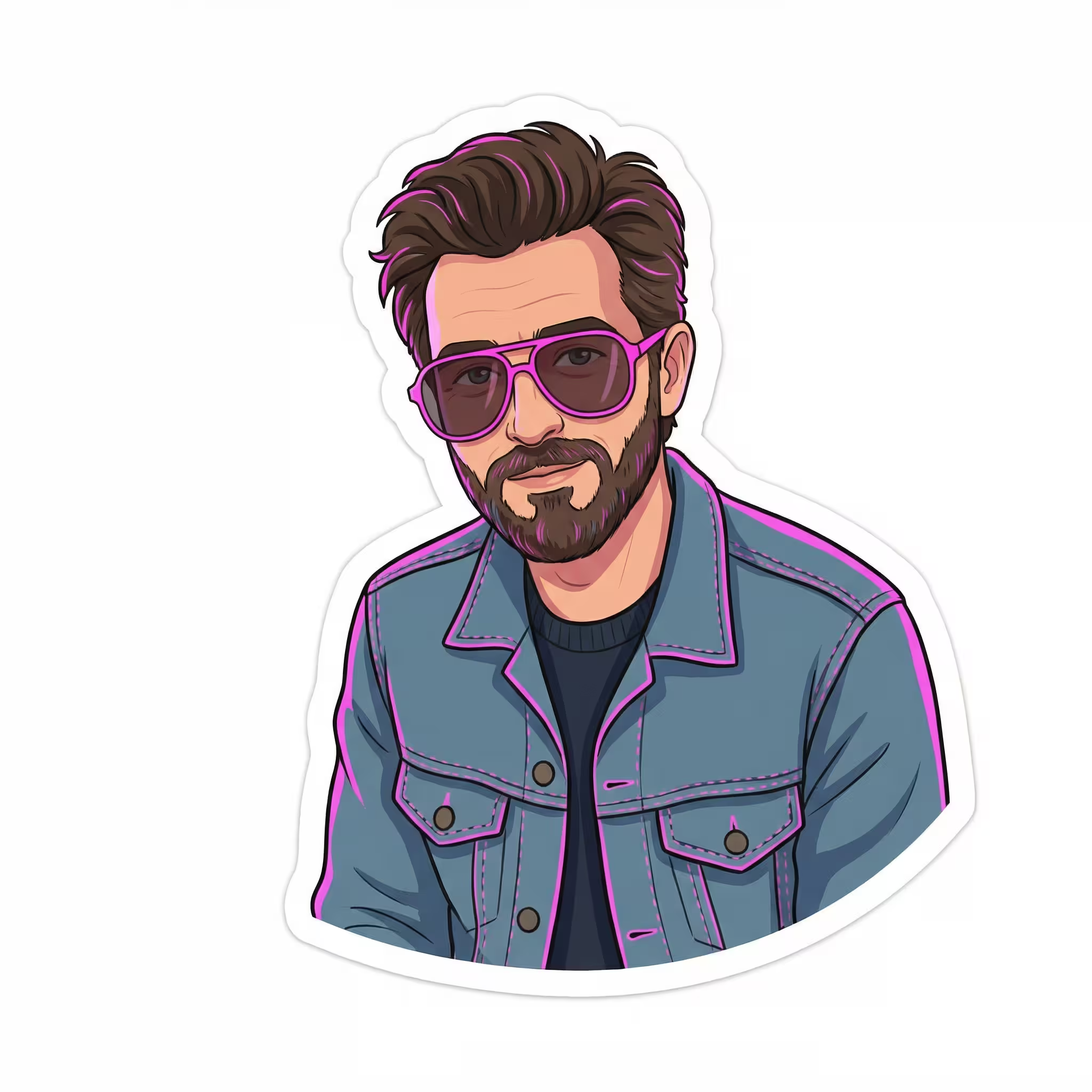
Generate Premium Sticker Illustrations
Create custom sticker illustrations with this AI prompt, transforming images into playful designs with mood, personality twists, and clean white outlines.
What This Prompt Does
- ●Transforms an uploaded image into a sticker-style AI image with a clean white outline and solid background.
- ●Preserves the original subject's identity while adding a playful twist and custom mood enhancements.
- ●Generates a centered composition that looks like a finished sticker on white canvas without transparency.
Tips for This Prompt
- ●Choose a mood that matches your brand personality, like cheerful for playful brands or elegant for luxury products, to make your AI image sticker feel authentic.
- ●Select a fun twist that adds character without overwhelming the subject, such as sunglasses for cool vibes, a tiny crown for premium feel, or confetti elements for celebration themes.
- ●Pick an accent color from your brand palette to ensure the AI image prompt creates stickers that maintain visual consistency across your marketing materials.
How to Use the Prompt
- ●Step 1: Attach your logo / image.
- ●Step 2: Fill in the [MOOD], [FUN TWIST], and [ACCENT COLOR] variables with your desired style elements.
- ●Step 3: Run the JSON prompt above.
The Prompt
{
  "mood": "[MOOD]",
  "fun_twist": "[FUN TWIST]",
  "accent_color": "[ACCENT COLOR]",
  "prompt": "Using the uploaded image as the base subject, create a [MOOD] and premium sticker-style illustration. Preserve the subject's identity and pose, enhancing it with a playful modern attitude. Add [FUN TWIST] subtly to increase personality without changing who the character is. Apply a clean, smooth white die-cut sticker outline around the subject. IMPORTANT: the background must be a solid, pure white color (#FFFFFF), fully filled, with no transparency, no checkerboard pattern, no texture, no gradient. The final image should look like a finished sticker placed on a white canvas. No text.",

  "negative_prompt": "transparent background, checkerboard background, grid pattern, PNG transparency preview, textured background, gradients, shadows outside sticker, text, logos",

  "style": "modern sticker illustration",

  "outline": {
    "color": "white",
    "thickness": "medium-thick",
    "edge_style": "smooth die-cut"
  },

  "background": {
    "type": "solid",
    "color": "#FFFFFF",
    "transparency": "disabled"
  },

  "color_accent": "[ACCENT COLOR]",

  "composition": "single centered subject, sticker look, clean silhouette",

  "render_rule": "background must render as solid white, not transparent or preview grid",

  "resolution": "1024x1024"
}
Related AI Prompts
Discover more high-performing prompts in Marketing
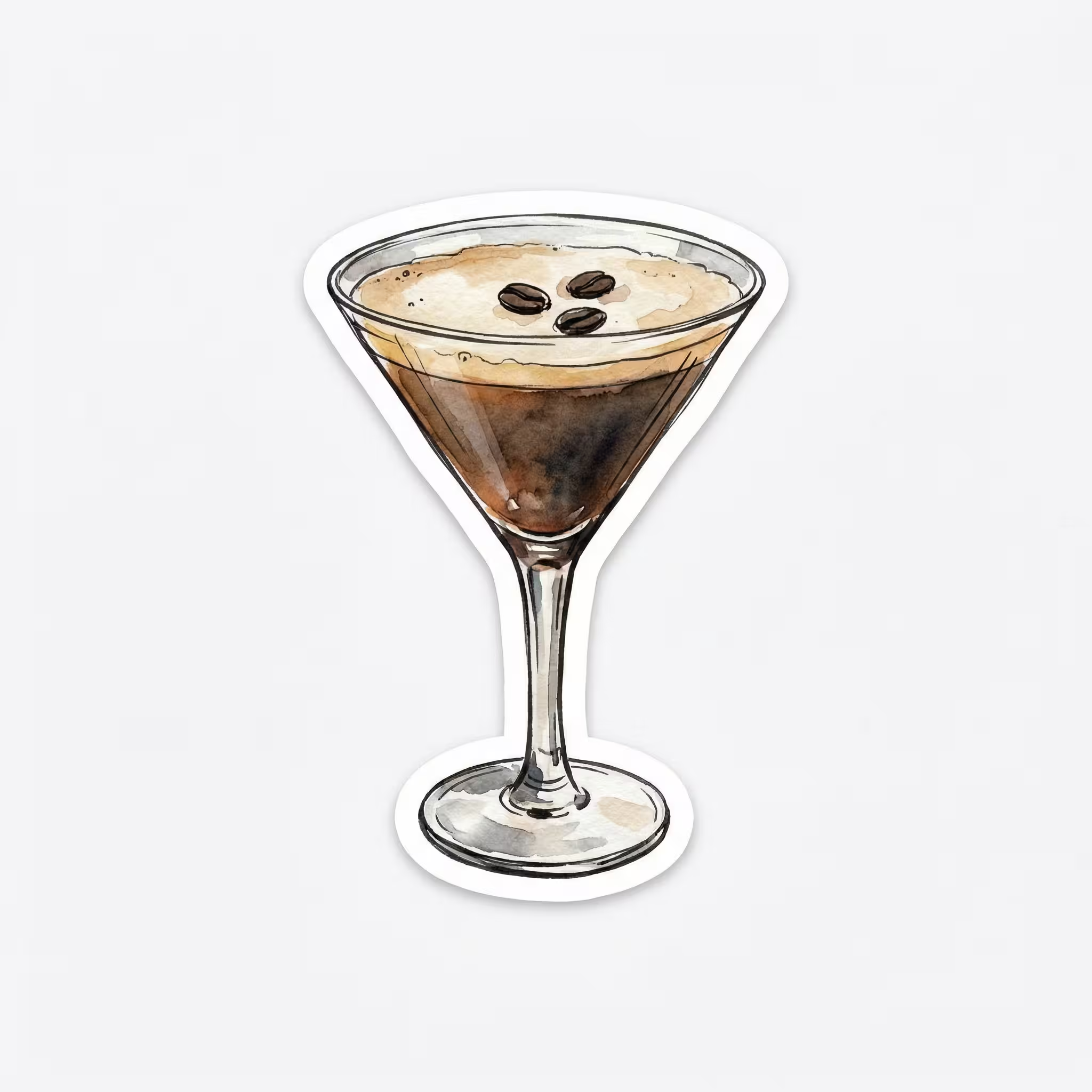
Design Watercolor Sticker Illustrations
Create premium watercolor sticker illustrations with this AI prompt, featuring hand-drawn ink linework, soft color washes, and clean die-cut outlines.
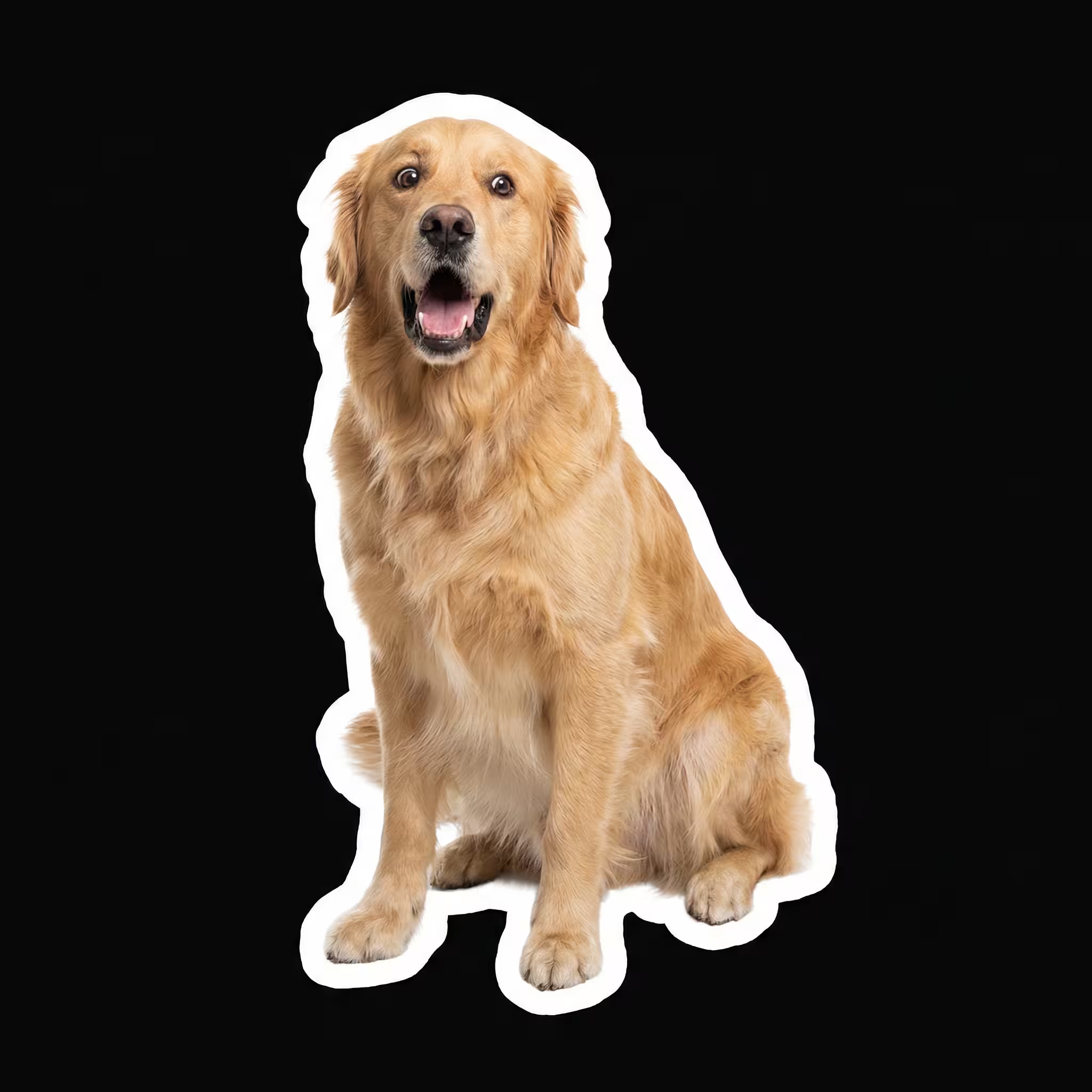
Generate Photorealistic Animal Stickers
Create photorealistic animal stickers with this AI prompt, featuring customizable expressions, poses, and meme-ready designs with clean white outlines.
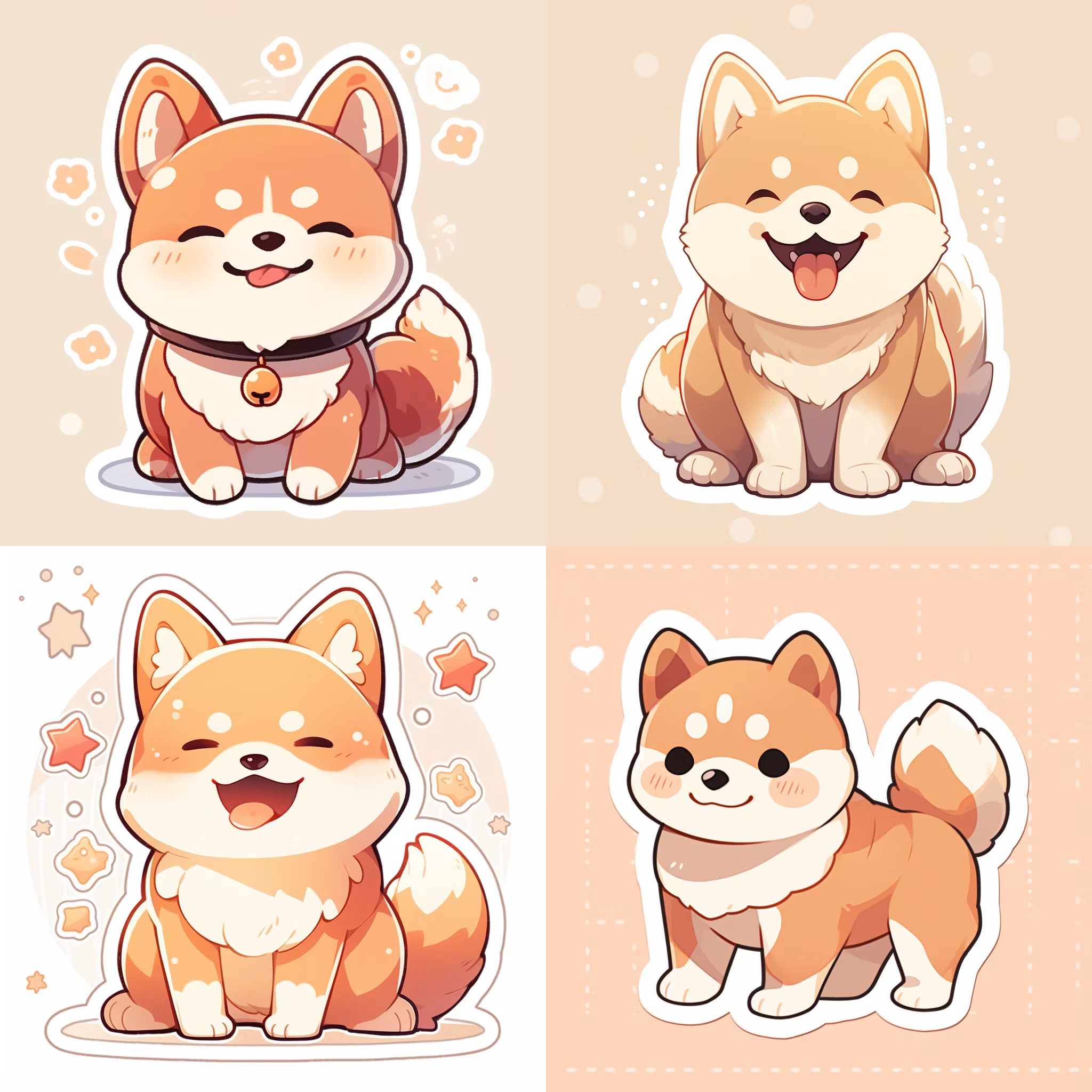
Create Character Sticker Designs
Create killer stickers with this AI image prompt, transforming characters or objects into unique art styles effortlessly.

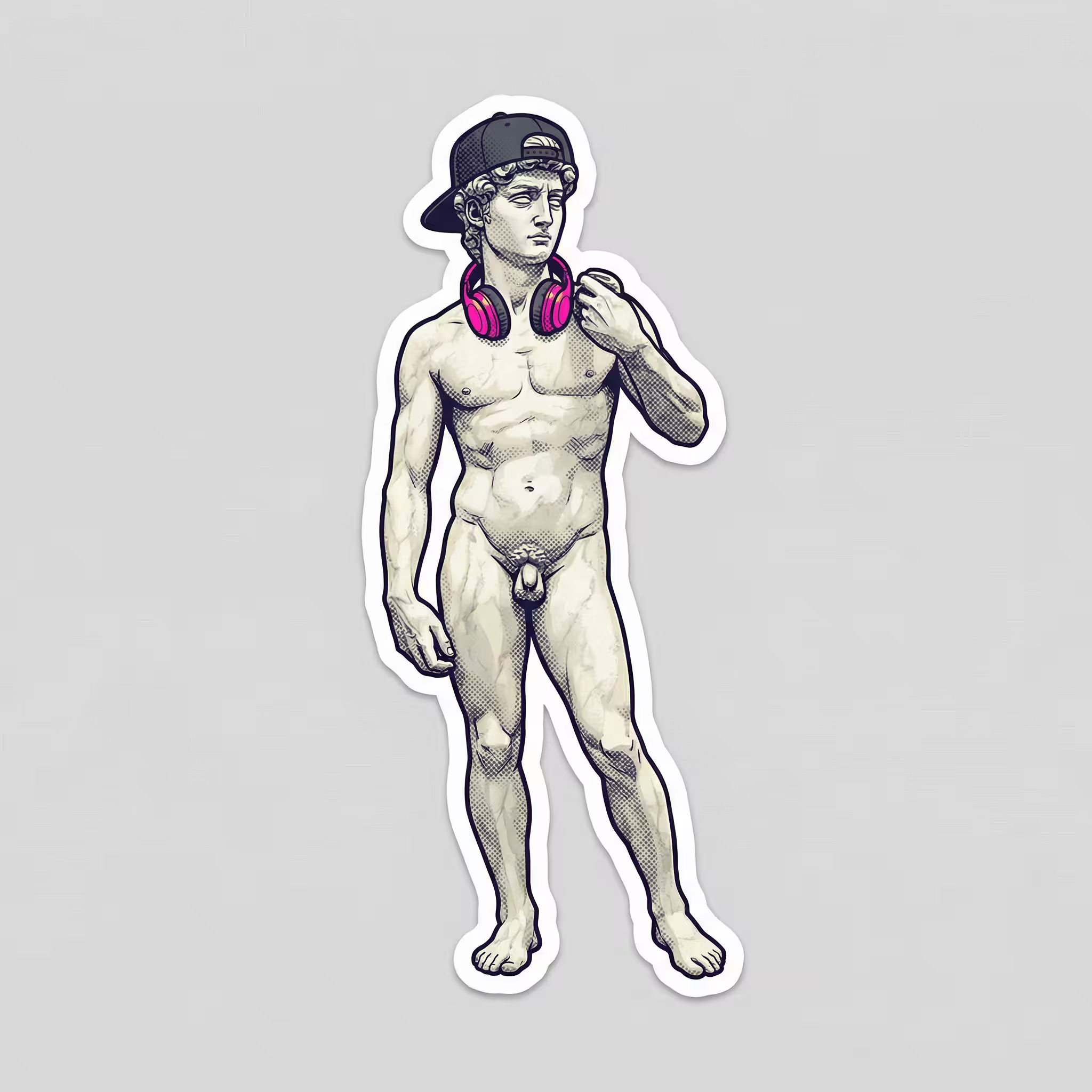
Design Classical Character Stickers
Generate original art-inspired sticker designs with this AI prompt, blending classical aesthetics with playful modern twists and premium die-cut styling.
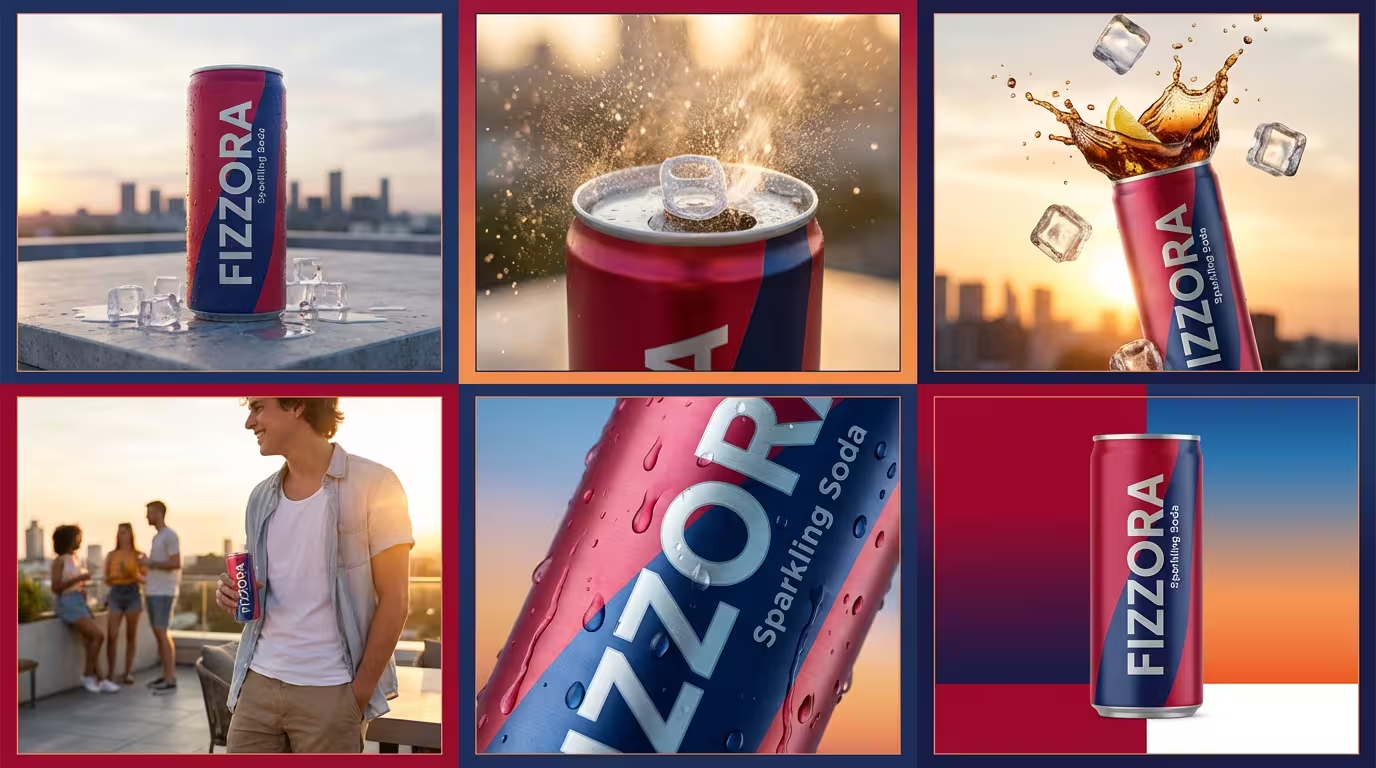
Create Beverage Advertisements
Create vibrant beverage advertisements with this AI prompt, featuring product photography, lifestyle scenes, splash effects, and modern urban branding elements.
Boost Social Media Engagement
Generate social media engagement strategies with this AI prompt, including conversation starters, comment prompts, storytelling techniques, and community-building tactics.


