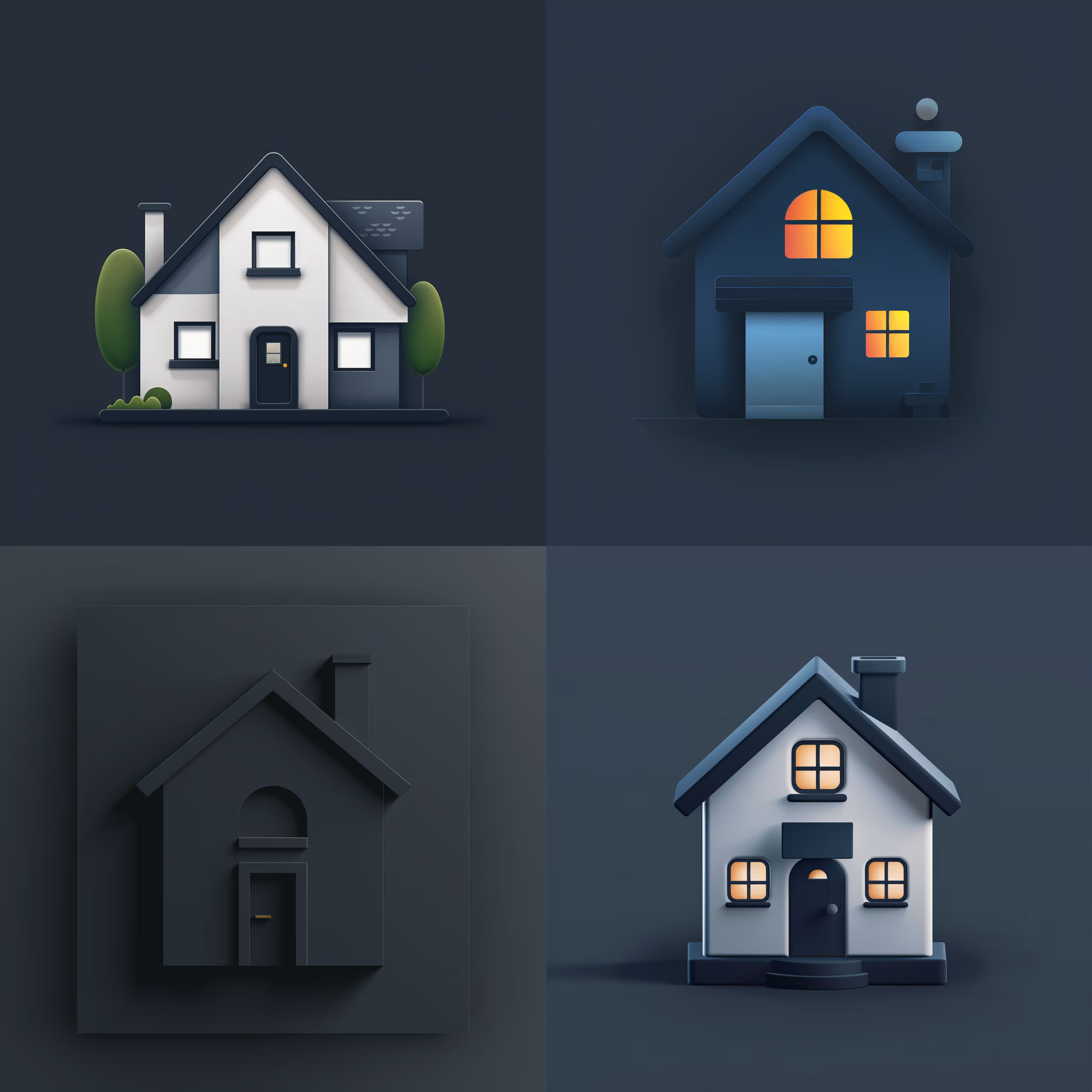
Create Custom Icons
Design jaw-dropping icons with this AI image prompt, using specific styles and color schemes for standout visuals.
 Midjourney
What This Prompt Does
- ●Generates a custom icon design based on a specified topic, location, or object.
- ●Utilizes chosen style and color scheme to create a visually appealing AI image.
- ●Allows for customization of background color and aspect ratio for tailored output.
Tips for This Prompt
- ●Choose a topic, location, or object that represents your brand or project theme.
- ●Select a style that aligns with your brand identity, such as minimalist or vintage.
- ●Use contrasting colors for the icon and background to ensure visual impact.
How to Use the Prompt
- ●Fill in the [topic/location/object], [style], [color #1], [color #2], [color], [aspect ratio] variables with the elements you need.
- ●Example: "Beach icon design, minimalist, blue and yellow, white background, --ar 1:1"
The Prompt
[topic/location/object] icon design, [style], [color #1] and [color #2], [color] background, --ar [aspect ratio]
Related AI Prompts
Discover more high-performing prompts in Design
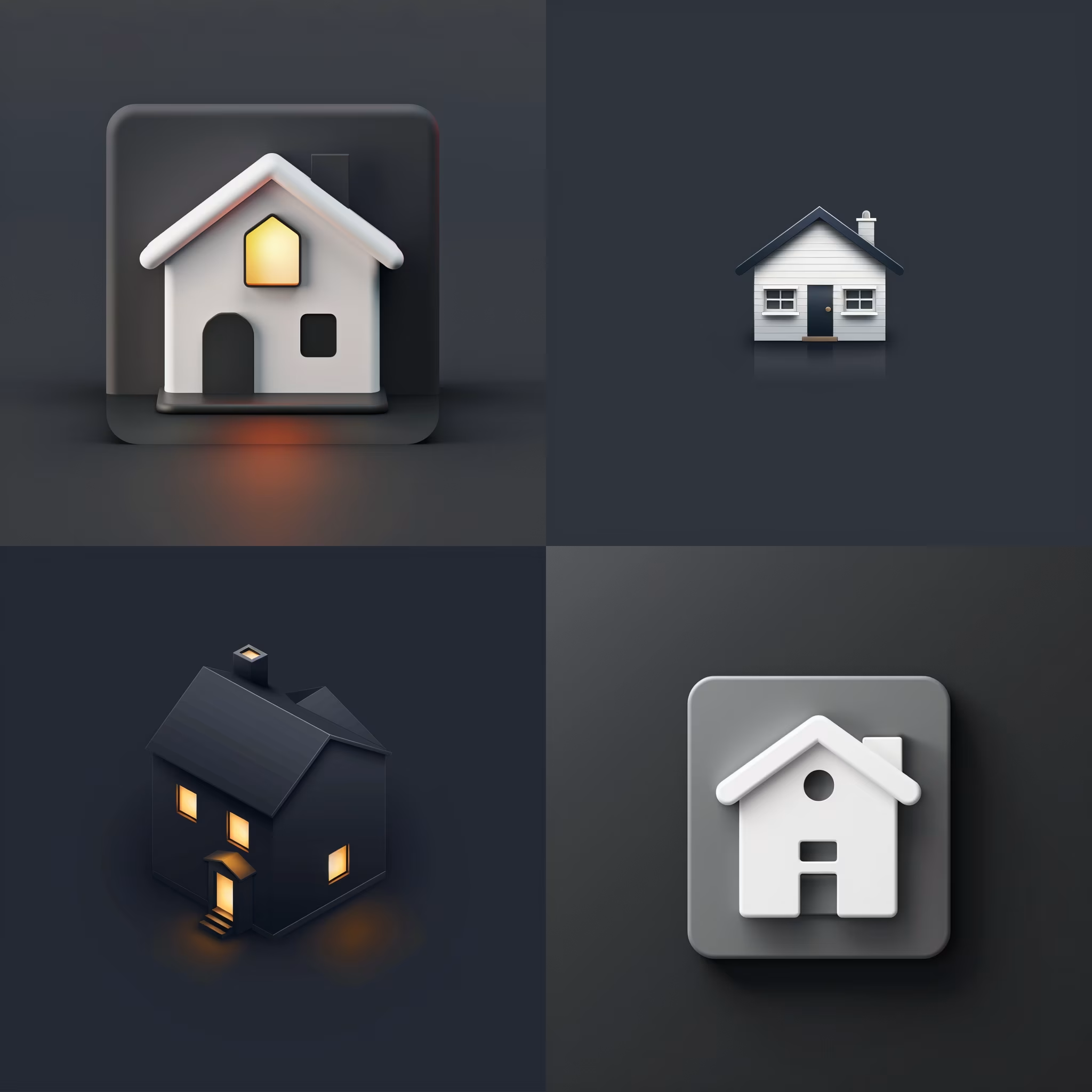
Create Icon Design Concepts
Design killer icons with this AI image prompt, using your chosen style and colors for a unique look.
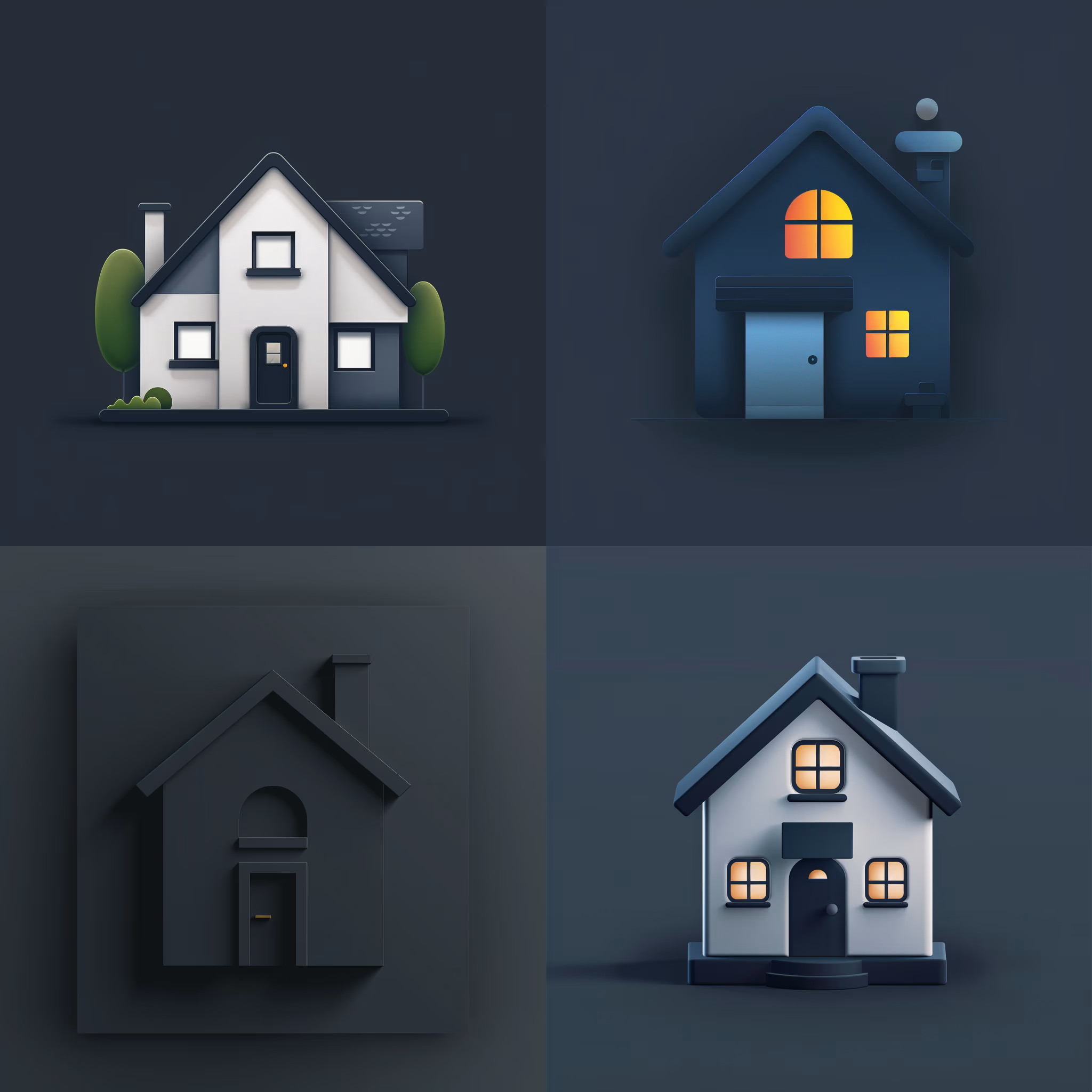
Generate Icon Designs
Design killer icons with this AI image prompt, using your chosen style and colors for a stunning visual impact.
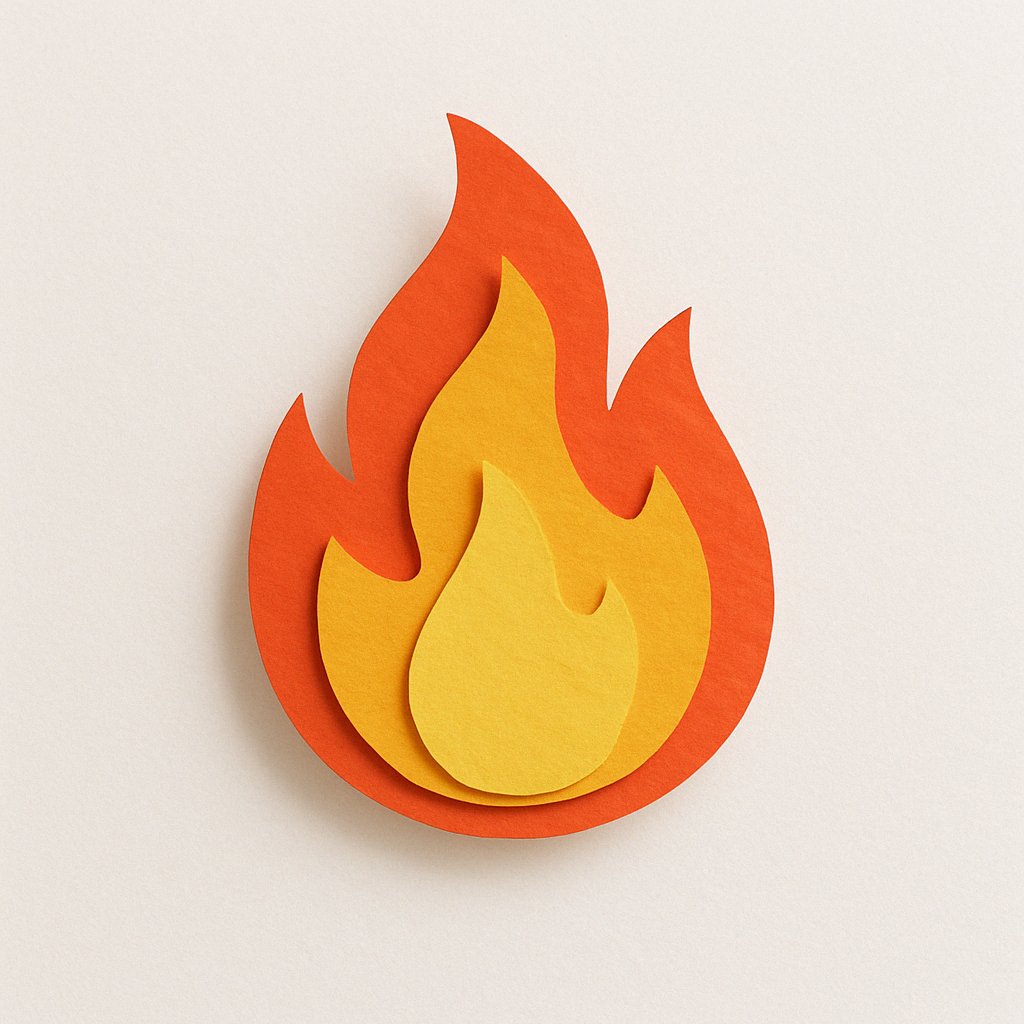
Create Paper Craft Icons
Create a playful paper craft-style AI image prompt with a colorful, textured emoji logo on a white background.

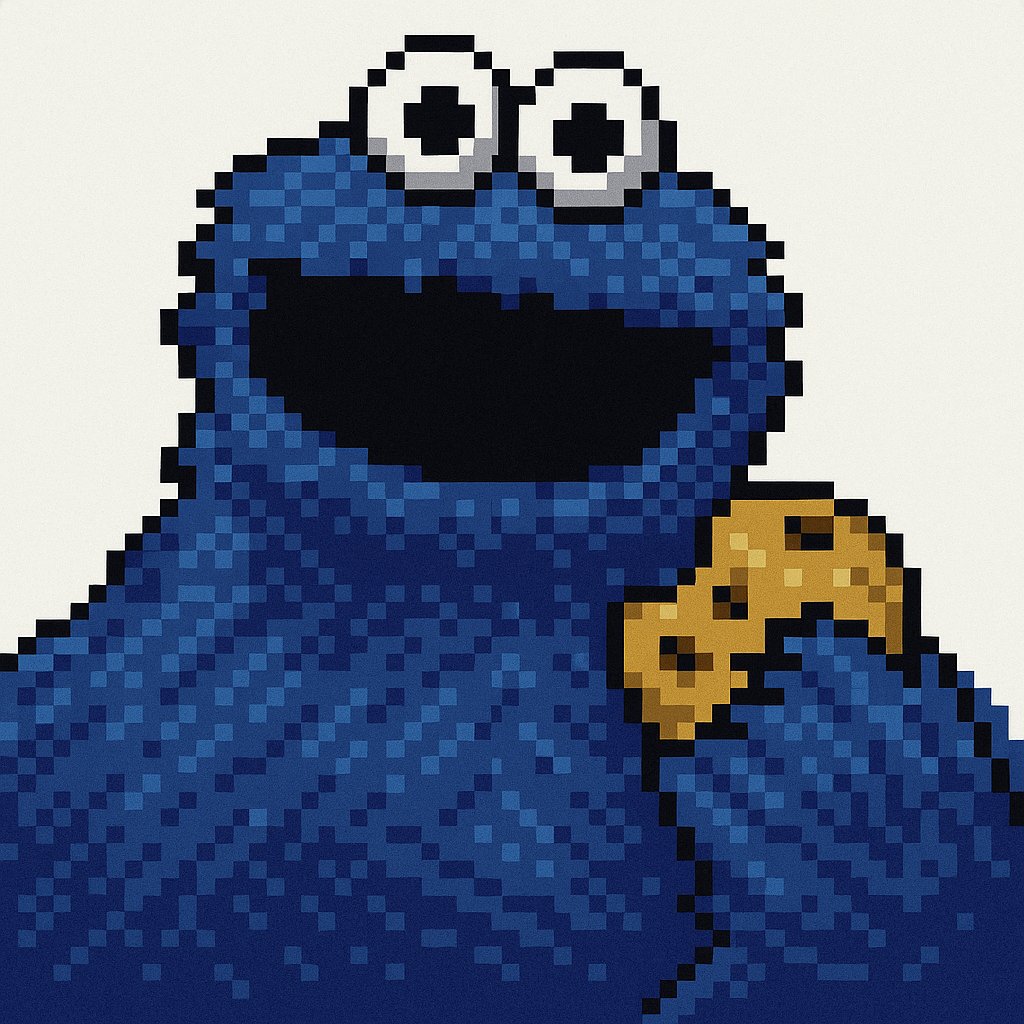
Get Retro Pixel Icons
Transform your images with this AI image prompt, retexturing them into retro pixel UI icons with vibrant colors and outlines.
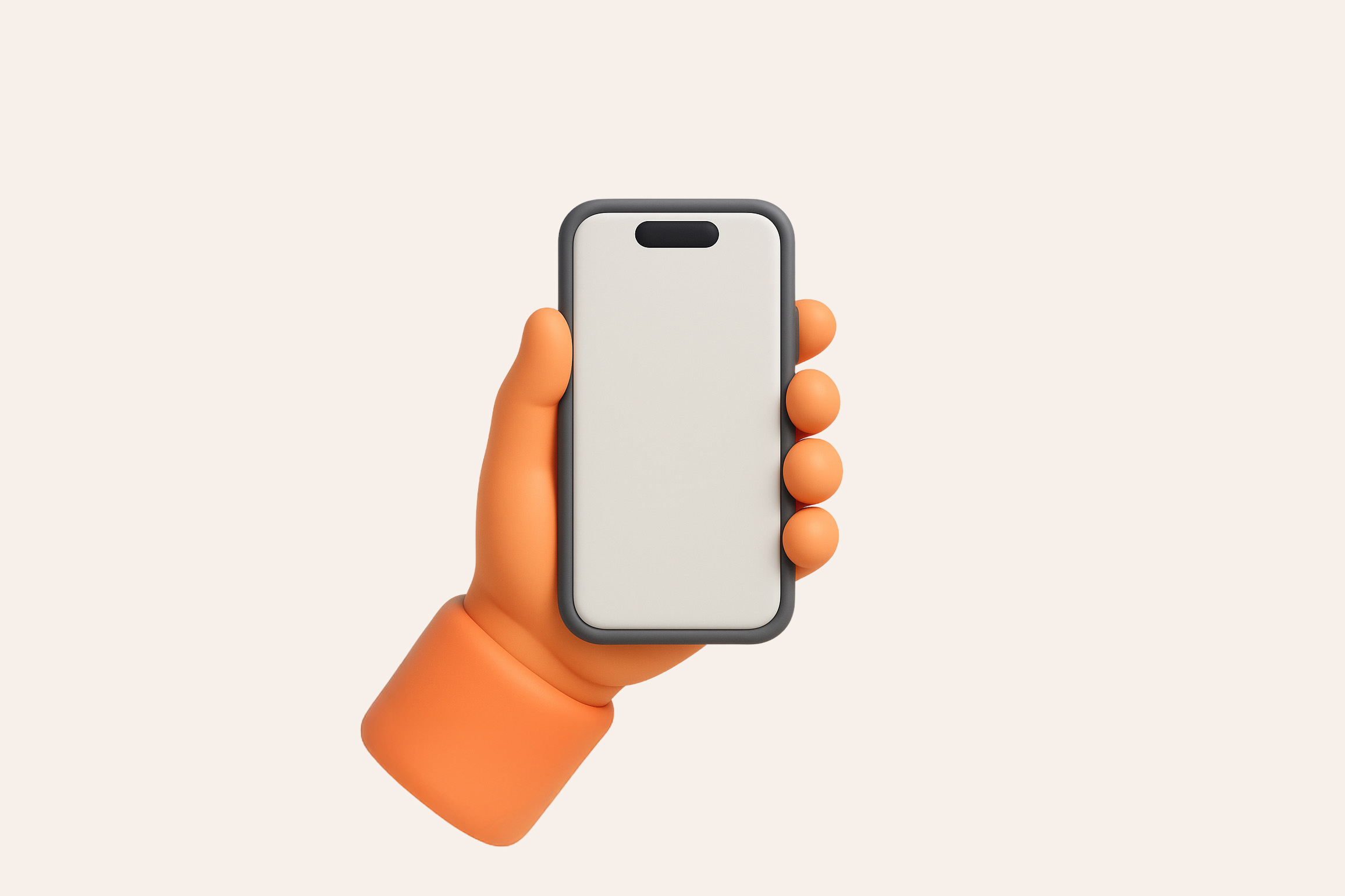
Get Playful Chunky 3D Icons
Retexture images with this AI image prompt, transforming them into a playful chunky 3D aesthetic with stylized overlays.
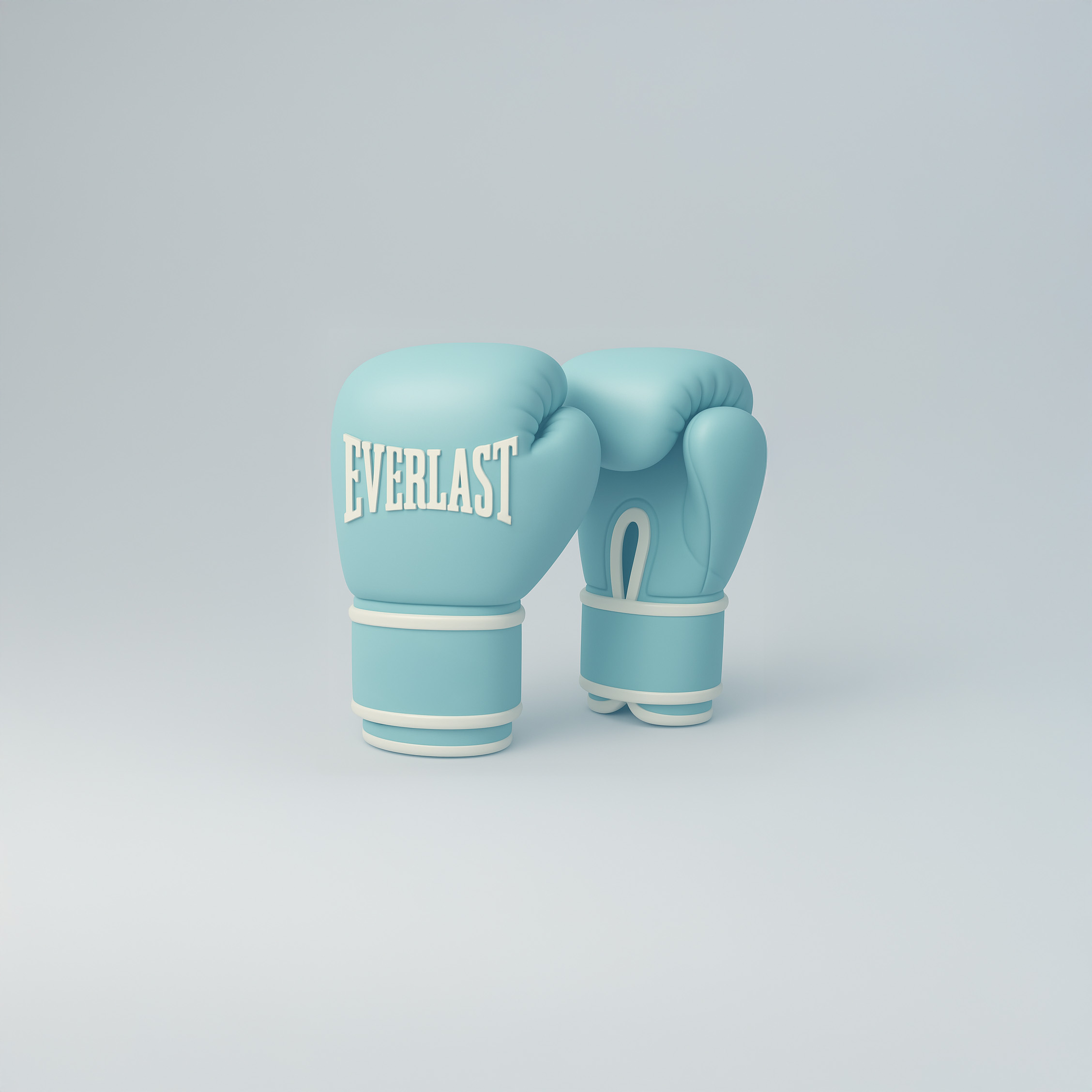
Get Blue Matte Icons
Get a stunning 3D icon look with this AI image prompt, featuring soft-touch matte rubber textures and pastel cyan hues.