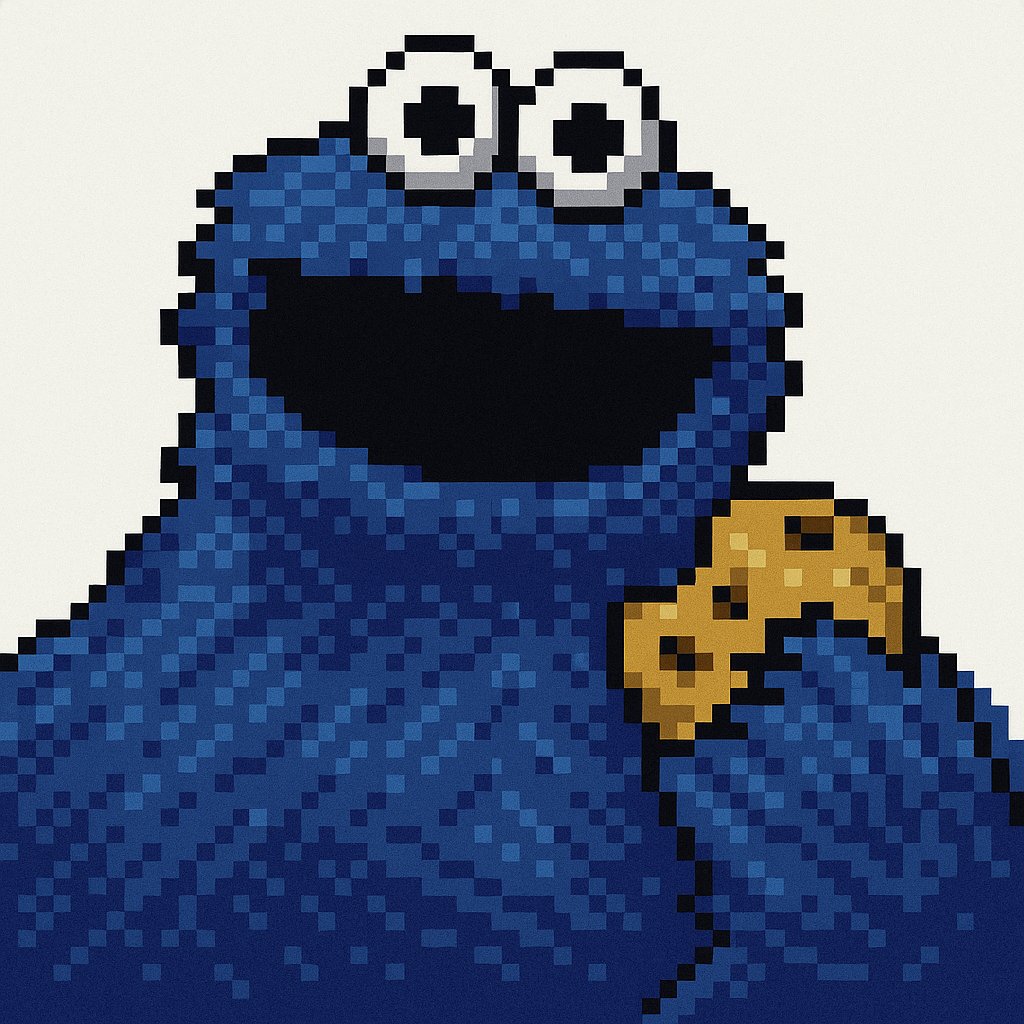
Get Retro Pixel Icons
Transform your images with this AI image prompt, retexturing them into retro pixel UI icons with vibrant colors and outlines.
 ChatGPT
What This Prompt Does
- ●Retextures the attached image into a retro pixel art style with a low resolution of 32x32 or 48x48 pixels.
- ●Applies a specific color palette and outlines to create a nostalgic, pixelated look.
- ●Utilizes dithering shading and flat lighting for a classic retro appearance.
Tips for This Prompt
- ●Choose an image that would benefit from a retro pixel art transformation, such as a simple logo or icon.
- ●Ensure the image has clear outlines and distinct features to enhance the pixel art effect.
- ●Use the JSON prompt to guide the AI in creating a retro pixel art version of your image.
How to Use the Prompt
- ●Step 1: Attach your image.
- ●Step 2: Run the JSON prompt above.
- ●Step 3: Enjoy the retro pixel art transformation.
The Prompt
Retexture the image attached based on the JSON below
{
  "style": "Retro Pixel UI Icons",
  "resolution": "low (32x32 or 48x48)",
  "color_palette": [
    "#F2F2F2",
    "#C0C0C0",
    "#000000",
    "#FFFFFF",
    "#0000FF",
    "#00FF00",
    "#FFFF99",
    "#008080"
  ],
  "outline": {
    "enabled": true,
    "color": "#000000",
    "thickness": "1px"
  },
  "shading": {
    "method": "dithering",
    "colors_used": ["base color", "highlight", "shadow"],
    "pattern": "checkerboard or diagonal lines"
  },
  "lighting": {
    "type": "flat",
    "source": "top-left",
    "highlight_color": "#FFFFFF",
    "shadow_color": "#808080"
  },
  "background": {
    "color": "#F2F2F2",
    "type": "plain",
    "transparency": false
  },
  "object_properties": {
    "style": "pixel art",
    "perspective": "isometric or front-facing",
    "animation": {
      "enabled": false,
      "frame_style": "static pixel art"
    }
  }
}
Related AI Prompts
Discover more high-performing prompts in Design
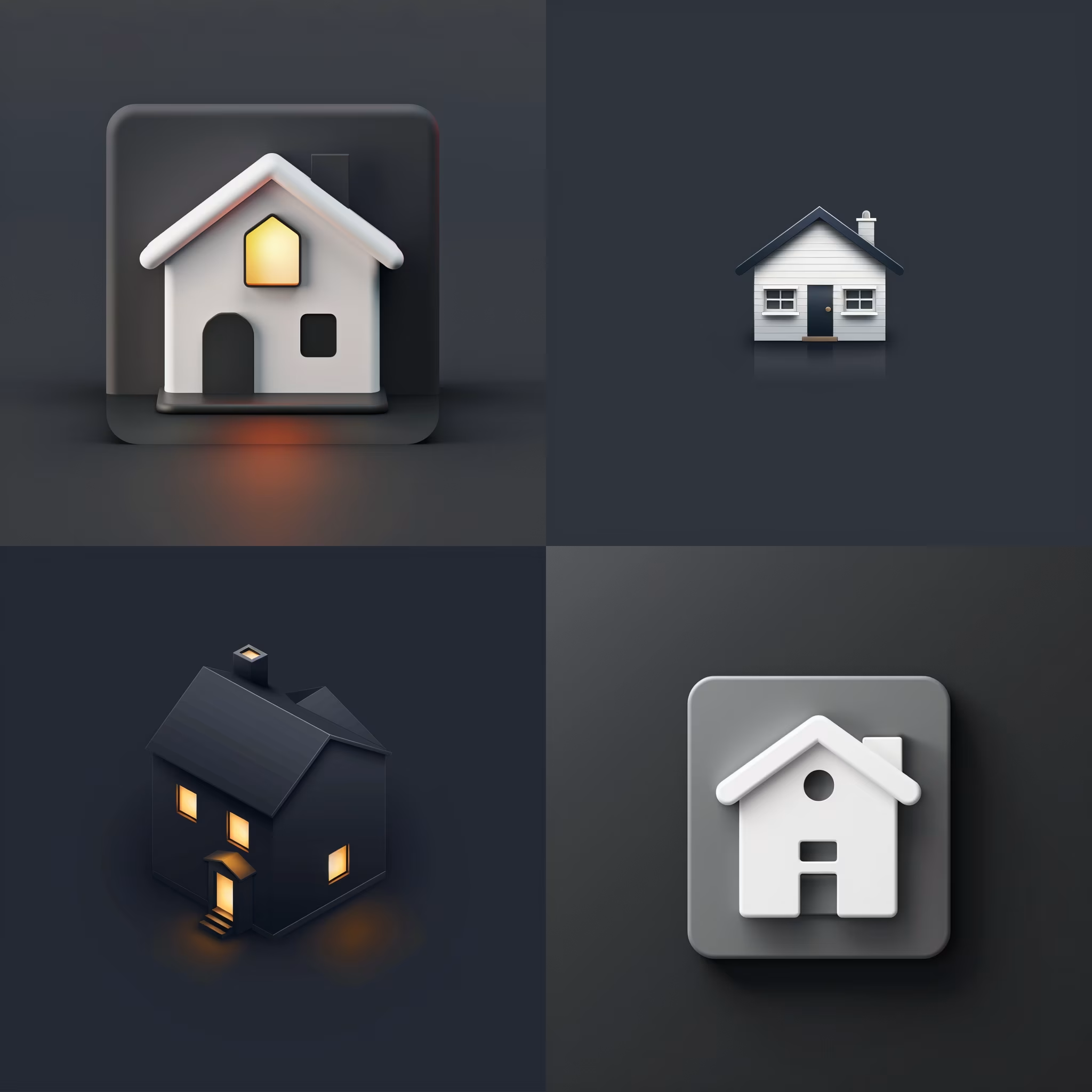
Create Icon Design Concepts
Design killer icons with this AI image prompt, using your chosen style and colors for a unique look.

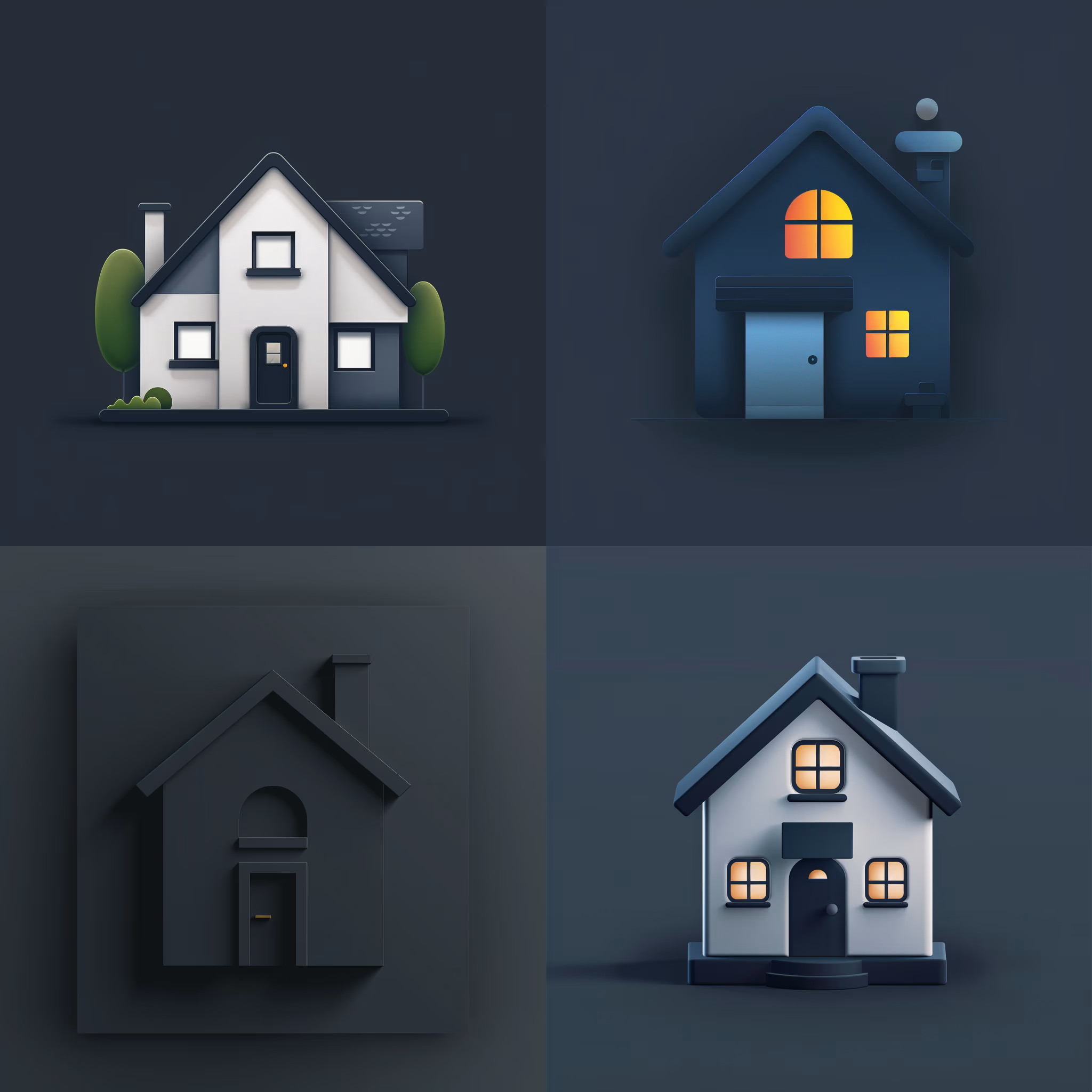
Generate Icon Designs
Design killer icons with this AI image prompt, using your chosen style and colors for a stunning visual impact.
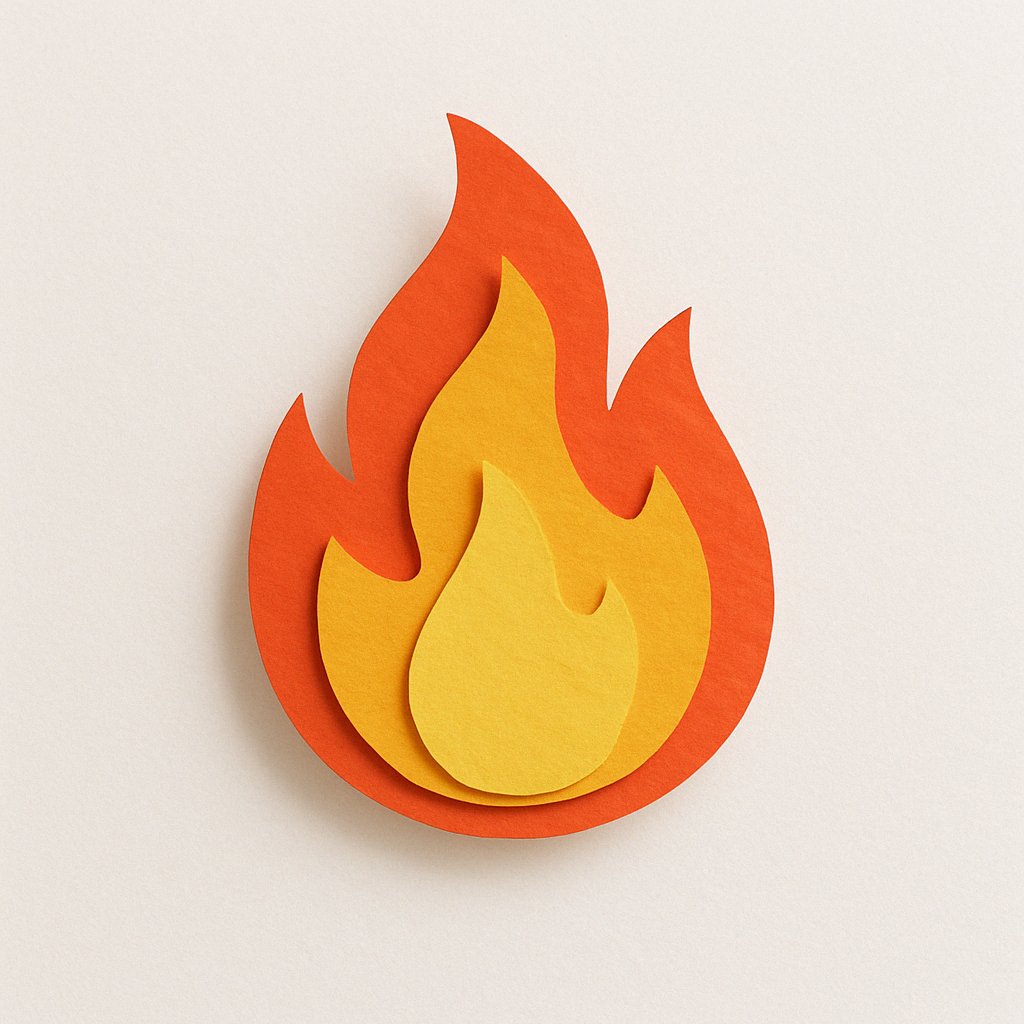
Create Paper Craft Icons
Create a playful paper craft-style AI image prompt with a colorful, textured emoji logo on a white background.
Create Custom Icons
Design jaw-dropping icons with this AI image prompt, using specific styles and color schemes for standout visuals.
Get Playful Chunky 3D Icons
Retexture images with this AI image prompt, transforming them into a playful chunky 3D aesthetic with stylized overlays.
Get Blue Matte Icons
Get a stunning 3D icon look with this AI image prompt, featuring soft-touch matte rubber textures and pastel cyan hues.