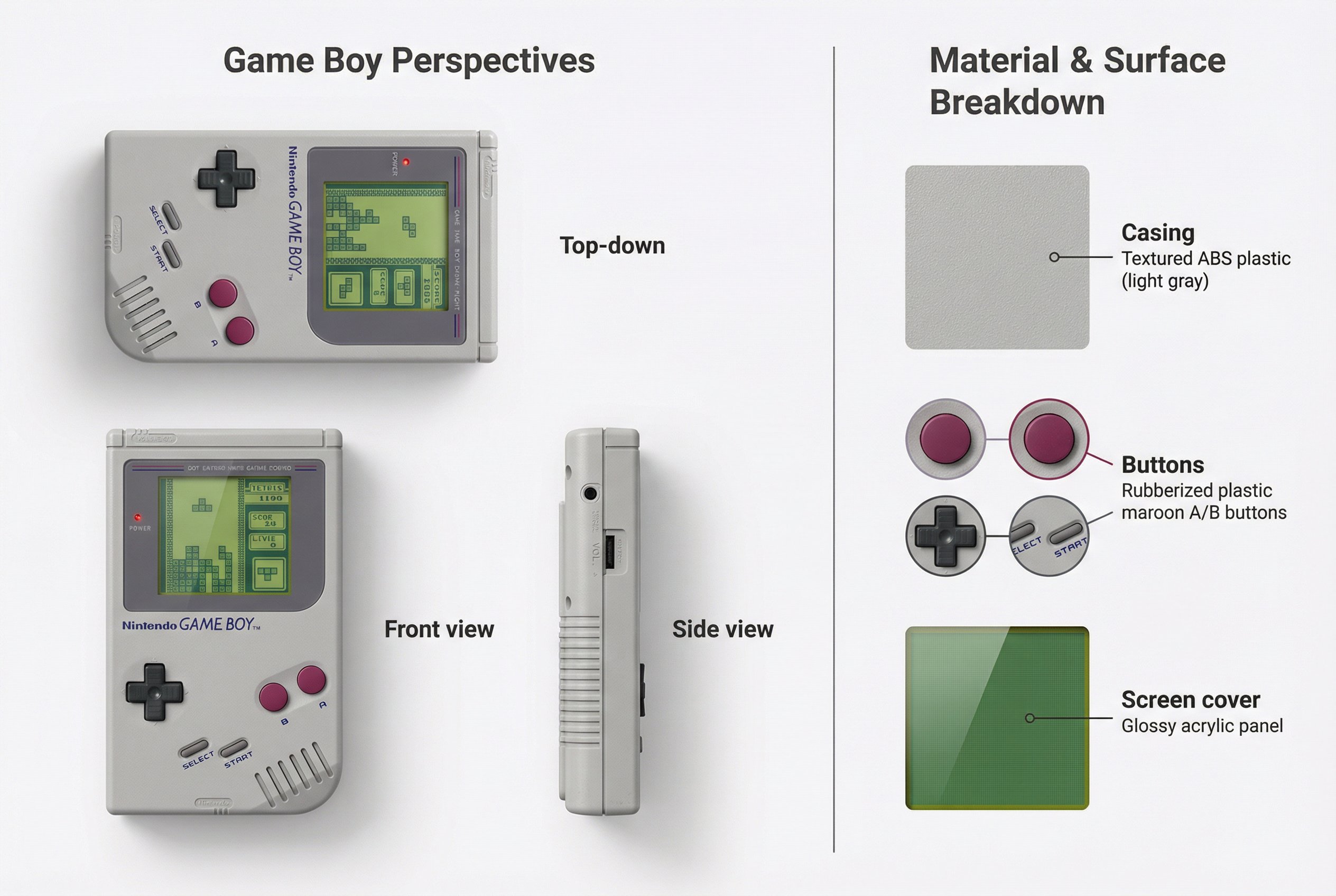
Create Realistic Device Mockups
Generate detailed device showcases with this AI prompt, featuring multiple perspectives, screen content integration, material breakdowns, and realistic product visualization.
What This Prompt Does
- ●Creates a realistic AI image showcasing a device from multiple angles with integrated screen content.
- ●Displays three different perspectives of the device on the left while breaking down materials on the right.
- ●Generates a split-layout product visualization with detailed material swatches and technical annotations.
Tips for This Prompt
- ●Select a specific device model that matches your showcase goals, such as Game Boy Color for nostalgic gaming or original iPhone for tech evolution stories, and choose screen content that fits that device's era and display capabilities.
- ●Define your material palette by researching authentic colors and textures from the original device, like translucent purple plastic for retro handhelds or brushed aluminum for modern tablets, to create an accurate material breakdown.
- ●Use the JSON prompt to guide the AI in creating a professional product showcase that integrates your chosen screen content naturally into each perspective view while maintaining the device's original display characteristics.
How to Use the Prompt
- ●Step 1: Attach your logo / image.
- ●Step 2: Fill in the [DEVICE] with the specific device name, [SCREEN CONTENT] with what appears on the display, and [MATERIAL PALETTE] with the materials and colors for casing, buttons, and screen cover.
- ●Step 3: Run the JSON prompt above.
The Prompt
{
  "objective": "Create a detailed visual showcase of the [DEVICE], integrating a [SCREEN CONTENT] into the device's display area",
  "image_specifications": {
    "style": "Realistic product showcase",
    "layout": "Split layout: Perspectives on the left, Material breakdown on the right",
    "aspect_ratio": "3:2",
    "background": "Minimal white or neutral background"
  },
  "left_side": {
    "section_title": "[DEVICE] Perspectives",
    "views": [
      {
        "view": "Top-down",
        "description": "Top view of the [DEVICE] showing the full interface and screen; [SCREEN CONTENT] is displayed inside the screen area"
      },
      {
        "view": "Front view",
        "description": "Frontal view with screen area showing the [SCREEN CONTENT] in the device's native display style"
      },
      {
        "view": "Side view",
        "description": "Profile showing ports, controls, and side thickness; no screen content required"
      }
    ],
    "screen_integration": {
      "source": "[SCREEN CONTENT] (era-appropriate version for the [DEVICE])",
      "placement": "Insert image within the device's screen area maintaining correct aspect ratio and perspective"
    },
    "visual_style": "Consistent lighting and rendering to match realistic hardware and authentic screen display"
  },
  "right_side": {
    "section_title": "Material & Surface Breakdown",
    "content": [
      {
        "material": "Casing",
        "material_type": "[MATERIAL PALETTE: primary body material and color]",
        "swatch_image": "Close-up of casing grain and texture",
        "label_style": "Thin annotation line pointing to body shell"
      },
      {
        "material": "Buttons/Controls",
        "material_type": "[MATERIAL PALETTE: control surface material and color]",
        "swatch_image": "Button/control texture and color samples",
        "label_style": "Color-coded with control callouts"
      },
      {
        "material": "Screen cover",
        "material_type": "[MATERIAL PALETTE: screen cover material and finish]",
        "swatch_image": "Screen cover material sample with appropriate tint",
        "label_style": "Pointer to screen area"
      }
    ]
  },
  "visual_elements": {
    "separation": "Vertical divider between left and right sections",
    "consistency": "Matching shadows, fonts, and labeling across views",
    "gameplay_overlay": "Display style matching original [DEVICE] screen characteristics"
  },
  "output_format": {
    "type": "Image",
    "high_resolution": true,
    "use_case": ["Retro tech showcase", "Product design portfolio", "Hardware history infographic"]
  }
}
Related AI Prompts
Discover more high-performing prompts in Design
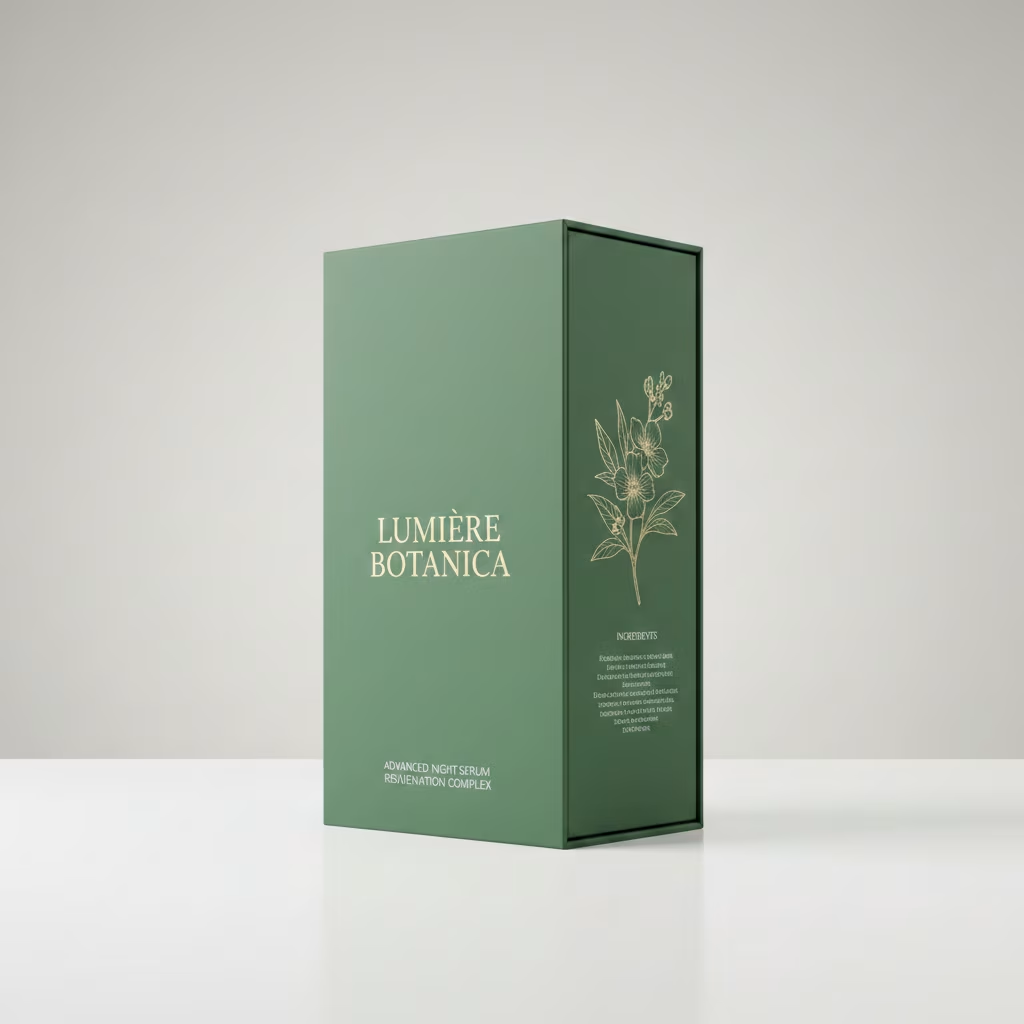
Generate Photorealistic Packaging Mockups
Generate photorealistic 3D packaging mockups with this AI prompt, featuring studio lighting, accurate dielines, and customizable branding for product visualization.
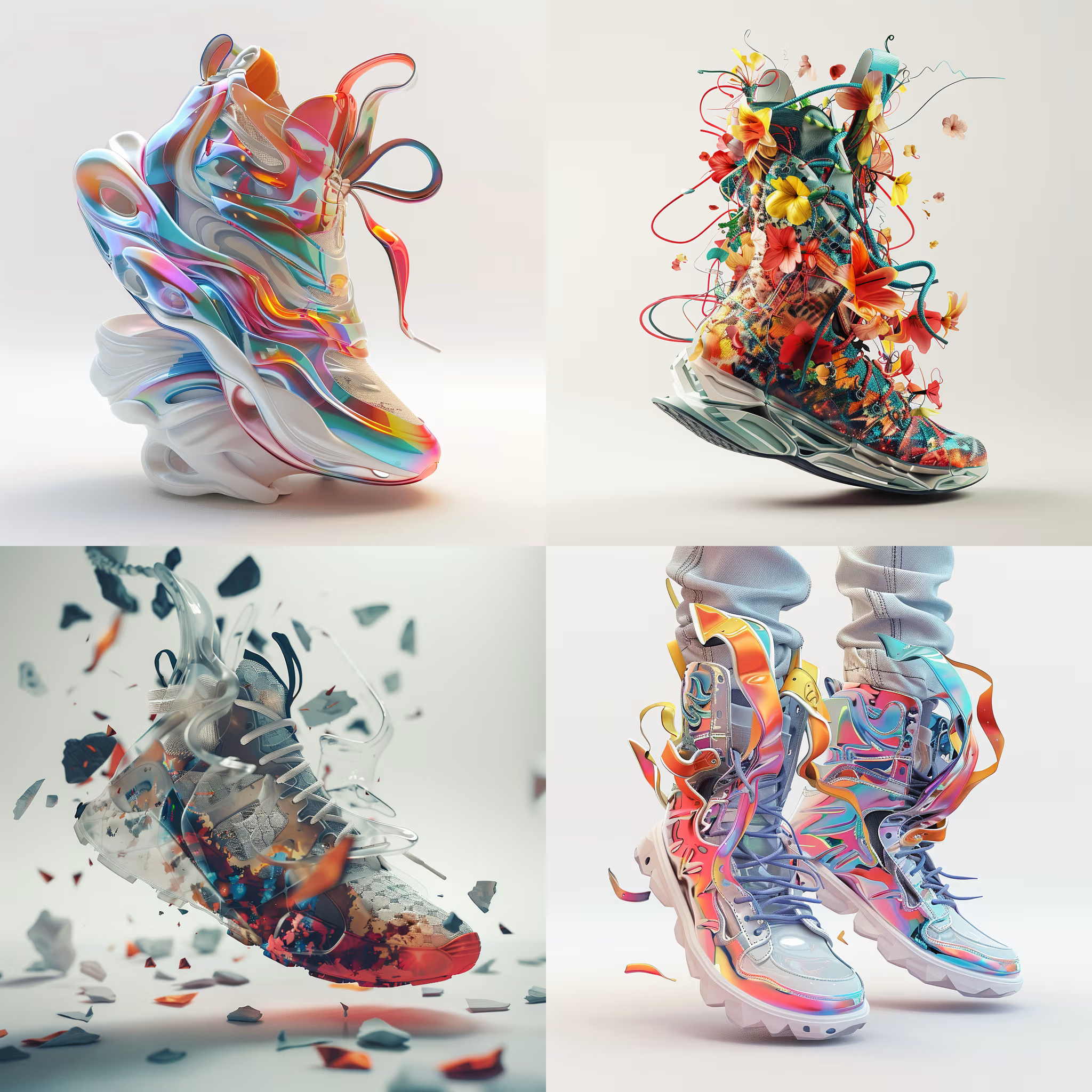
Create 3D Rendered Objects
Create jaw-dropping 3D art with this AI image prompt, blending artist styles and high detail for stunning renders.

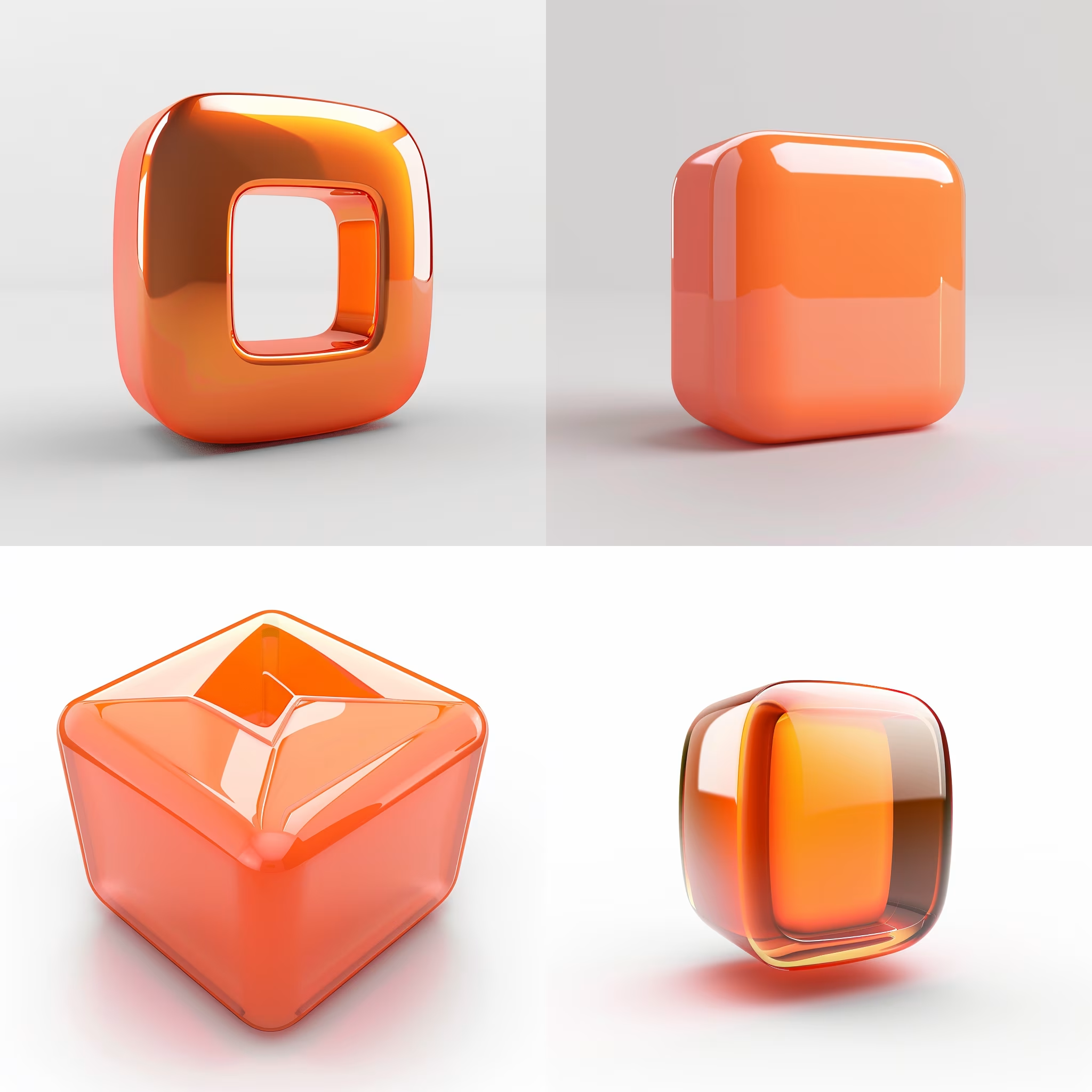
Create 3D Logo Icon Designs
Create stunning 3D C4D-style iconography of your logo with this AI image prompt, ensuring brand-faithful design and crisp composition.
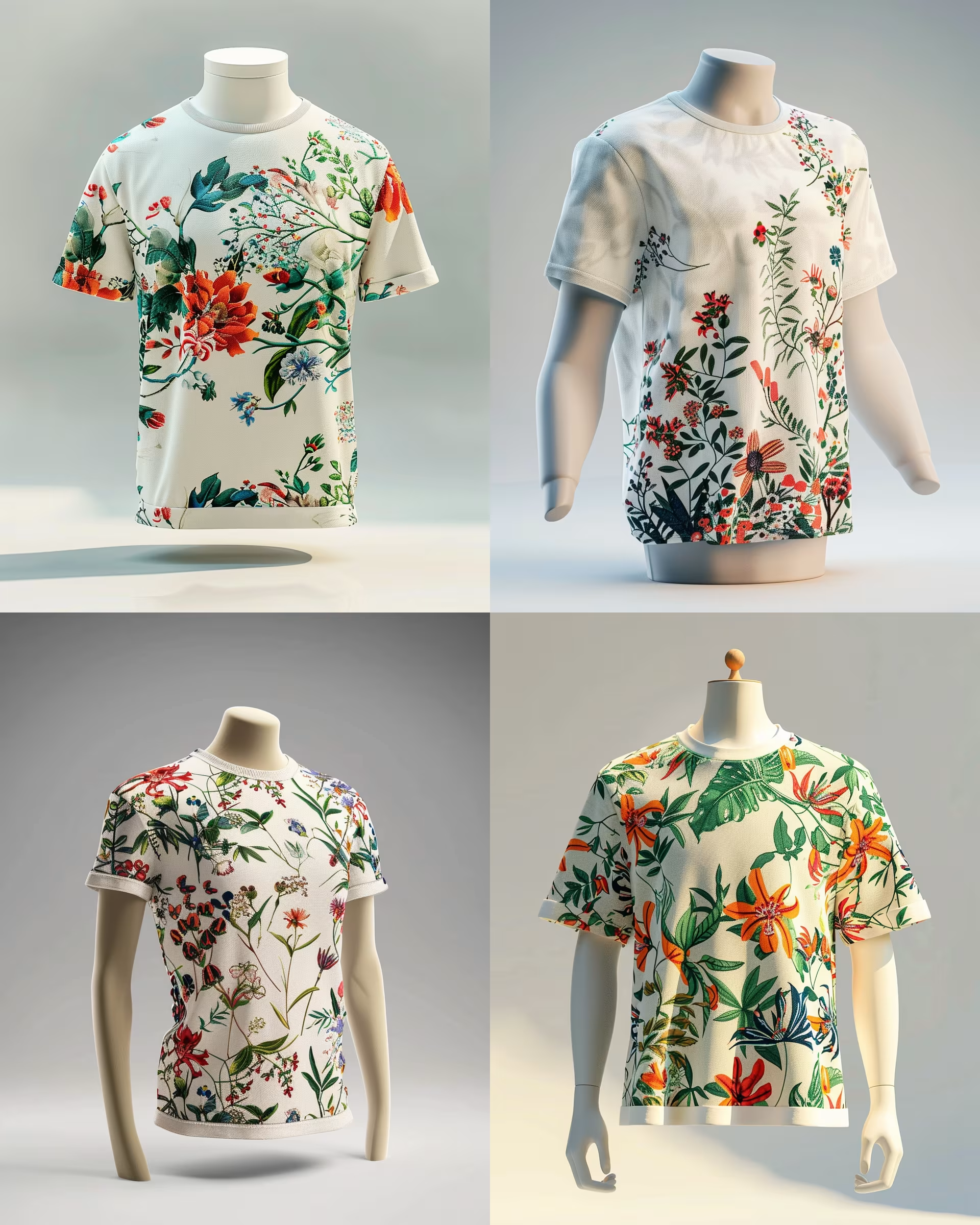
Generate High-Quality 3D Renders
Create jaw-dropping 3D product renders with this AI image prompt, showcasing garments in stunning detail and vibrant floral patterns.
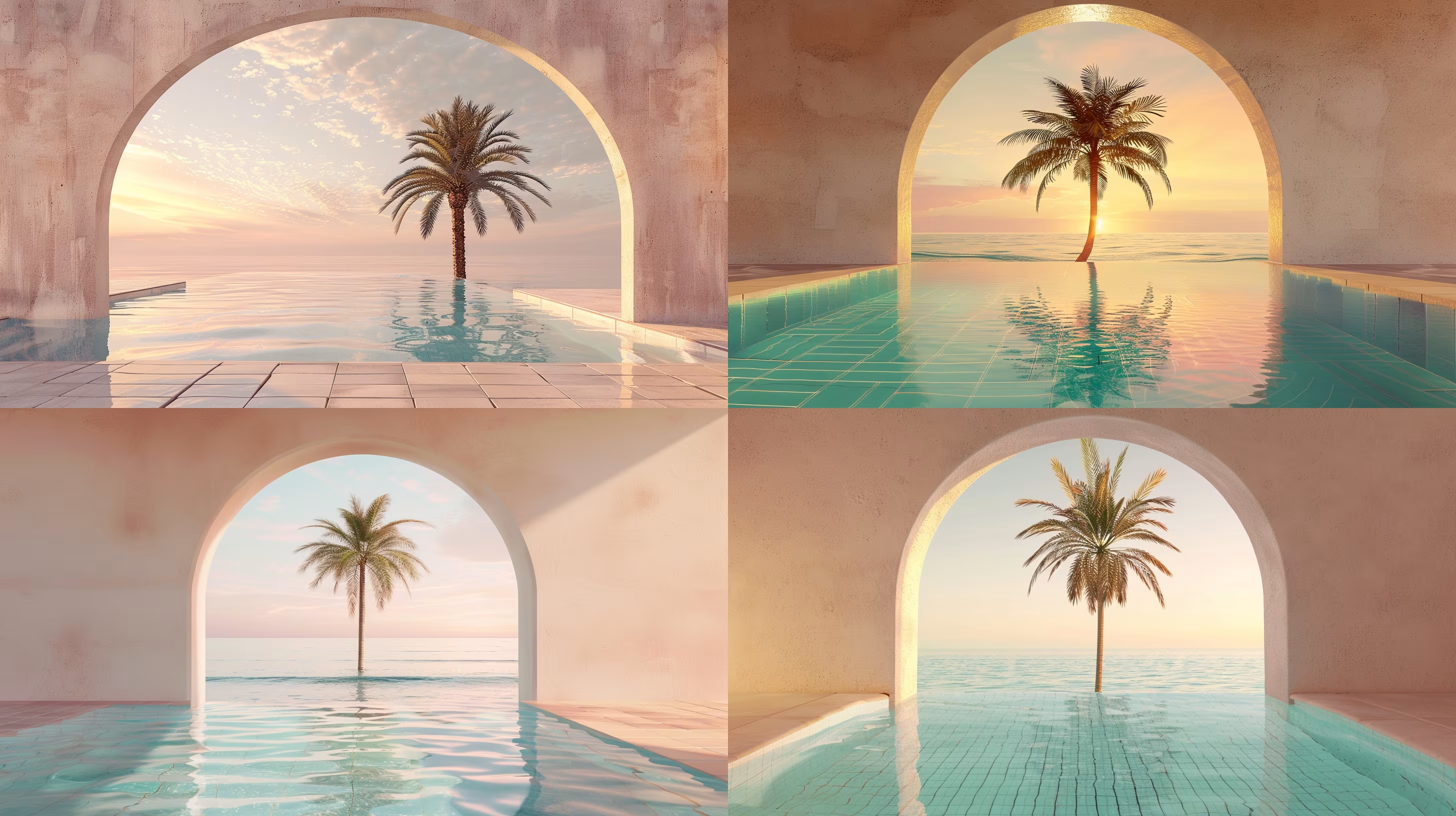
Create Stunning 3D Renderings
Create stunning 3D renders with this AI image prompt, capturing serene beach scenes framed by palm trees.
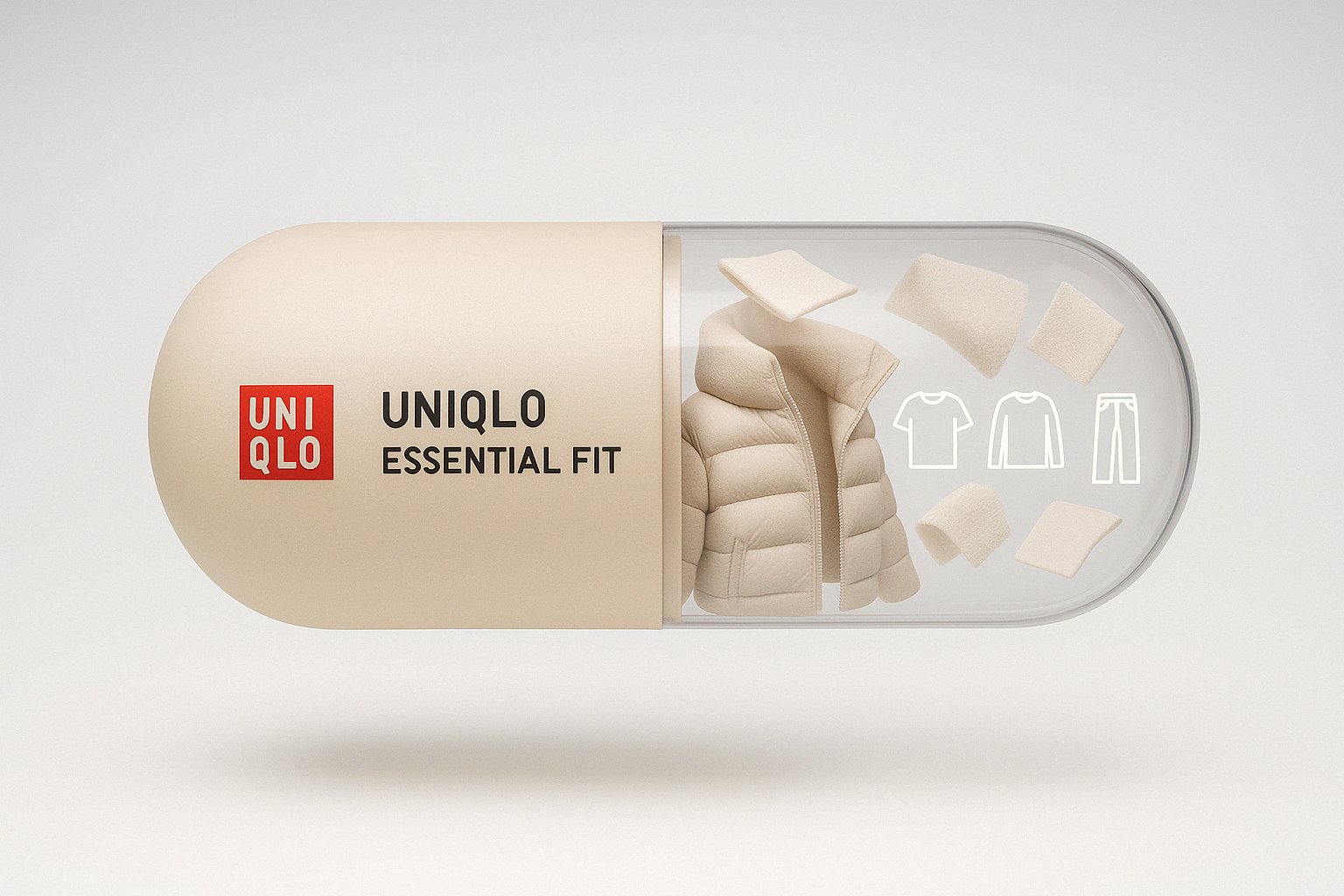
Create Branded Capsule Designs
Create a stunning visual with this AI image prompt, capturing a floating capsule with brand elements.
