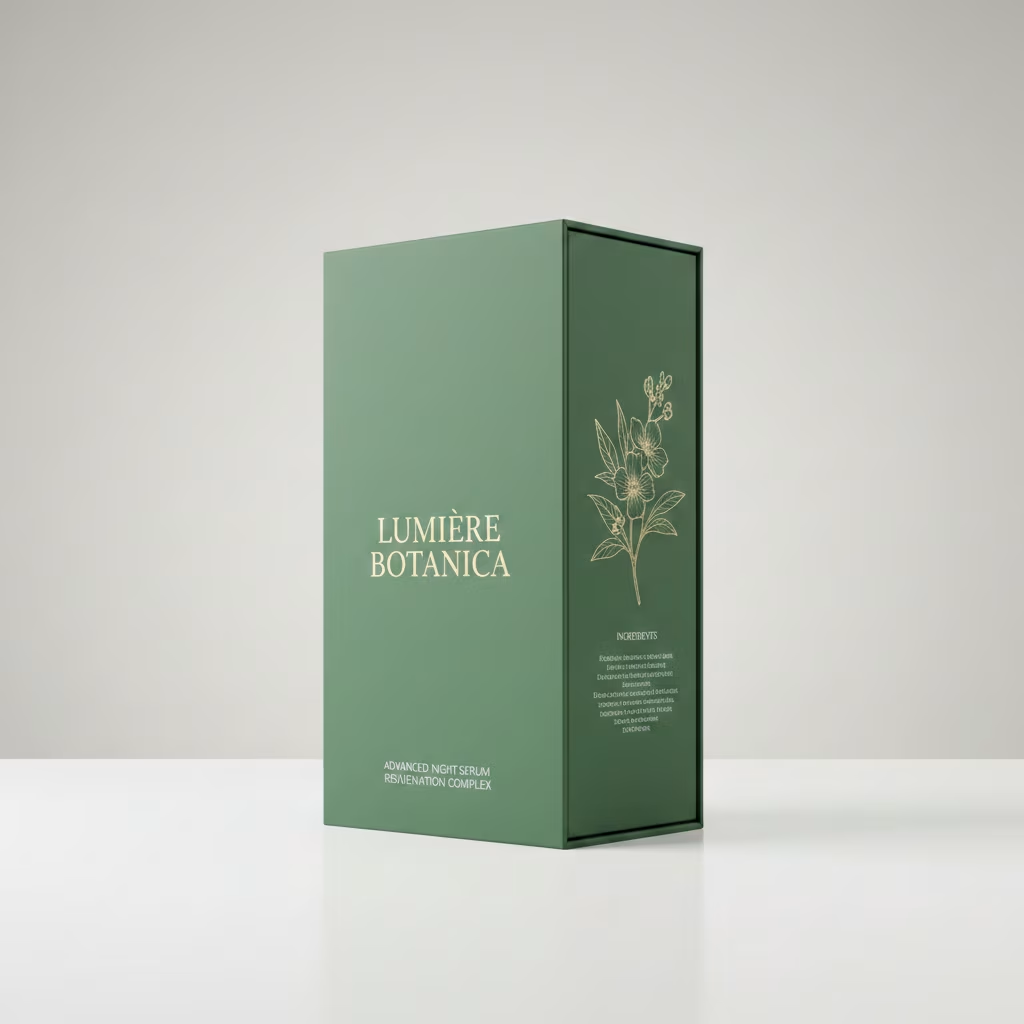
Generate Photorealistic Packaging Mockups
Generate photorealistic 3D packaging mockups with this AI prompt, featuring studio lighting, accurate dielines, and customizable branding for product visualization.
What This Prompt Does
- ●Generates a photorealistic AI image of a 3D product packaging box with perfect assembly and sharp edges.
- ●Places the box in a minimal studio setting with soft commercial lighting that highlights material texture and design details.
- ●Creates a premium editorial-style AI image with 8k resolution that showcases the packaging from a refined three-quarter angle view.
Tips for This Prompt
- ●Choose a box type that matches your product category, such as tuck-end boxes for cosmetics or sleeve boxes for electronics, and select a material finish like matte cardboard or glossy coated stock to enhance your AI image prompt.
- ●Insert your brand name and logo clearly across the visible panels, ensuring your design artwork uses high-contrast colors that will render accurately in the photorealistic AI image.
- ●Use the JSON prompt to guide the AI in creating a premium product mockup, specifying exact material finishes like kraft paper for eco-brands or metallic foil for luxury products.
How to Use the Prompt
- ●Step 1: Attach your logo / image.
- ●Step 2: Fill in the [BOX TYPE] with your packaging style (e.g., tuck-end box, cosmetic box, sleeve box) and [MATERIAL FINISH] with your surface type (e.g., matte cardboard, glossy coated, kraft paper).
- ●Step 3: Run the JSON prompt above.
The Prompt
{
  "scene_description": "A photorealistic, high-end 3D product visualization of a perfectly assembled packaging box derived from a dieline, set in a pristine minimal studio.",
  "subject": {
    "type": "[BOX TYPE]",
    "material": "[MATERIAL FINISH]",
    "features": {
      "structure": "Perfectly folded, accurate panel placement, sharp clean edges",
      "surface": "Smooth texture with high-fidelity print rendering"
    },
    "position": "Upright, angled at a refined ¾ perspective view to show front and side panels",
    "artwork_state": "Undistorted typography, preserving original design exactly"
  },
  "action": {
    "primary": "Standing static on a surface",
    "secondary": "Casting a gentle shadow",
    "effect": "Demonstrates structural integrity and design elegance"
  },
  "environment": {
    "setting": "Minimalist High-End Studio Void",
    "foreground_elements": [
      "Clean, smooth surface",
      "Soft contact shadows"
    ],
    "background_elements": [
      "Soft neutral seamless backdrop (light grey/cream)",
      "Zero distractions",
      "No extra props"
    ]
  },
  "lighting": {
    "style": "Soft Commercial Product Lighting (Global Illumination)",
    "key_light": {
      "type": "Large Diffused Softbox",
      "color": "Neutral White (5500K)",
      "illuminates": [
        "The face of the box evenly",
        "The texture of the [MATERIAL FINISH]"
      ]
    },
    "fill_light": {
      "type": "White Reflector",
      "effect": "Softens shadows to ensure artwork visibility"
    },
    "shadows": "Subtle, soft gradient shadows anchoring the object"
  },
  "style": {
    "medium": "3D Rendering / Product Photography",
    "aesthetic": "Premium Editorial, Mockup Style, Minimalist Luxury",
    "quality": "8k resolution, ray-traced optics, physically based rendering (PBR)",
    "details": "Crisp folds, zero distortion, [MATERIAL FINISH] grain visibility"
  },
  "scene_composition": {
    "subject_action": "Static presentation",
    "camera_behavior": "Locked-off tripod shot",
    "depth_layering": "Sharp Subject -> Infinite Soft Background"
  },
  "visual_description": {
    "core_subject": "A flawless 3D [BOX TYPE] assembled from a flat dieline.",
    "attire_physics": "N/A - Rigid Body physics.",
    "surface_rendering": "Non-reflective finish that absorbs light softly, ensuring text is readable and colors are true."
  },
  "lighting_and_atmosphere": {
    "type": "Clean Studio",
    "specifics": "Even light distribution, ambient occlusion in the creases.",
    "color_grade": "Natural, color-calibrated, neutral tones."
  },
  "attire_customization": {
    "current_clothing": "N/A",
    "customizable_clothing": "N/A"
  },
  "brand_product_customization": {
    "current_brand_product": "Packaging Design",
    "customizable_brand": "User: Insert Brand Name/Logo for the box",
    "customizable_product": "User: Describe the [BOX TYPE] (e.g., cosmetic box, tuck-end box)",
    "product_placement_area": "All visible panels (Front, Side, Top)"
  },
  "objec
Related AI Prompts
Discover more high-performing prompts in Design
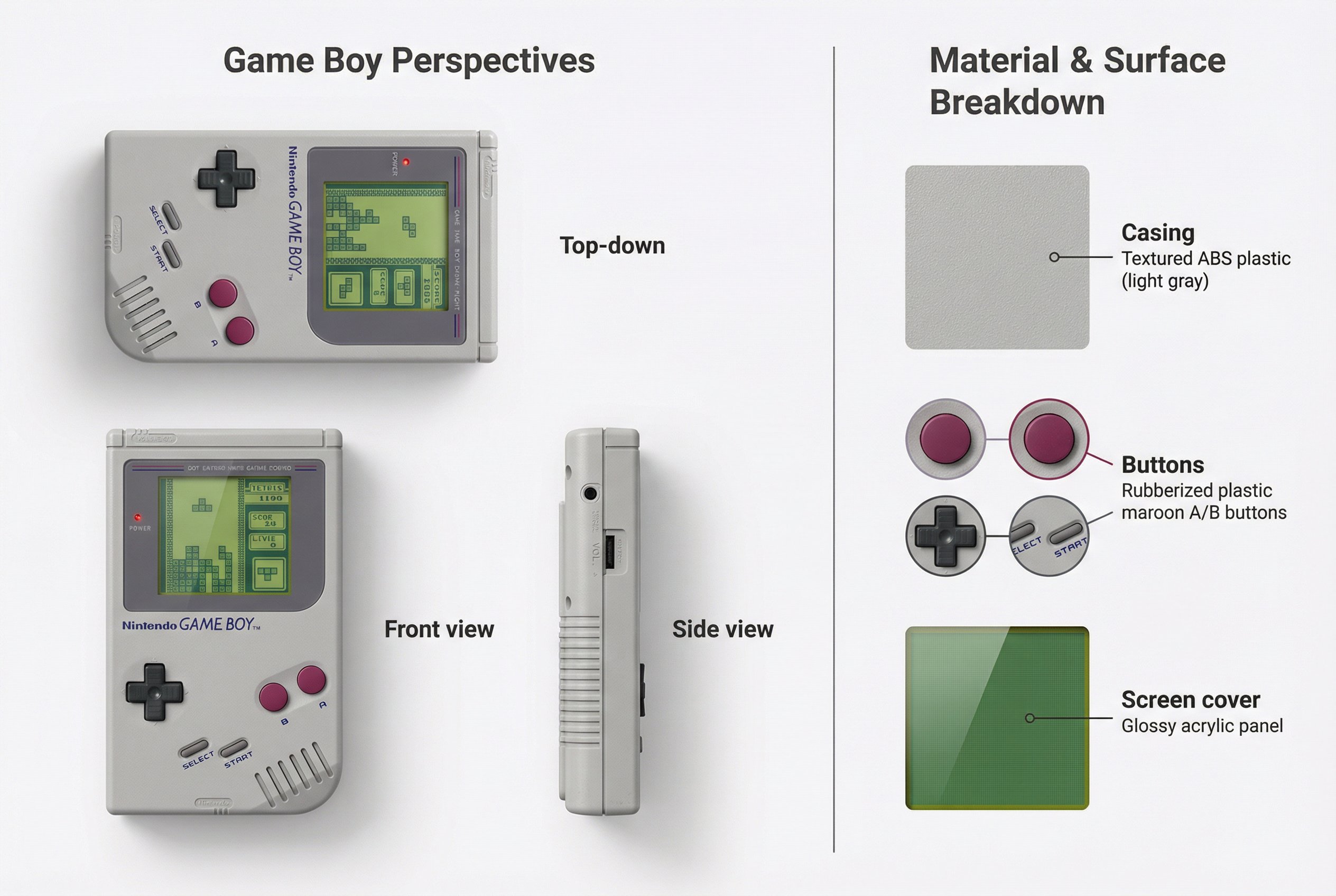
Create Realistic Device Mockups
Generate detailed device showcases with this AI prompt, featuring multiple perspectives, screen content integration, material breakdowns, and realistic product visualization.
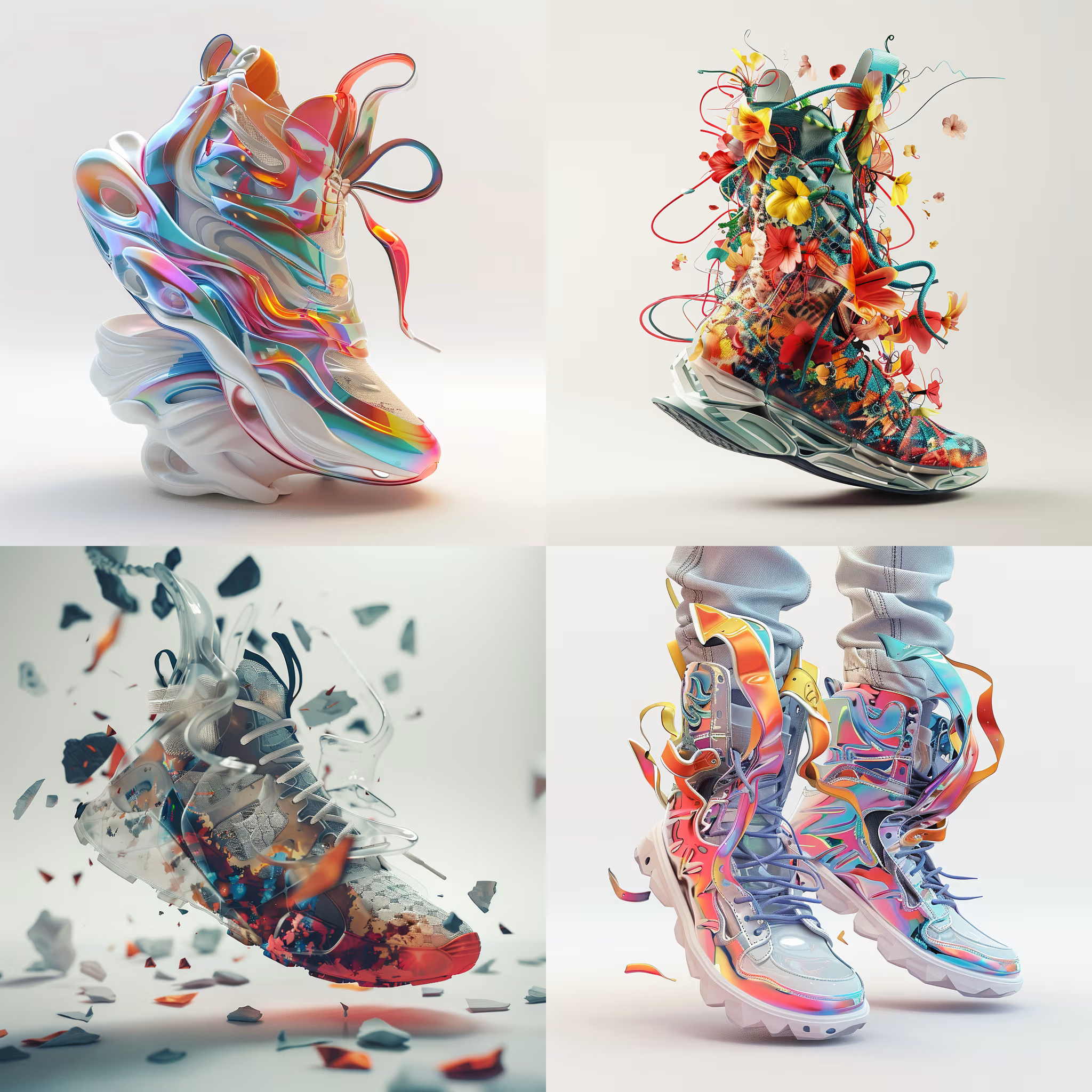
Create 3D Rendered Objects
Create jaw-dropping 3D art with this AI image prompt, blending artist styles and high detail for stunning renders.

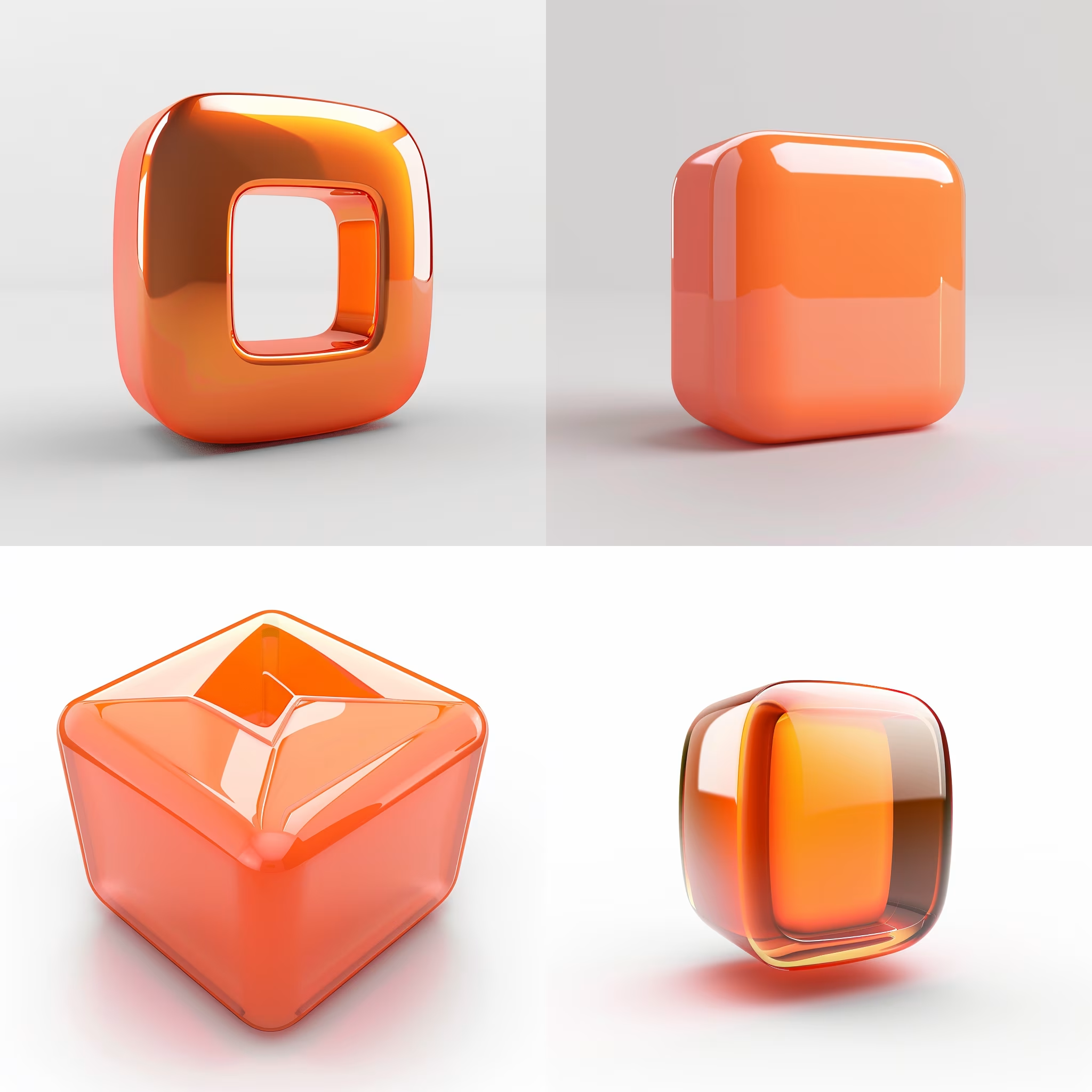
Create 3D Logo Icon Designs
Create stunning 3D C4D-style iconography of your logo with this AI image prompt, ensuring brand-faithful design and crisp composition.
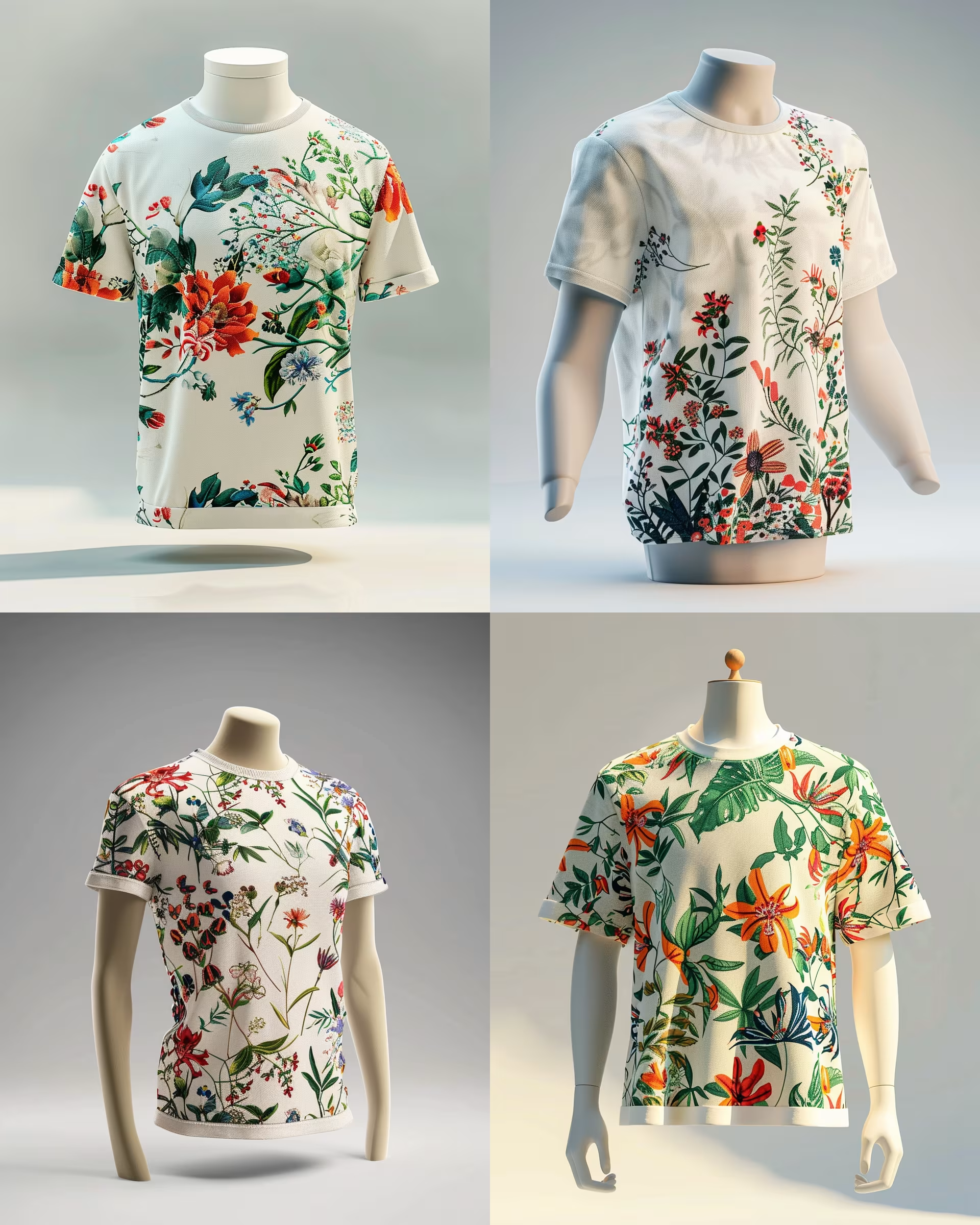
Generate High-Quality 3D Renders
Create jaw-dropping 3D product renders with this AI image prompt, showcasing garments in stunning detail and vibrant floral patterns.
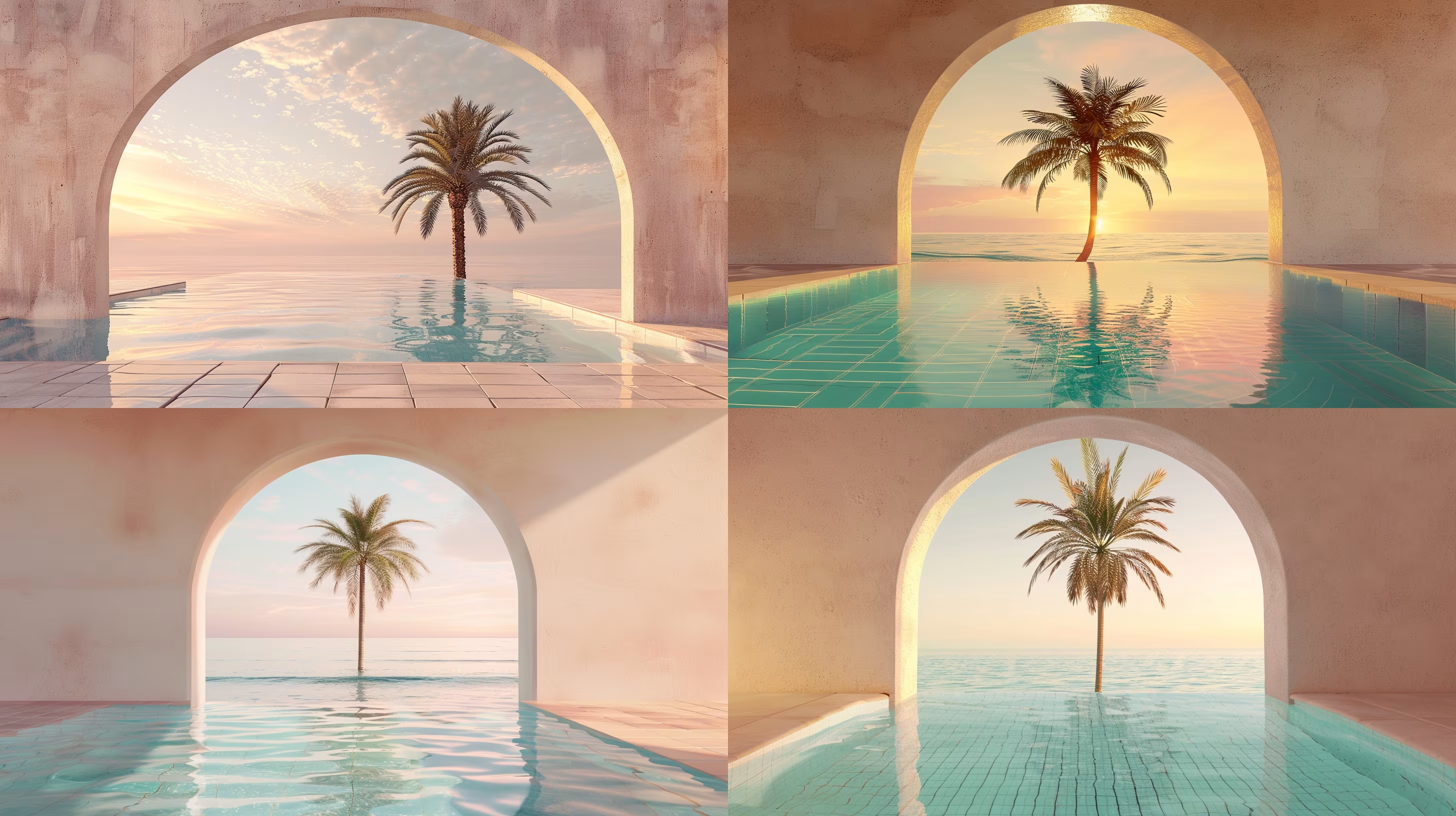
Create Stunning 3D Renderings
Create stunning 3D renders with this AI image prompt, capturing serene beach scenes framed by palm trees.
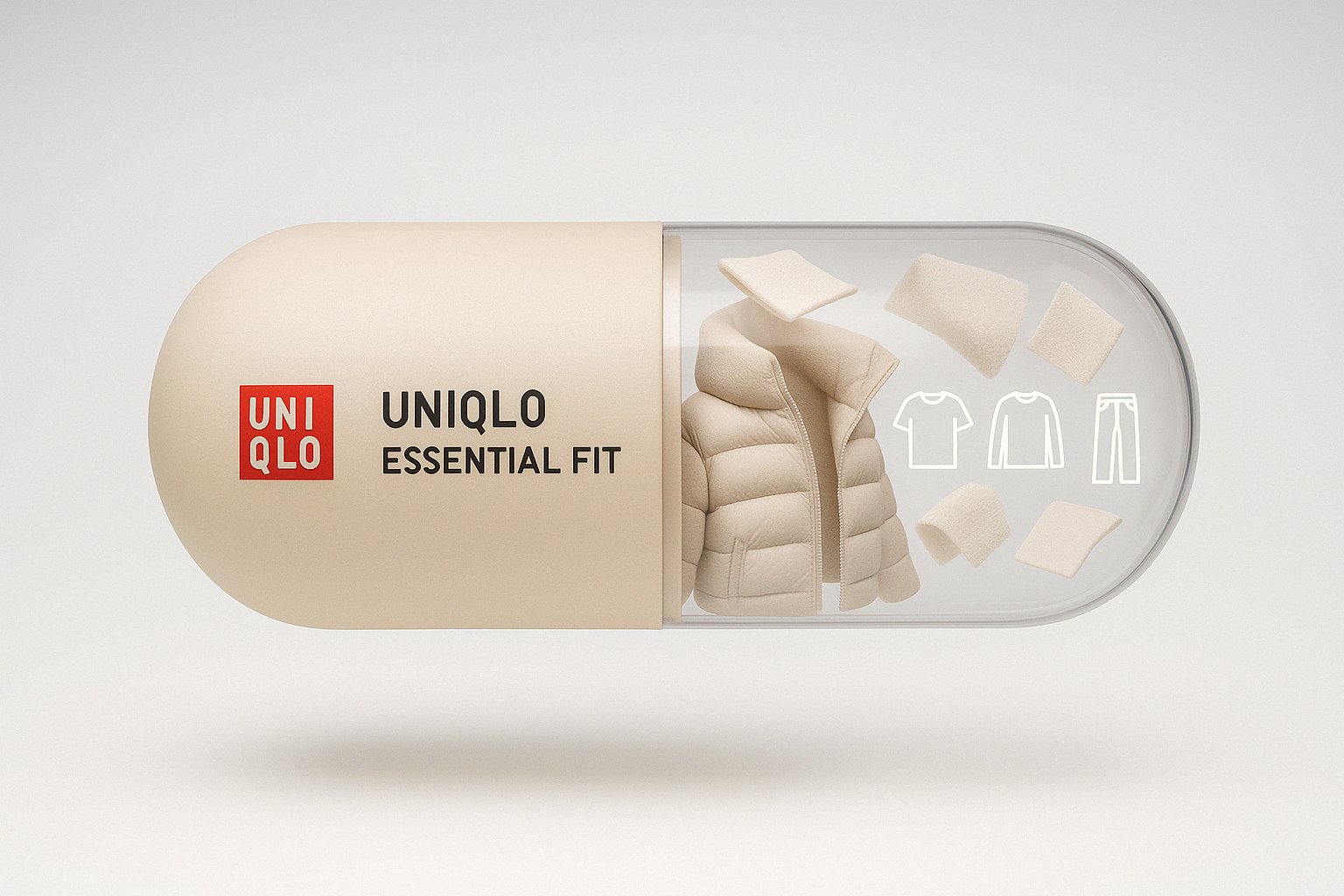
Create Branded Capsule Designs
Create a stunning visual with this AI image prompt, capturing a floating capsule with brand elements.
