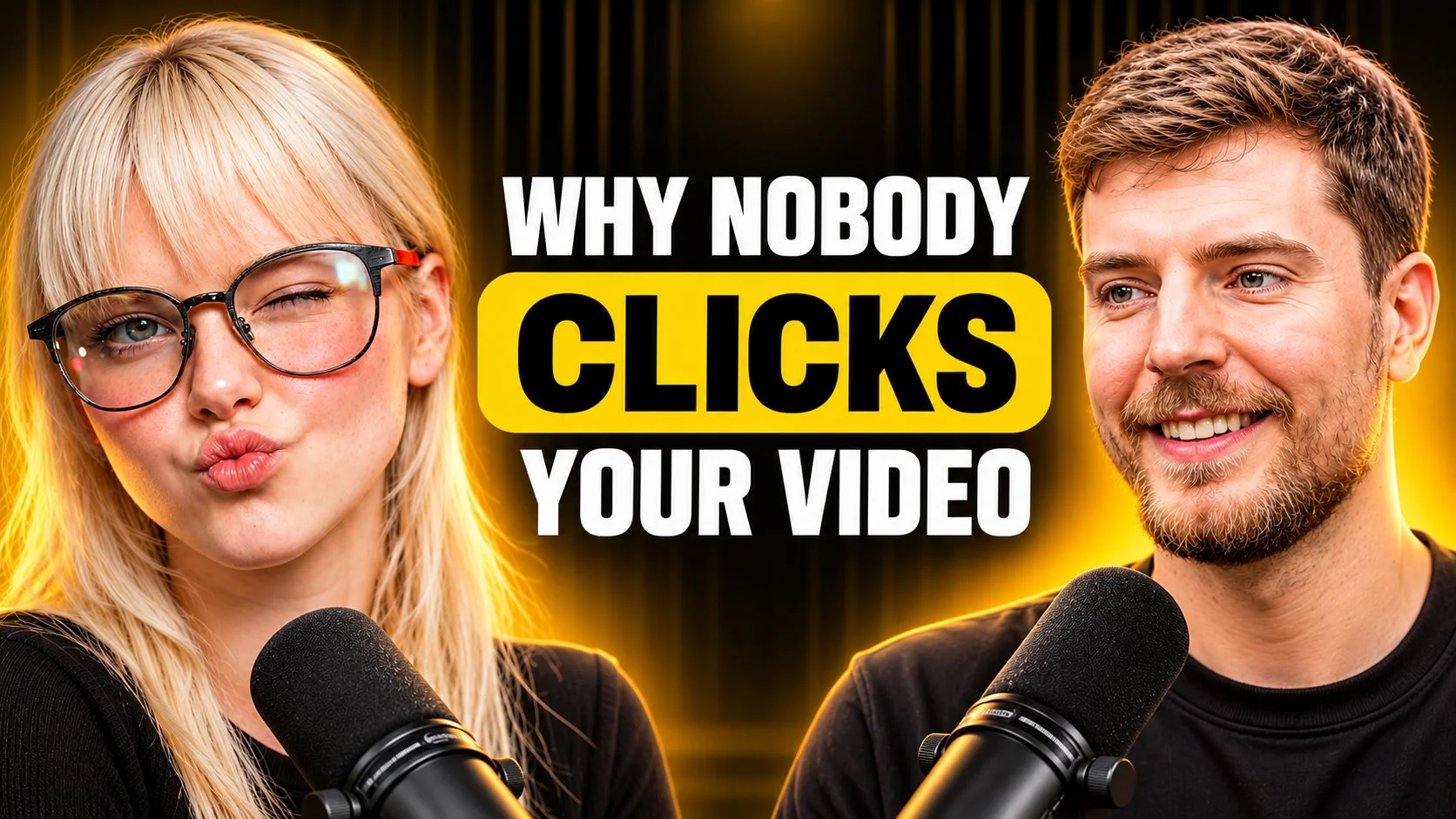
YouTube Thumbnail Prompt Why Nobody Clicks Your Videos
Create an ultra high quality, photorealistic YouTube thumbnail in a premium podcast, interview, business, and personal brand style two subjects, central bold title, dark-and-gold cinematic lighting. Are your videos getting ignored despite hours of hard work? In this breakdown, we reveal the fatal thumbnail mistakes killing your channel’s reach and examine the visual psychology top creators like MrBeast use to dominate the algorithm. Find out exactly what to change so viewers can't resist clicking your content.
 ChatGPT
What This Prompt Does
- ●Generates ultra-high-quality, photorealistic 16:9 YouTube thumbnails featuring uploaded subjects in a premium podcast or interview composition.
- ●Applies a cinematic dark-and-gold lighting style with warm rim lights and atmospheric gradients to create a high-CTR, professional visual aesthetic.
- ●Integrates minimal, high-impact typography using bold yellow title panels and clean subtitle text, ensuring strict negative constraints to avoid clutter or distorted features.
Tips for This Prompt
- ●Upload high-resolution, front-facing headshots with neutral expressions to ensure the AI accurately preserves facial identity and natural skin texture.
- ●Keep the main title text between 1-4 impactful words to maintain the minimal design philosophy and ensure readability on mobile devices.
- ●Specify a relevant technology or topic in the background variable to subtly contextualize the scene without distracting from the main subjects.
How to Use the Prompt
- ●Replace the [UPLOAD SUBJECT IMAGE 1] and [UPLOAD SUBJECT IMAGE 2] placeholders with your actual reference images of the presenters or guests.
- ●Customize the [Technology] variable to describe the specific niche or backdrop atmosphere, and update the [Main Title] and [Optional Subtitle] fields with your specific video hook text.
- ●Example: Upload two host photos, set Technology to 'Modern Studio Bookshelf', set Main Title to 'STOP DOING THIS', and leave Subtitle blank for a clean look.
The Prompt
Create an ultra-high-quality, photorealistic YouTube thumbnail in a premium podcast, interview, business, and personal-brand style. Use the uploaded reference image ONLY as a visual style and composition reference.

1. Main Subjects (Fully Reusable)

[UPLOAD SUBJECT IMAGE 1]
[UPLOAD SUBJECT IMAGE 2 — OPTIONAL]

- Use the uploaded person or people as the main subjects.
- Preserve their original facial identity, facial structure, hairstyle, skin texture, and natural expressions.
- Position Subject 1 on the left and Subject 2 on the right.
- Use natural facial expressions, preferably smiling, confident, or engaged in conversation.
- Show subjects from the chest or shoulders upward.
- Maintain realistic proportions and professional photographic quality.
- Subjects should occupy approximately 35–45% of the composition each.
- If only one subject is provided, position them prominently on one side and balance the other side with typography.

2. Background & Environment (Customizable)

[Technology]

- Create a cinematic, dark, premium background.
- Use a combination of deep black, warm golden yellow, and subtle amber lighting.
- Add soft vertical light streaks, atmospheric gradients, and subtle glowing highlights.
- Use realistic depth, background separation, and professional studio lighting.
- Background should complement the topic without distracting from the subjects.
- Keep the central text area clean and visually uncluttered.

3. Typography & Text (Minimal Design)

Main Title: [Why nobody clicks your video]

Optional Subtitle: [SHORT SUPPORTING TEXT]

- Use very limited text. Avoid unnecessary words.
- Main title should contain only 1–4 impactful words.
- Make the main title large, bold, and highly readable.
- Use a bright yellow rounded rectangular title panel or a clean bold text treatment.
- Use white typography for the optional subtitle.
- Keep the subtitle smaller than the main title.
- Maintain generous spacing and margins on both sides.
- Use a maximum of two text elements.
- Ensure perfect spelling and clean typography.
- Never overcrowd the thumbnail.

4. Visual Elements

- Add realistic podcast microphones in the foreground when relevant.
- Include subtle studio lighting and cinematic highlights.
- Optional: small decorative arrows, verification symbols, or topic-related visual accents.
- Keep decorative elements minimal.
- Do not add random icons, unnecessary shapes, or excessive glow.

5. Lighting & Image Quality

- Premium cinematic studio lighting.
- Warm golden rim lighting around the subjects.
- Natural skin tones and realistic facial details.
- Sharp focus on faces.
- Smooth background transitions.
- High dynamic range.
- Professional color grading.
- Clean, polished, photorealistic finish.

6. Composition & Output

- Aspect ratio: 16:9.
- Resolution: 1280 × 720 or higher.
- Maintain clear visual hierarchy.
- Keep subjects on opposite sides with the title in the central area.
- Ensure all text remains inside safe margins.
- Strong contrast between subjects, typography, and background.

Negative Instructions

No excessive text, no crowded layout, no distorted faces, no artificial skin, no blurry subjects, no duplicated people, no random logos, no watermarks, no unnecessary graphics, no cluttered background, and no tiny unreadable typography.

Final Goal: Create a premium, eye-catching, high-CTR YouTube thumbnail with realistic subjects, minimal bold typography, cinematic dark-and-gold lighting, and a clean professional podcast/interview aesthetic.
Related AI Prompts
Discover more high-performing prompts in Youtube Thumbnail
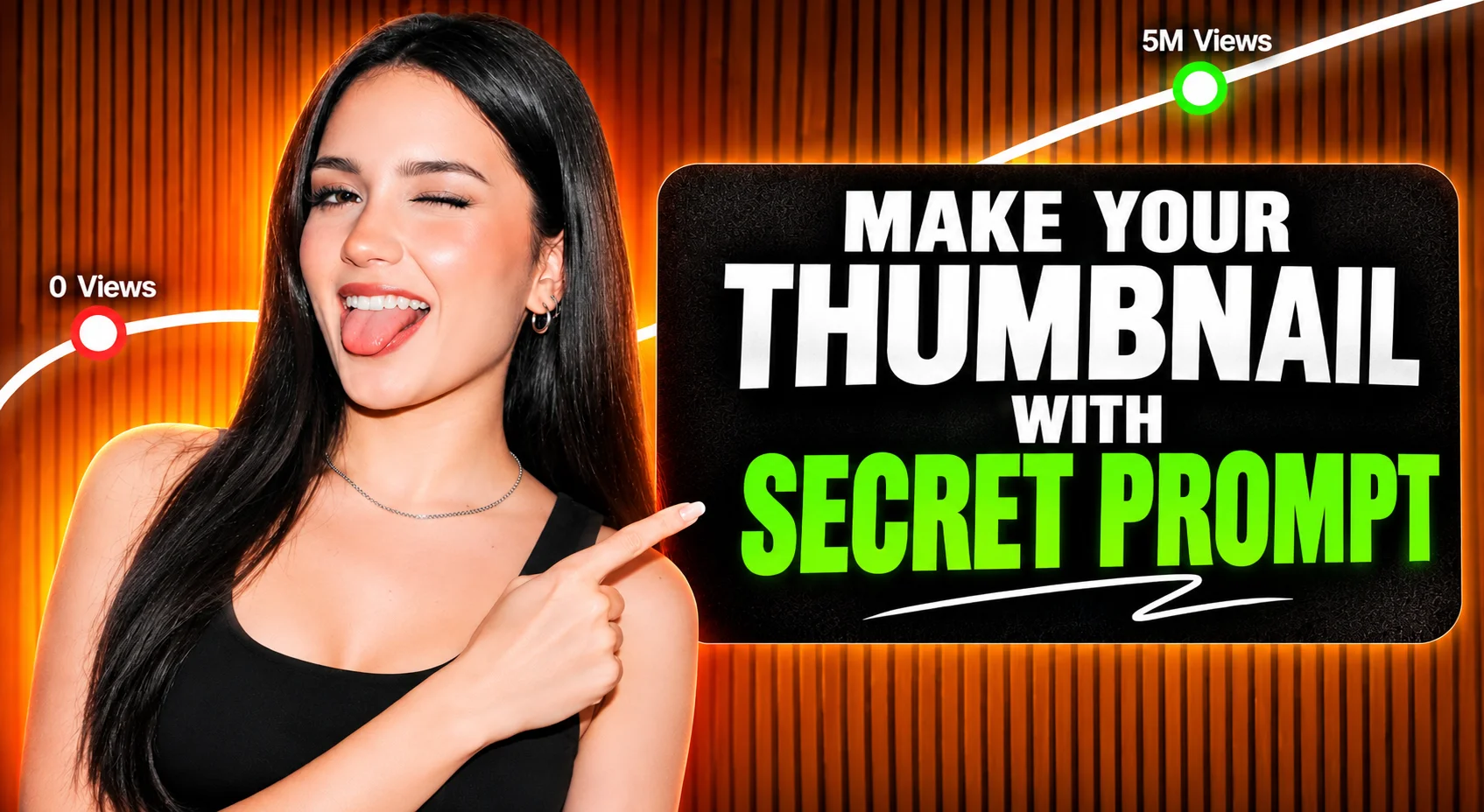
The Secret AI Prompt for 10M+ View Thumbnails
Struggling to get views on your videos? In this video, discover the exact AI prompt used to create viral, high CTR YouTube thumbnails that scale channels from zero to millions of views. Learn how to stop the scroll, craft irresistible visual hooks, and skyrocket your click-through rate without spending hours designing.
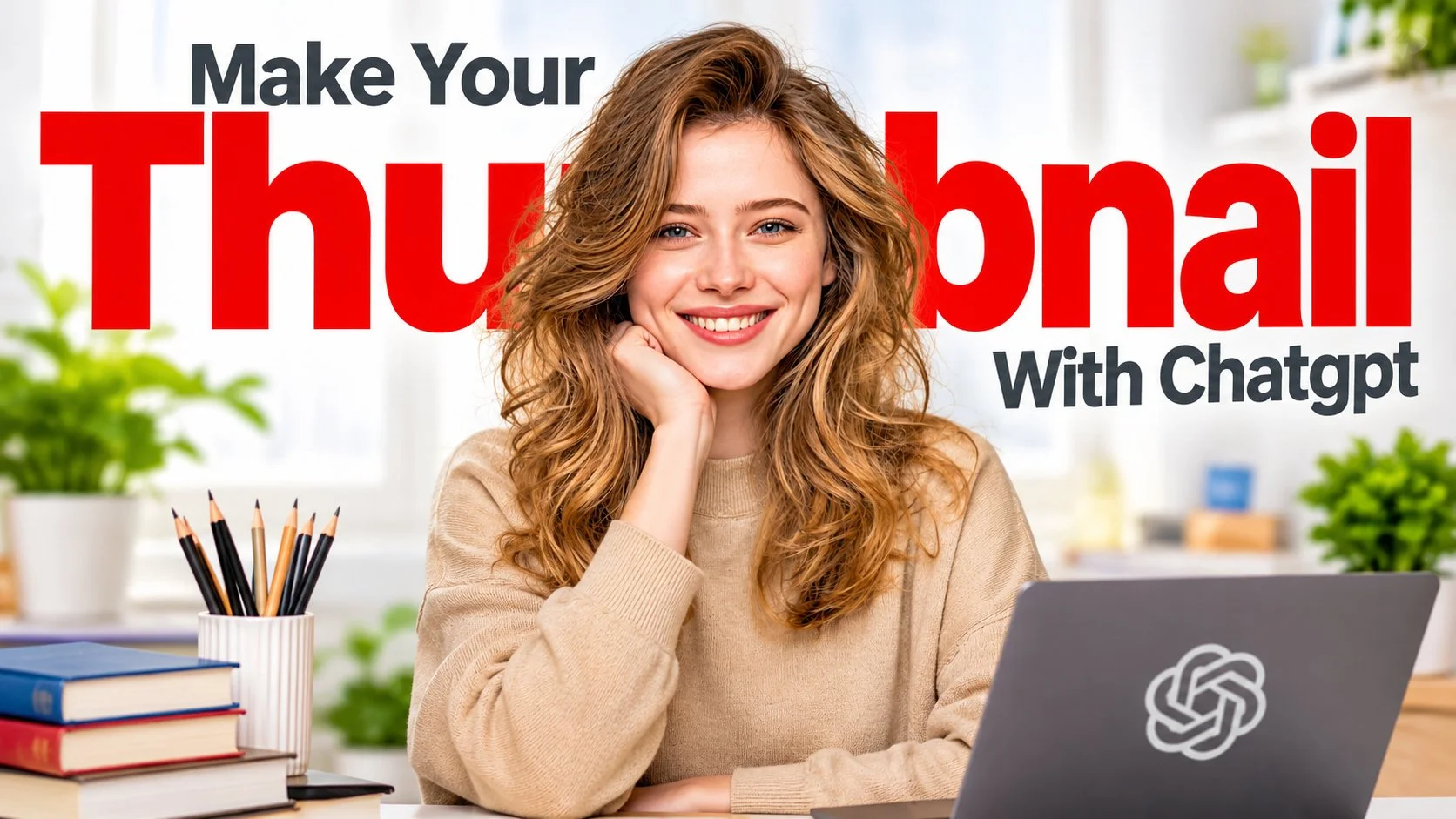
How to Make High CTR Thumbnails Using ONLY ChatGPT
You no longer need expensive design software or Photoshop skills to create professional YouTube thumbnails. In this step by step guide, learn how to use ChatGPT to generate click-worthy thumbnail concepts, layouts, and visuals that drive massive traffic to your videos. Create a high quality, photorealistic YouTube thumbnail in a modern educational, productivity, and personal brand style reusable for any topic, with a big red headline behind the subject.

How to Make Viral Thumbnails in 60 Seconds Secret Prompt
Stop designing thumbnails the slow, manual way. In this tutorial, discover the ultimate AI workflow combining ChatGPT and Midjourney to generate eye catching, high converting thumbnail graphics in seconds. Copy this secret prompt formula to instantly upgrade your visual branding. Create an ultra high quality, photorealistic YouTube thumbnail in a premium finance, trading, business, and educational personal brand style headline left, subject centre, floating topic objects right.
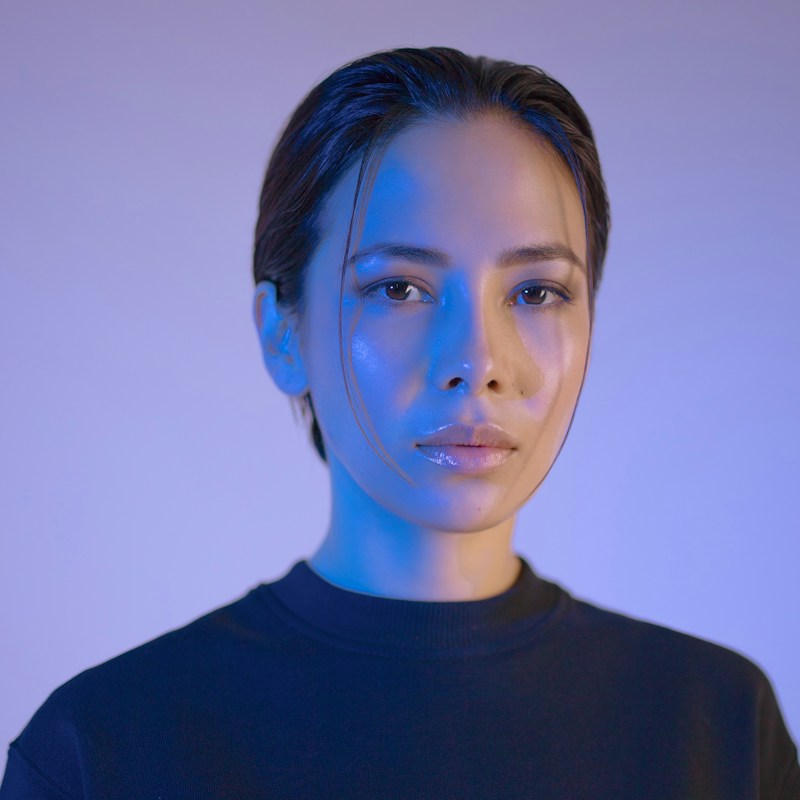
Hyper-Realistic Studio Portraits
A square, shoulders-up close portrait of a young woman looking straight into the camera, with her face centered in the frame. Her dark hair is short, slicked back with a wet look, and a few thin loose strands fall across her forehead and cheek. Her expression is calm, neutral, and serious, with glossy lips and dewy skin that shows realistic, sharp texture. A strong electric blue gel light from the left washes her face in a cool glow, while the right side falls into soft shadow with a faint warm tone. The background is a smooth lavender-periwinkle gradient, and she wears a dark navy crewneck sweatshirt. The overall feel is editorial, futuristic, and quiet, like high-end fashion and beauty photography.


Movie storyboard generation
Input the initial frame photo, AI can generate subsequent frame photos, which you can edit as needed to create a movie storyboard that meets your needs. Next, use our picture-to-video function to generate a coherent video from each frame without changing the characters, for the production of a completely high-quality movie.
Cyberpunk & Sci-Fi Landscapes
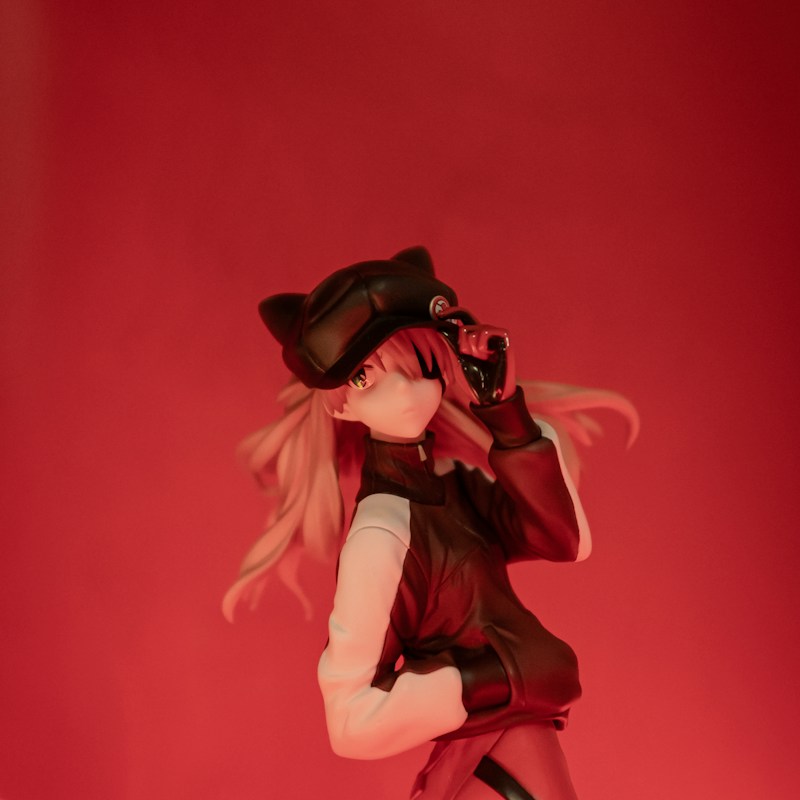
A square, portrait-style product photograph of an anime collectible figure placed in the center of the frame, with plenty of empty red space above. The figure is a girl with long strawberry-blonde and peach hair swept sideways as if by wind. She wears a black newsboy cap with small cat ears and an eyepatch over one eye, while the other eye is golden-amber. Her right hand touches the brim of her cap and her left hand is tucked in her jacket pocket, with her body slightly tilted in a confident pose. She wears a black and white color-block track jacket, dark gloves, and red-maroon trousers. The entire scene is bathed in deep crimson red gel lighting that casts a soft warm glow on her face and hair, and the background is softly blurred. The mood is moody, cinematic, and edgy.