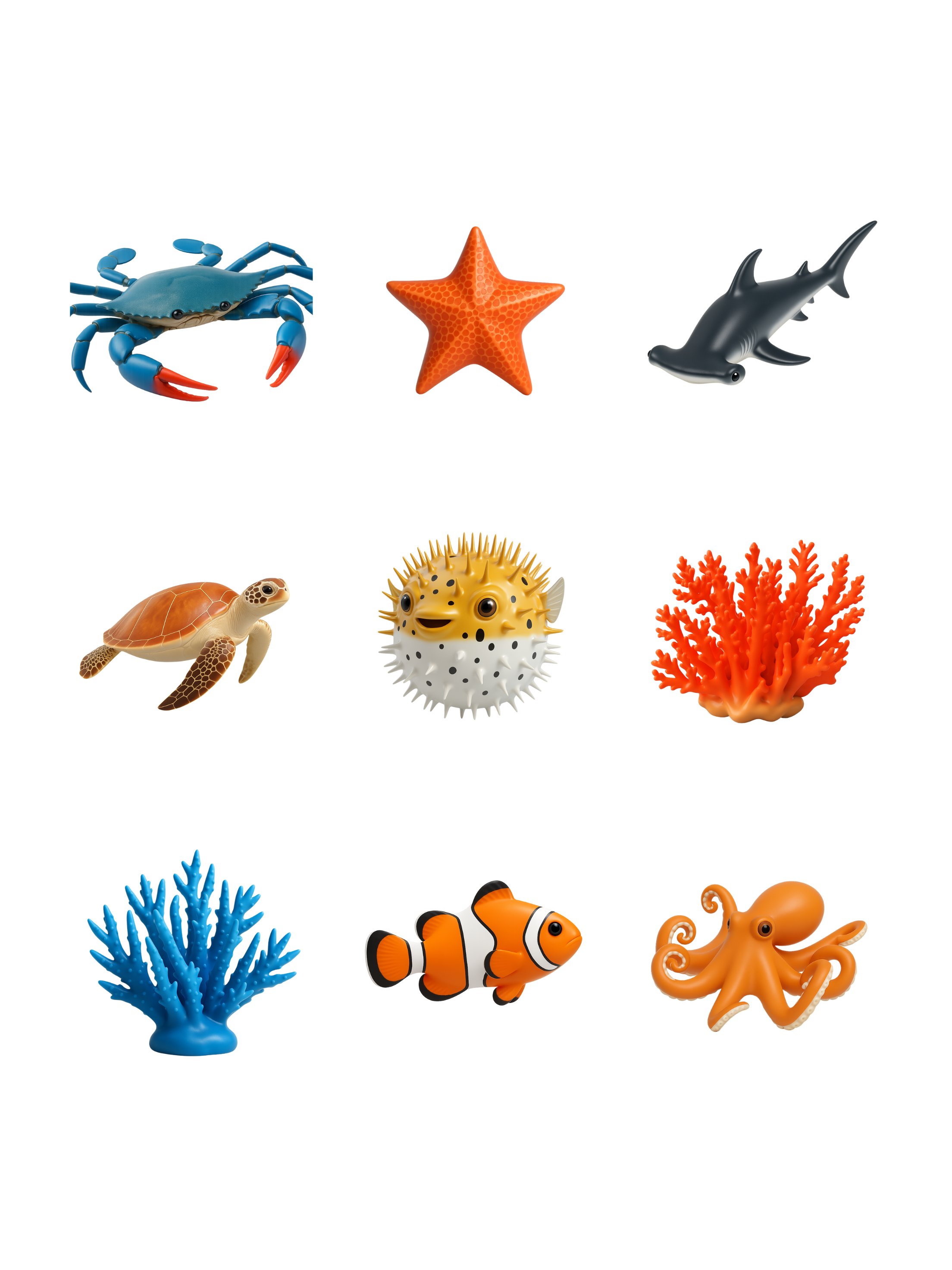
Get Icons With Transparent Backgrounds
Retexture images with this AI image prompt, achieving a Transparent Studio Render with smooth transitions and subtle lighting.
 ChatGPT
What This Prompt Does
- ●Transforms the attached image into a transparent studio render with a focus on preserving the original object's shape.
- ●Applies studio-style lighting and smooth textures to enhance the object's visual appeal.
- ●Ensures the object's primary color is the focal point, with boosted saturation and contrast for clarity.
Tips for This Prompt
- ●Ensure your image is high-resolution for optimal retexturing results.
- ●Consider using bold and high-contrast branding elements for a striking visual impact.
- ●Use the JSON prompt to guide the AI in creating a transparent studio render with enhanced textures.
How to Use the Prompt
- ●Step 1: Attach your image.
- ●Step 2: Run the JSON prompt above.
The Prompt
Retexture the image attached based on the JSON below
{
  "style_name": "Transparent Studio Render",
  "visual_rules": {
    "form": {
      "shape": "preserve original object shape",
      "outline": "no outlines, use smooth geometry transitions and bevels"
    },
    "lighting": {
      "style": "studio-style 3-point lighting or soft HDRI setup",
      "highlight": "subtle specular highlights for semi-matte plastic or coated surfaces",
      "shadow": "soft drop shadow directly beneath the object, cast on a translucent floor plane"
    },
    "texture": {
      "surface": "smooth or lightly textured based on object, clean shader setup with minimal noise",
      "branding": "bold and high-contrast, treated as printed decals or sticker-style labels"
    },
    "material": {
      "finish": "semi-matte or satin shader, mimicking printed plastic or coated materials"
    },
    "color_handling": {
      "strategy": "make the object's primary color the focal point",
      "enhancement": "slightly boosted saturation and contrast for clean product visualization"
    },
    "background": {
      "type": "fully transparent (alpha channel)",
      "shadow": "optional soft drop shadow directly beneath the object to ground it visually"
    }
  },
  "rendering": {
    "camera_angle": "centered front view or slightly elevated for dimensional clarity",
    "depth_of_field": "neutral or slightly shallow to keep object fully sharp",
    "background_blur": "none, background remains transparent"
  }
}
Related AI Prompts
Discover more high-performing prompts in Design
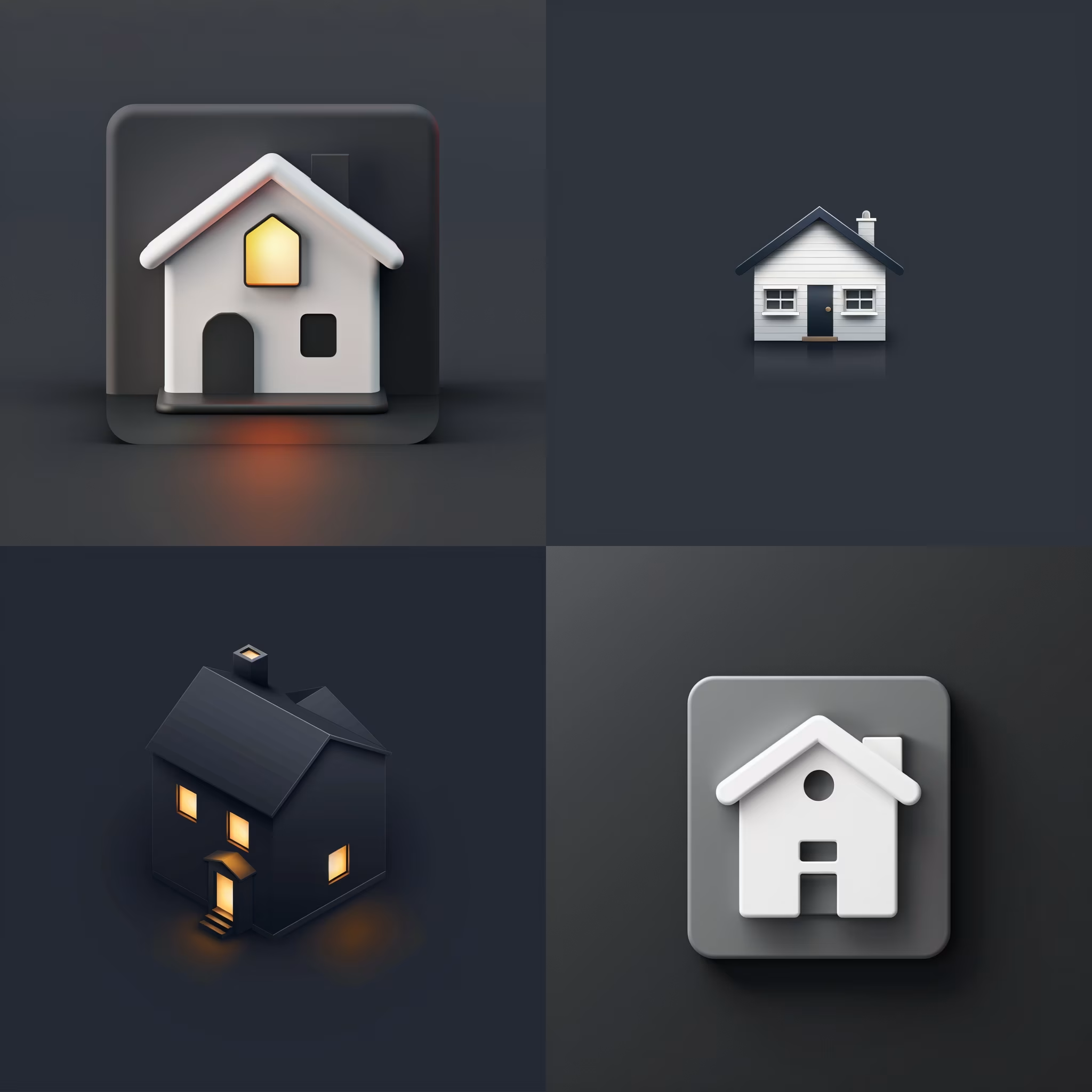
Create Icon Design Concepts
Design killer icons with this AI image prompt, using your chosen style and colors for a unique look.

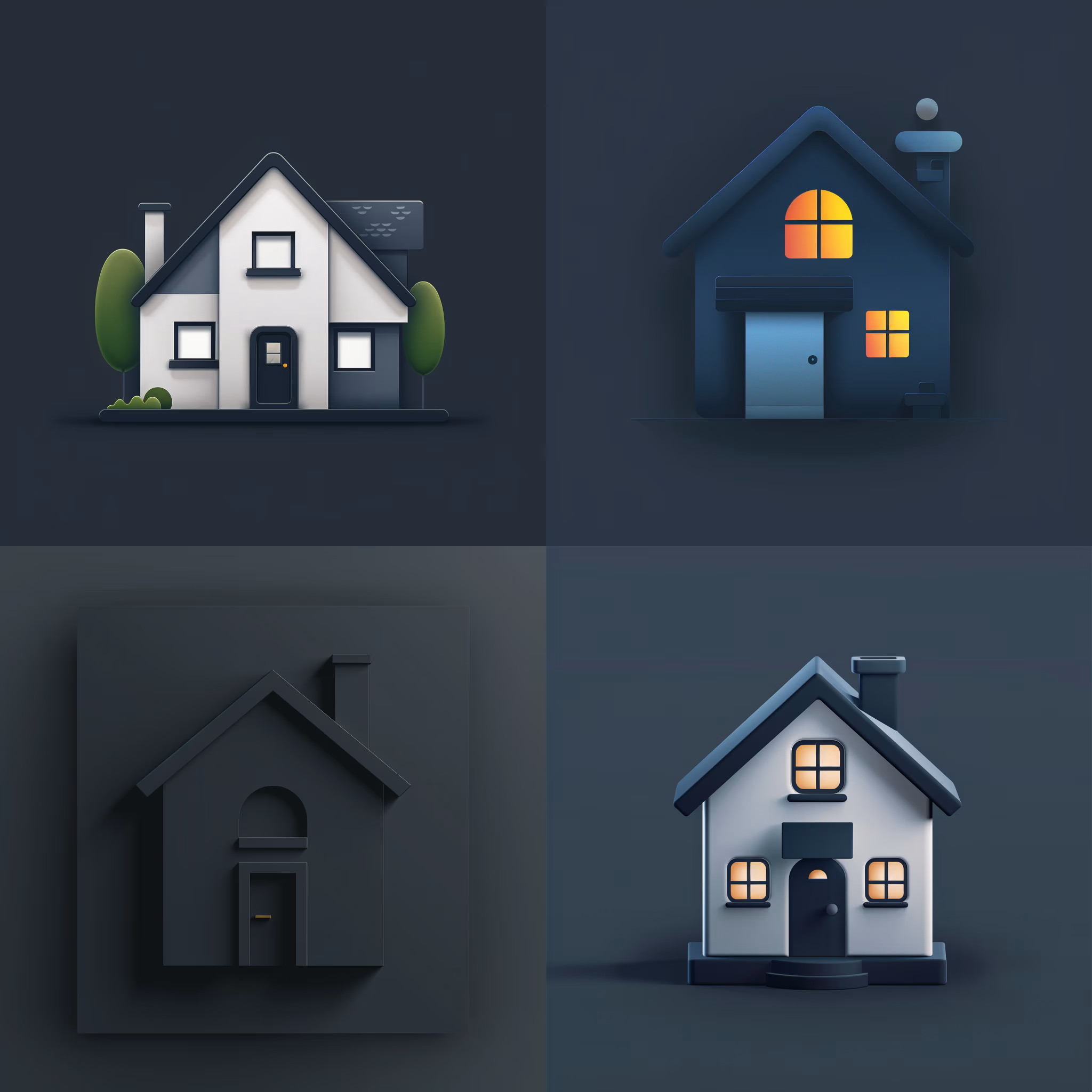
Generate Icon Designs
Design killer icons with this AI image prompt, using your chosen style and colors for a stunning visual impact.
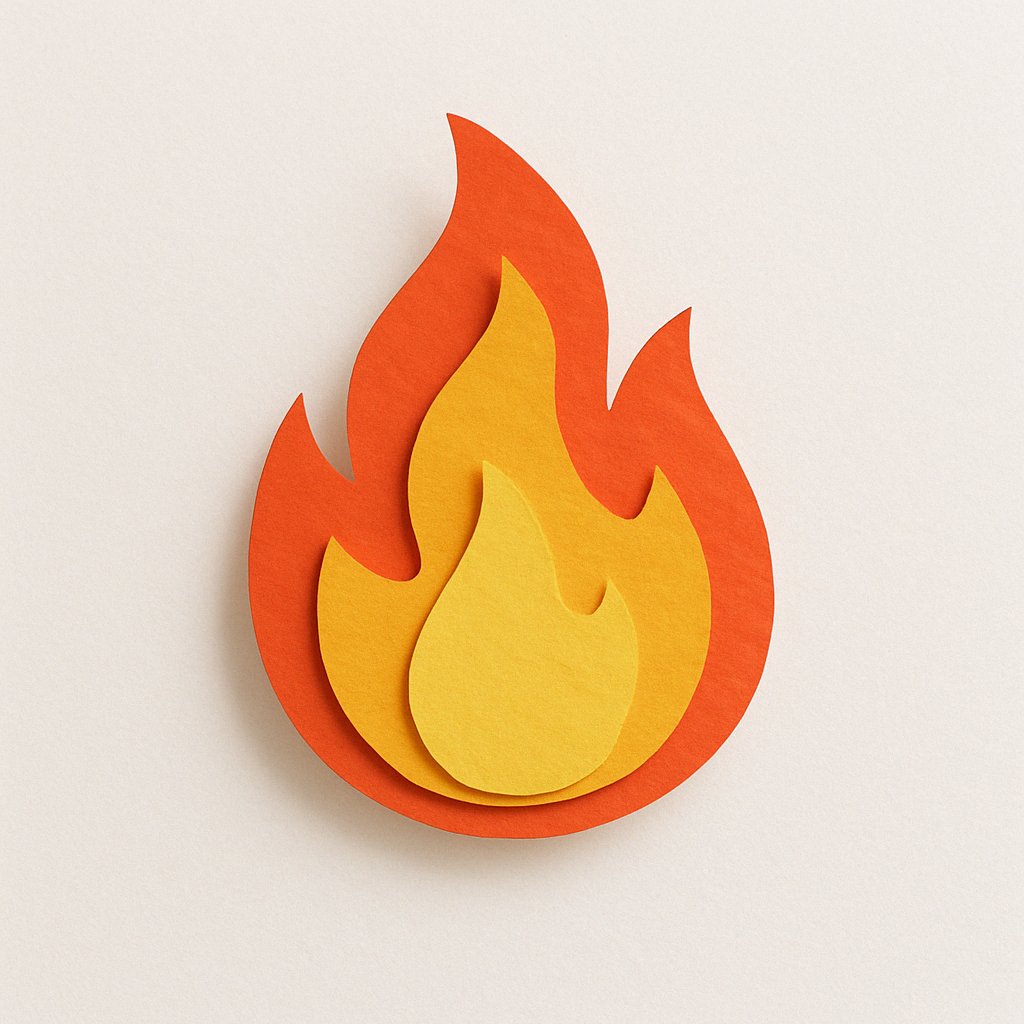
Create Paper Craft Icons
Create a playful paper craft-style AI image prompt with a colorful, textured emoji logo on a white background.
Create Custom Icons
Design jaw-dropping icons with this AI image prompt, using specific styles and color schemes for standout visuals.
Get Retro Pixel Icons
Transform your images with this AI image prompt, retexturing them into retro pixel UI icons with vibrant colors and outlines.
Get Playful Chunky 3D Icons
Retexture images with this AI image prompt, transforming them into a playful chunky 3D aesthetic with stylized overlays.