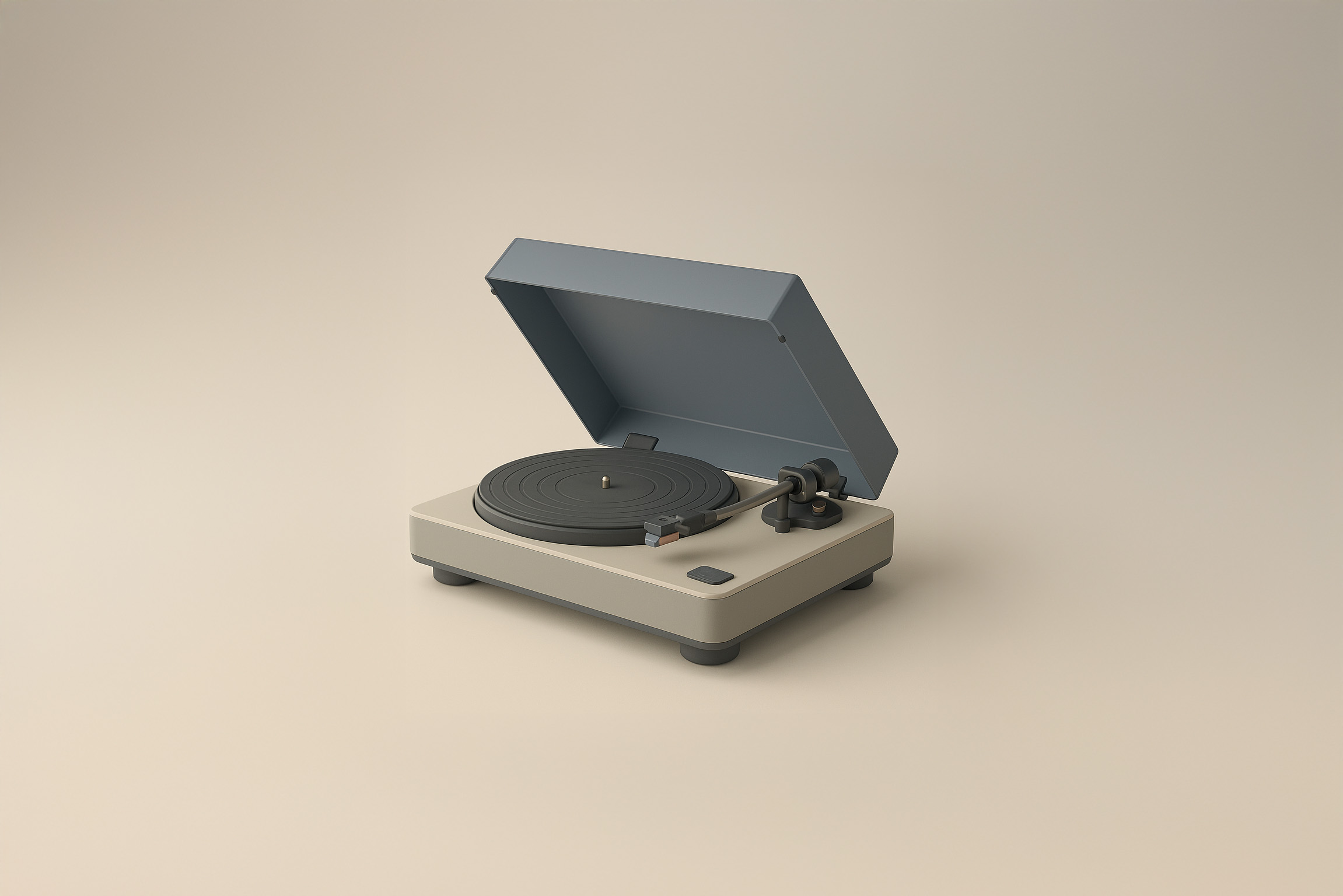
Get Matte Studio Icons
Transform your images with this AI image prompt, achieving a Matte Studio Hybrid Retexture with precision and style.
 ChatGPT
What This Prompt Does
- ●Applies a Matte Studio Hybrid Retexture to the image, enhancing its surface with a blend of soft-touch matte plastic and brushed metal.
- ●Utilizes a diffused softbox lighting setup to create soft highlights and light drop shadows, adding depth and realism.
- ●Generates a high-fidelity catalog render with a clean studio gradient background, ensuring sharp object clarity and a soft backdrop.
Tips for This Prompt
- ●Ensure your logo is high-resolution on transparent background for accurate color preservation in the retexture process.
- ●Consider adding optional branding elements like minimal or embossed detailing for a personalized touch.
- ●Use the JSON prompt to guide the AI in creating a realistic product-style image with a balanced contrast between materials.
How to Use the Prompt
- ●Step 1: Attach your image.
- ●Step 2: Run the JSON prompt above.
The Prompt
Retexture the image attached based on the JSON below
{
  "style_name": "Matte Studio Hybrid Retexture",
  "retexture_mode": "shape_lock",
  "object_analysis": {
    "preserve_silhouette": true,
    "geometry_sensitive_mapping": true,
    "detail_retention": "highlight seams, contours, curves, surface transitions"
  },
  "material_properties": {
    "base_material": [
      "soft-touch matte plastic",
      "brushed metal",
      "smooth composite shell",
      "perforated mesh",
      "rubberized surface zones"
    ],
    "surface_finish": "semi-matte to satin finish with occasional gloss accents",
    "texture_behavior": "subtle paneling, clean edges, balanced contrast between materials",
    "branding_elements": "minimal or embossed detailing, optional logo placement",
    "color_palette": {
      "primary": ["graphite", "off-white", "matte beige", "cool gray"],
      "accents": ["soft taupe", "muted bronze", "pastel blue", "dusty red"]
    }
  },
  "lighting": {
    "type": "diffused softbox",
    "intensity": "medium-bright",
    "highlight_behavior": "soft highlights along curves and angles",
    "shadow_behavior": "light drop shadows with smooth edges under and behind object"
  },
  "background": {
    "style": "clean studio gradient",
    "color": "beige to light gray or fog white",
    "depth": "shallow with smooth fade into background"
  },
  "rendering": {
    "type": "product-style realism",
    "camera_angle": "front-facing or slightly top-down",
    "focus_mode": "sharp object clarity, soft backdrop",
    "resolution_style": "high-fidelity catalog render with clean separation"
  }
}
Related AI Prompts
Discover more high-performing prompts in Design
Create Icon Design Concepts
Design killer icons with this AI image prompt, using your chosen style and colors for a unique look.

Generate Icon Designs
Design killer icons with this AI image prompt, using your chosen style and colors for a stunning visual impact.
Create Paper Craft Icons
Create a playful paper craft-style AI image prompt with a colorful, textured emoji logo on a white background.
Create Custom Icons
Design jaw-dropping icons with this AI image prompt, using specific styles and color schemes for standout visuals.
Get Retro Pixel Icons
Transform your images with this AI image prompt, retexturing them into retro pixel UI icons with vibrant colors and outlines.
Get Playful Chunky 3D Icons
Retexture images with this AI image prompt, transforming them into a playful chunky 3D aesthetic with stylized overlays.