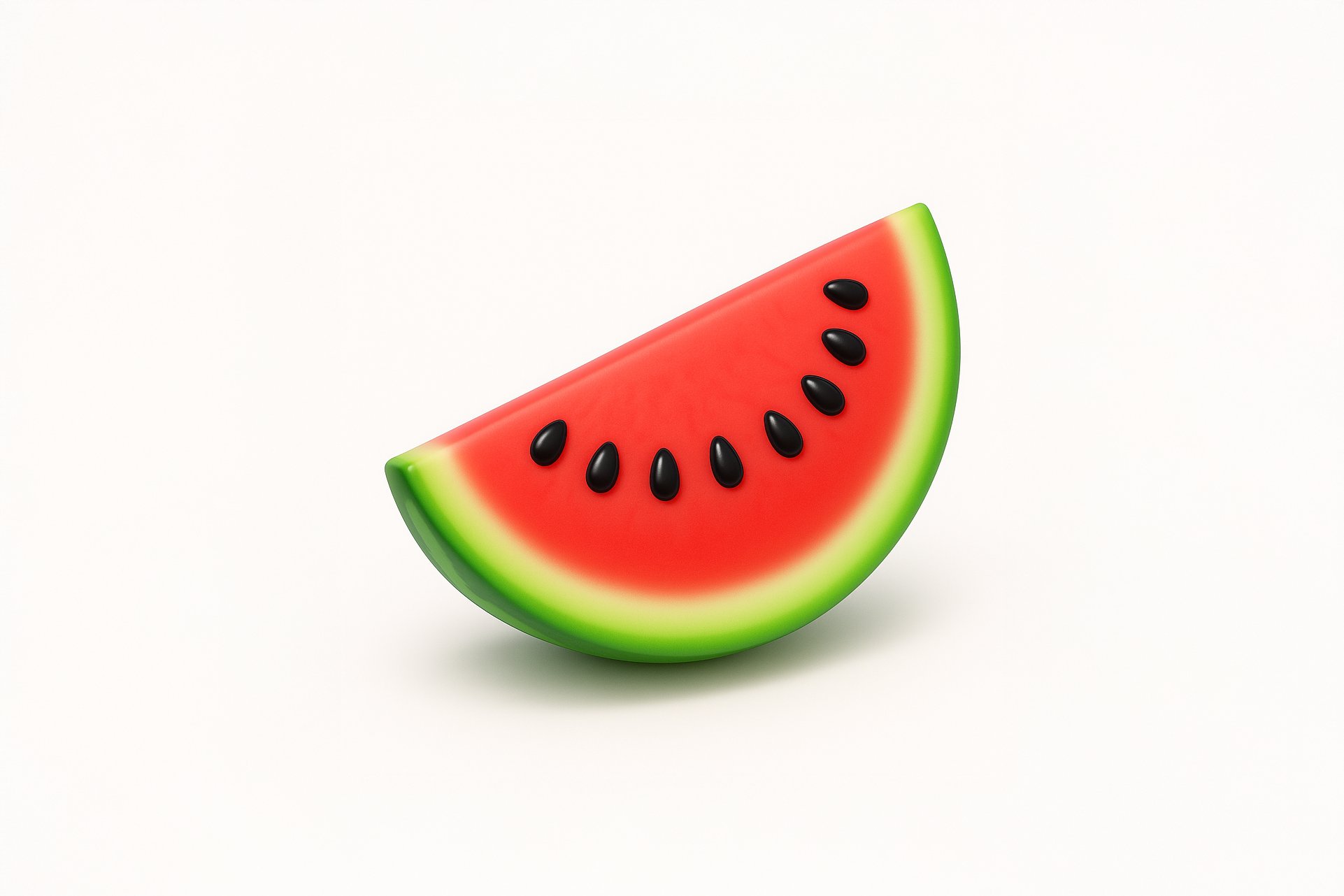
Get Playful 3D Icons
Transform your images with this AI image prompt, retexturing them into playful 3D renders with vibrant, digital looks.
 ChatGPT
What This Prompt Does
- ●Applies a playful 3D render style to the attached image, enhancing its visual appeal.
- ●Utilizes soft gradients and gentle highlights to create a smooth, realistic texture.
- ●Preserves and enhances the subject's natural color for a vibrant, digital look.
Tips for This Prompt
- ●Ensure your image is high-resolution for optimal retexturing results.
- ●Consider the playful 3D render style when selecting images, focusing on objects with rounded, clean shapes.
- ●Use the JSON prompt to guide the AI in applying the specified visual rules and color handling.
How to Use the Prompt
- ●Step 1: Attach your image.
- ●Step 2: Run the JSON prompt above.
The Prompt
Retexture the image attached based on the JSON below
{
  "style_name": "Playful 3D Render",
  "visual_rules": {
    "form": {
      "shape": "rounded and clean, slightly exaggerated to look playful and appealing",
      "outline": "no dark outlines, softly blended edges"
    },
    "lighting": {
      "gloss": "gentle highlights to create a plastic or waxy effect",
      "shadow": "soft drop shadow below the object to suggest depth on white surface"
    },
    "texture": {
      "surface": "smooth, minimal fine texture, use soft gradients for realism",
      "detail": "essential forms like veins, grooves, or stem textures included but simplified"
    },
    "background": {
      "type": "solid white",
      "shadow": "subtle base shadow to ground the object"
    },
    "color_handling": {
      "strategy": "preserve and enhance the subject’s natural color",
      "enhancement": "slightly saturated for a vibrant, digital look"
    }
  },
  "color_palette": "adaptive – determined by the input object"
}
Related AI Prompts
Discover more high-performing prompts in Design
Create Icon Design Concepts
Design killer icons with this AI image prompt, using your chosen style and colors for a unique look.

Generate Icon Designs
Design killer icons with this AI image prompt, using your chosen style and colors for a stunning visual impact.
Create Paper Craft Icons
Create a playful paper craft-style AI image prompt with a colorful, textured emoji logo on a white background.
Create Custom Icons
Design jaw-dropping icons with this AI image prompt, using specific styles and color schemes for standout visuals.
Get Retro Pixel Icons
Transform your images with this AI image prompt, retexturing them into retro pixel UI icons with vibrant colors and outlines.
Get Playful Chunky 3D Icons
Retexture images with this AI image prompt, transforming them into a playful chunky 3D aesthetic with stylized overlays.