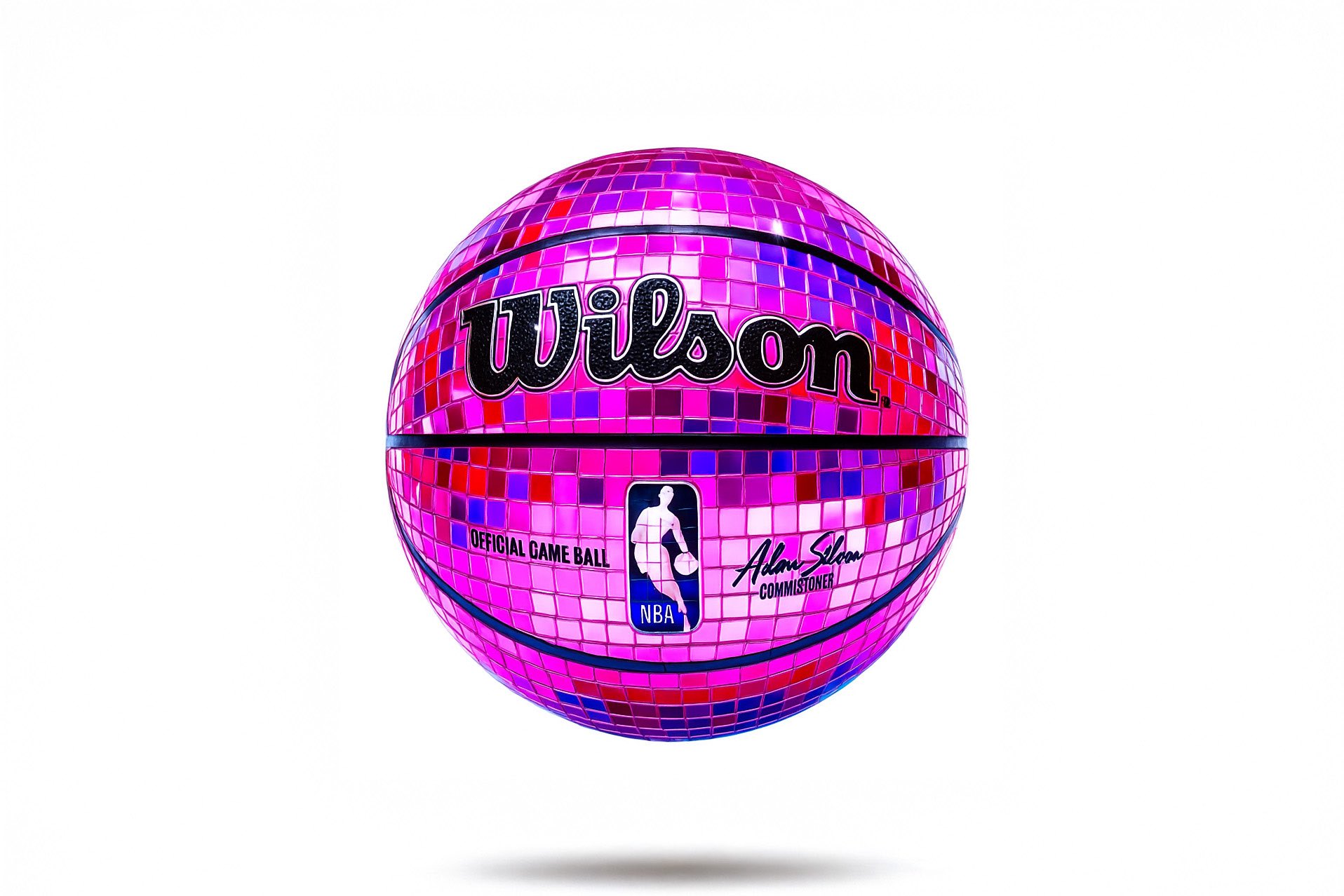
Get Pop Art Flair Icons
Retexture your images with this AI image prompt, transforming them into hyper-realistic surreal glam with pop-art flair.
 ChatGPT
What This Prompt Does
- ●Transforms the attached image into a hyper-realistic surreal glam style with a pop-art flair.
- ●Applies a mirror-tile mosaic texture with vibrant color transitions and glossy reflections.
- ●Enhances the image with studio lighting and a minimalist composition for dramatic effect.
Tips for This Prompt
- ●Ensure your image is high-resolution for the best retexturing results.
- ●Consider using bold color palettes and exaggerated proportions to emphasize the surreal glam style.
- ●Use the JSON prompt to guide the AI in creating a hyper-realistic, pop-art inspired retexture.
How to Use the Prompt
- ●Step 1: Attach your image.
- ●Step 2: Run the JSON prompt above.
- ●Step 3: Enjoy the hyper-realistic retextured image.
The Prompt
Retexture the image attached based on the JSON below
{
  "style": "hyper-realistic surreal glam with pop-art flair",
  "geometry": {
    "shape": "natural curves with exaggerated proportions",
    "edges": "smooth and rounded",
    "scale": "slightly oversized for dramatic effect",
    "detailing": "clean, highly defined surface transitions"
  },
  "material": {
    "base": "mirror-tile mosaic",
    "texture": "highly reflective, tiled disco ball surface",
    "finish": "glossy, with sharp light reflections and metallic highlights"
  },
  "design_elements": {
    "surface_effects": "mirror reflections, vibrant color transitions, mosaic tiling",
    "accent_elements": "optional glowing highlights or subtle sparkles",
    "aesthetic_inserts": "pop-art color palettes with bold gradients"
  },
  "color_scheme": {
    "primary": ["#ff0033", "#e60073", "#ff66cc"],
    "accents": ["#9900ff", "#ffffff", "#cc0000"],
    "background": "#ffffff",
    "contrast": "high, with bold pops of color against clean backdrops"
  },
  "lighting": {
    "type": "studio lighting with soft shadows",
    "direction": "top-left",
    "intensity": "medium-high",
    "reflections": "mirror highlights from glossy surfaces"
  },
  "composition": {
    "layout": "centered object with isolated background",
    "orientation": "angled to highlight curves and gloss",
    "environment": "minimalist studio setup"
  },
  "rendering": {
    "engine": "C4D-style hyper-real render",
    "resolution": "high",
    "focus": "sharp detail on object, smooth background blur"
  }
}
Related AI Prompts
Discover more high-performing prompts in Design
Create Icon Design Concepts
Design killer icons with this AI image prompt, using your chosen style and colors for a unique look.

Generate Icon Designs
Design killer icons with this AI image prompt, using your chosen style and colors for a stunning visual impact.
Create Paper Craft Icons
Create a playful paper craft-style AI image prompt with a colorful, textured emoji logo on a white background.
Create Custom Icons
Design jaw-dropping icons with this AI image prompt, using specific styles and color schemes for standout visuals.
Get Retro Pixel Icons
Transform your images with this AI image prompt, retexturing them into retro pixel UI icons with vibrant colors and outlines.
Get Playful Chunky 3D Icons
Retexture images with this AI image prompt, transforming them into a playful chunky 3D aesthetic with stylized overlays.