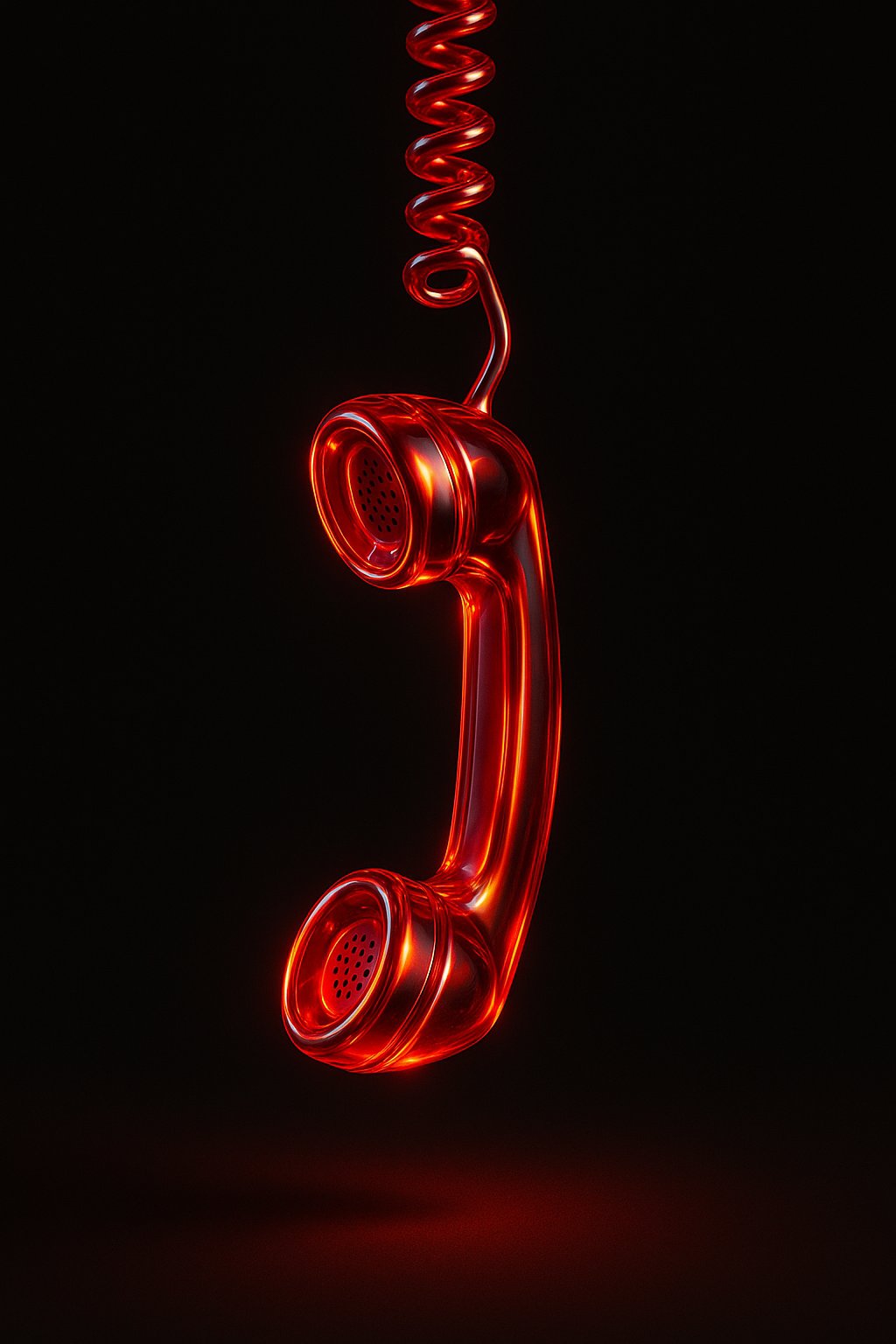
Get Red Glass Gel Icons
Transform your visuals with this AI image prompt, retexturing images into stunning transparent red glass gel icons.
 ChatGPT
What This Prompt Does
- ●Retextures the attached image into a photorealistic 3D render with a translucent glass-gel hybrid material.
- ●Applies high-intensity studio HDRI lighting with deep red, bright orange, and white accent colors.
- ●Creates a symmetrical, grid-like composition with floating objects and soft drop shadows.
Tips for This Prompt
- ●Ensure your image is high-resolution for optimal retexturing results.
- ●Consider the lighting and color scheme to enhance the photorealistic effect, focusing on deep reds and bright oranges.
- ●Use the JSON prompt to guide the AI in creating a visually striking, glossy 3D render.
How to Use the Prompt
- ●Step 1: Attach your image.
- ●Step 2: Run the JSON prompt above.
The Prompt
Retexture the image attached based on the JSON below
{
  "style": "photorealistic 3D render",
  "material": "translucent glass-gel hybrid",
  "surface_texture": "smooth, glossy with soft bevels",
  "lighting": {
    "type": "studio HDRI",
    "intensity": "high",
    "direction": "angled top-left key light and ambient fill",
    "accent_colors": ["deep red", "bright orange", "white"],
    "reflections": true,
    "refractions": true,
    "dispersion_effects": true,
    "bloom": true
  },
  "color_scheme": {
    "primary": "deep red glass",
    "secondary": "orange inner glow",
    "highlights": "white light accents",
    "rim_light": "soft orange edge lighting"
  },
  "background": {
    "color": "pure black",
    "vignette": true,
    "texture": "none"
  },
  "post_processing": {
    "chromatic_aberration": true,
    "glow": true,
    "high_contrast": true,
    "color_emphasis": ["red", "orange"],
    "sharpness": "high",
    "clarity": "crisp and reflective",
    "floating_effect": "soft glow below each object with subtle shadow blur"
  },
  "camera": {
    "angle": "isometric or straight-on top view",
    "focus": "centered composition",
    "depth_of_field": "shallow for soft background fade"
  },
  "composition": {
    "layout": "symmetrical, grid-like",
    "spacing": "even with air gaps between objects",
    "reflection": "none",
    "ground_contact": false,
    "floating": true,
    "shadow": "soft drop shadow directly below each object with blur to indicate lift"
  }
}
Related AI Prompts
Discover more high-performing prompts in Design
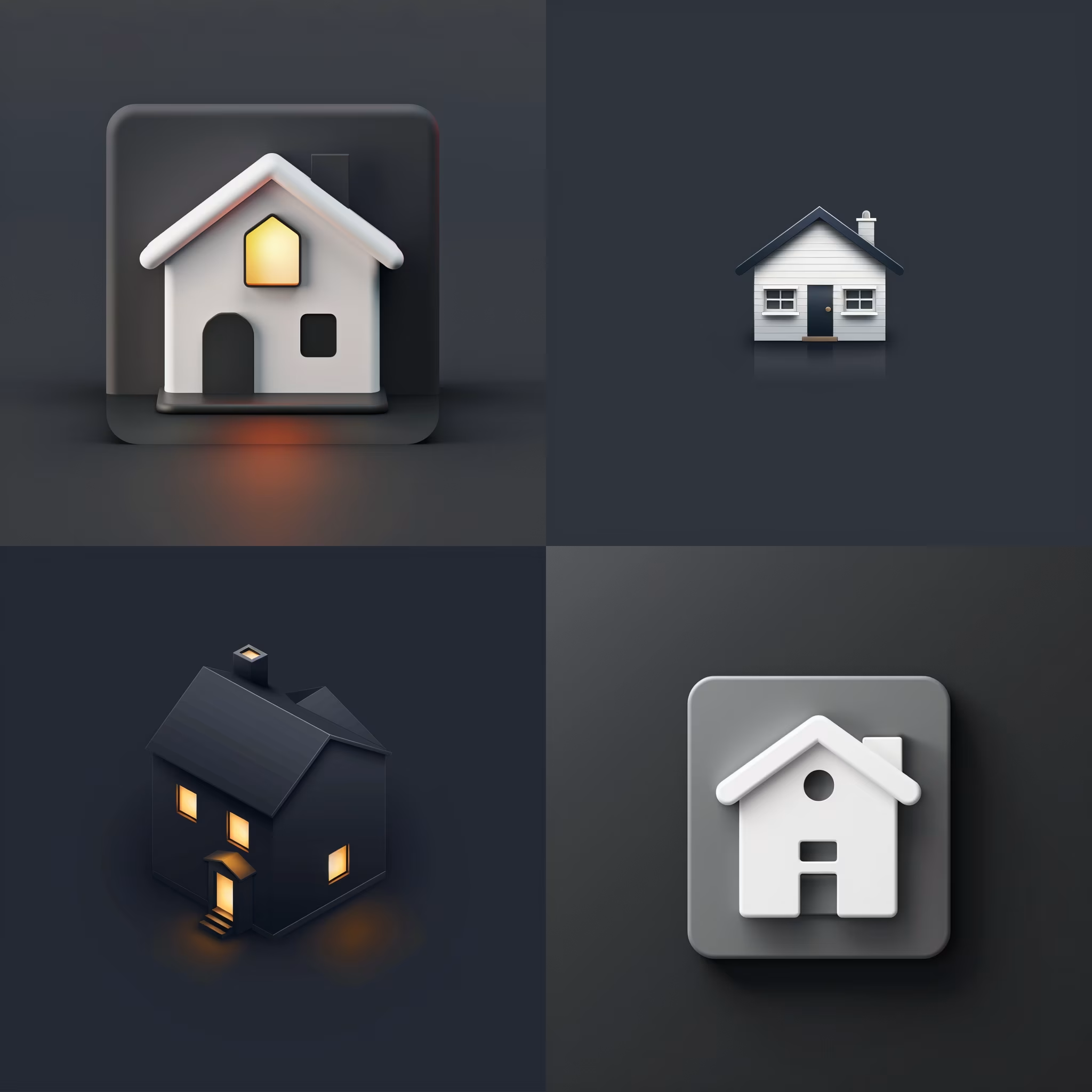
Create Icon Design Concepts
Design killer icons with this AI image prompt, using your chosen style and colors for a unique look.

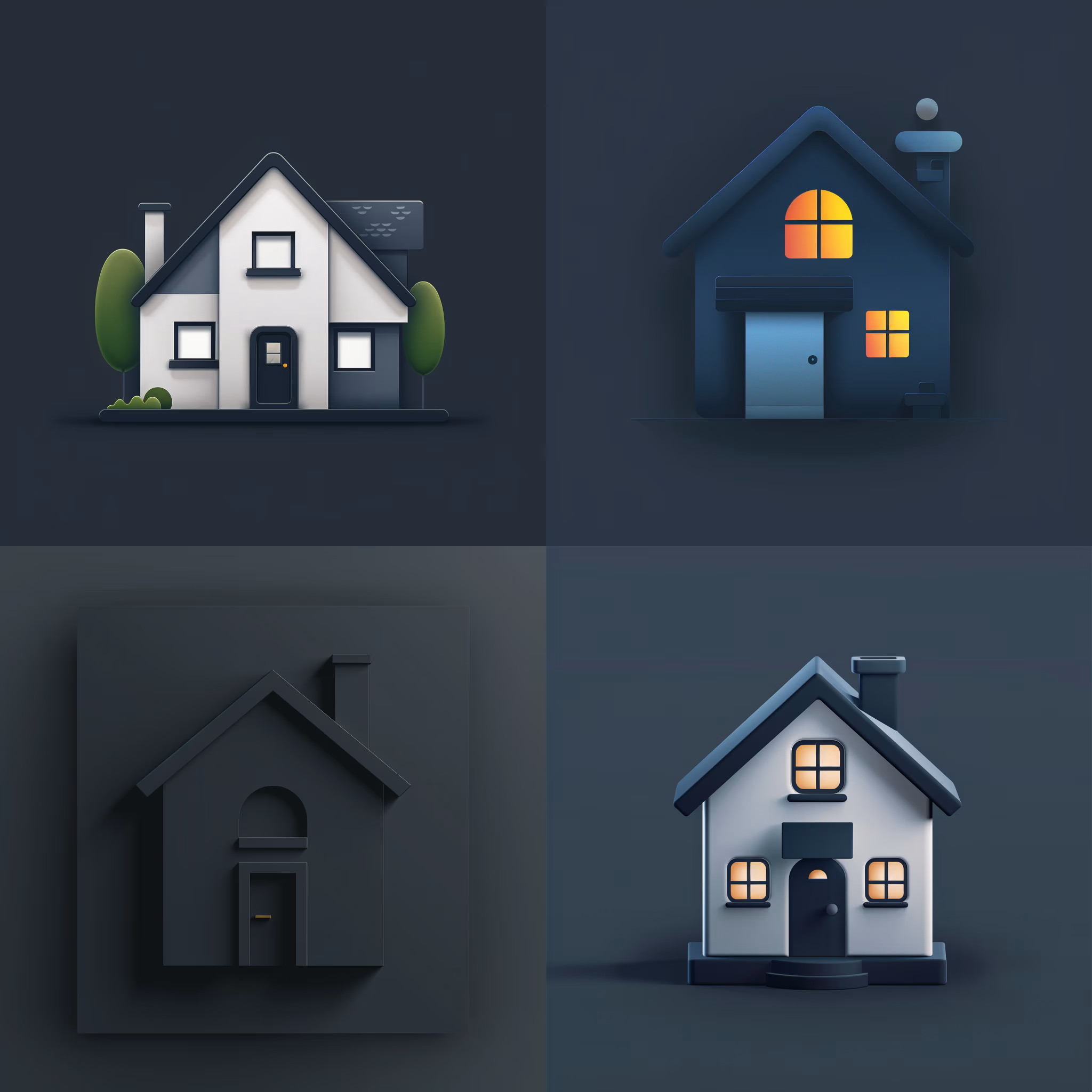
Generate Icon Designs
Design killer icons with this AI image prompt, using your chosen style and colors for a stunning visual impact.
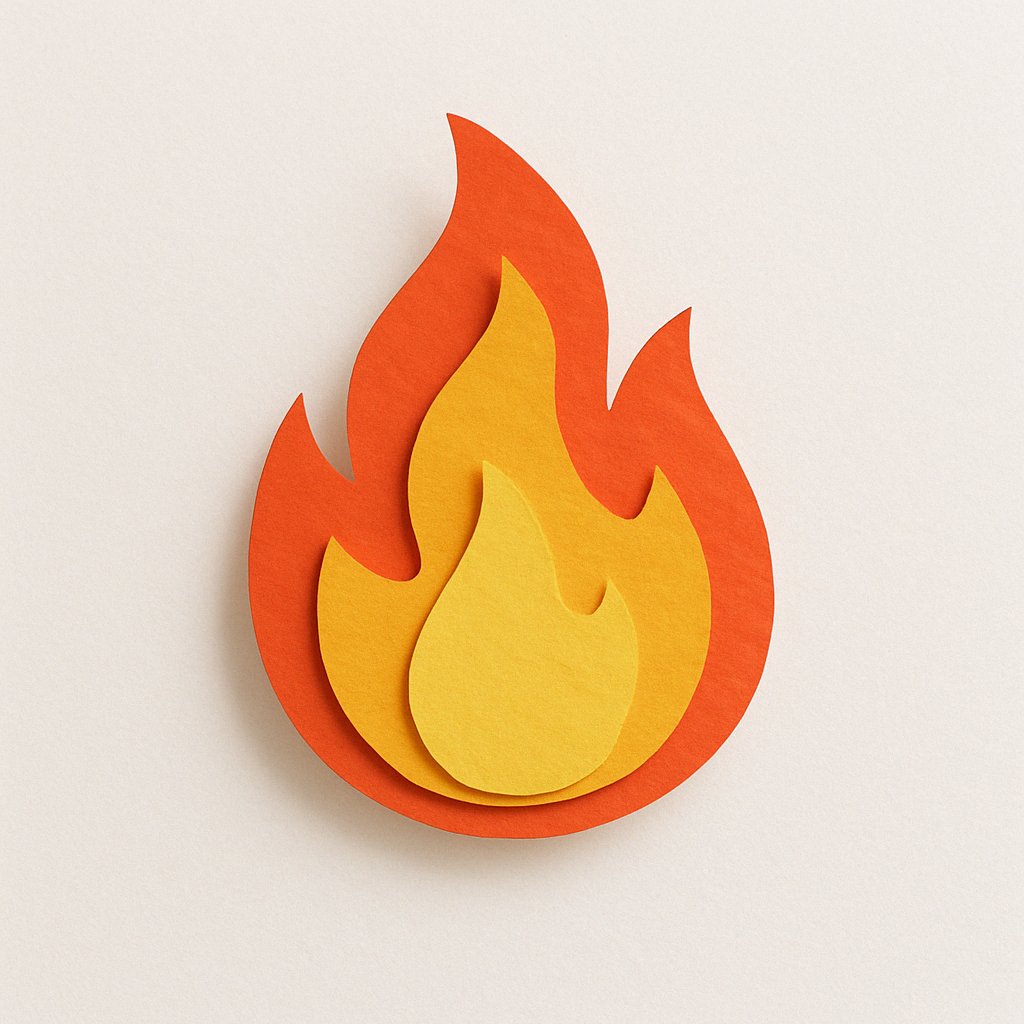
Create Paper Craft Icons
Create a playful paper craft-style AI image prompt with a colorful, textured emoji logo on a white background.
Create Custom Icons
Design jaw-dropping icons with this AI image prompt, using specific styles and color schemes for standout visuals.
Get Retro Pixel Icons
Transform your images with this AI image prompt, retexturing them into retro pixel UI icons with vibrant colors and outlines.
Get Playful Chunky 3D Icons
Retexture images with this AI image prompt, transforming them into a playful chunky 3D aesthetic with stylized overlays.