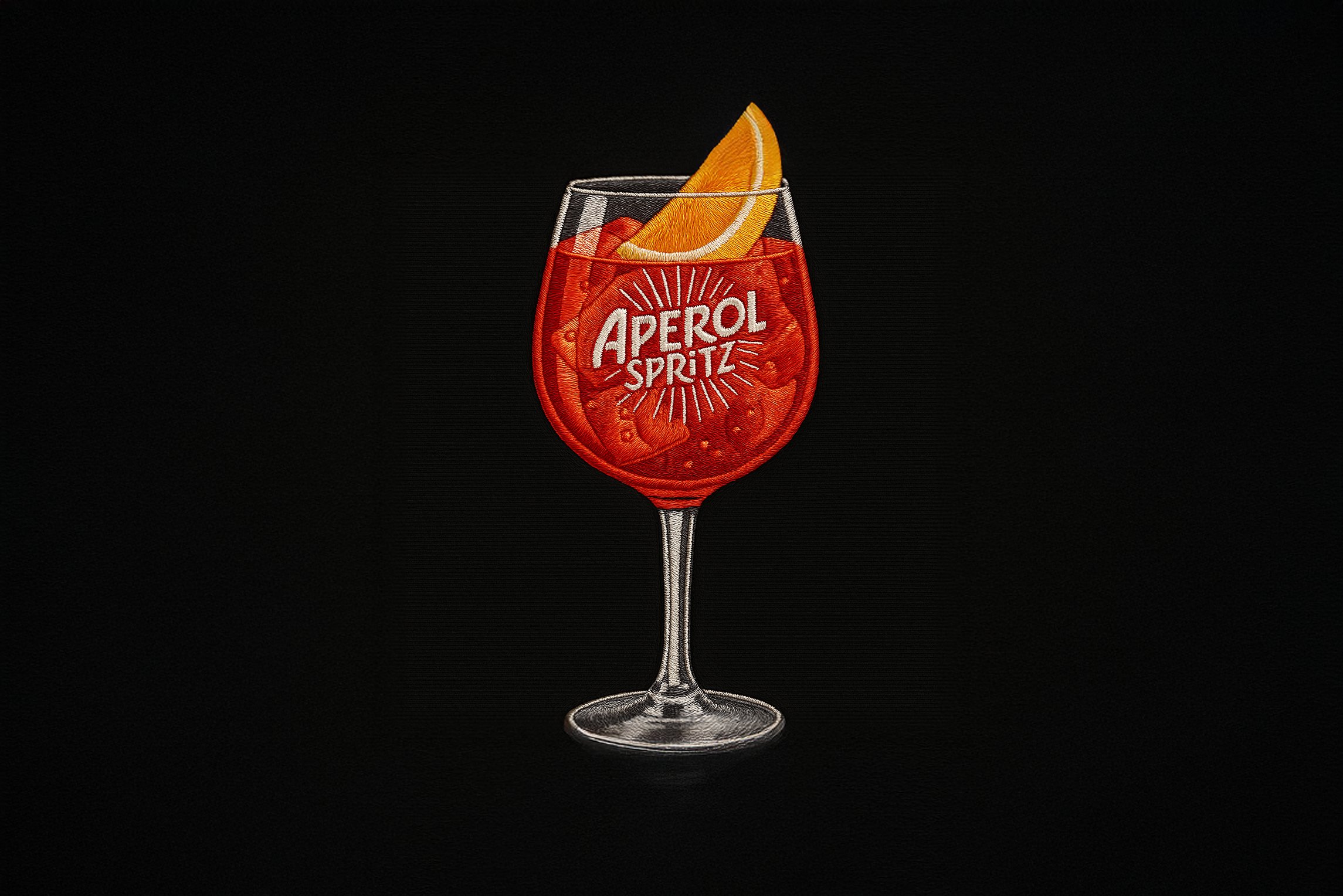
Get Satin Embroidery Patch Icons
Retexture your images with this AI image prompt, transforming them into high-fidelity satin embroidery patches.
 ChatGPT
What This Prompt Does
- ●Retextures the attached image into a high-fidelity satin embroidery patch with cartoon proportions.
- ●Utilizes vibrant colors and detailed stitching to create a realistic embroidery effect.
- ●Enhances the image with flat studio lighting and bold stitched outlines for a clean finish.
Tips for This Prompt
- ●Ensure your image is high-resolution for best retexturing results.
- ●Consider using vibrant colors from the color palette to make the embroidery pop.
- ●Use the JSON prompt to guide the AI in creating a realistic satin embroidery effect.
How to Use the Prompt
- ●Step 1: Attach your image.
- ●Step 2: Run the JSON prompt above.
- ●Step 3: Enjoy the retextured satin embroidery effect.
The Prompt
Retexture the image attached based on the JSON below
{
  "style_name": "High-Fidelity Satin Embroidery Patch",
  "retexture_mode": "shape_lock",
  "object_analysis": {
    "preserve_silhouette": true,
    "geometry_sensitive_mapping": true,
    "detail_retention": "rebuild object edges with dense satin stitch patterns and outline threadwork"
  },
  "material_properties": {
    "base_material": [
      "high-gloss satin thread",
      "dense embroidery floss",
      "tight needlepoint yarn"
    ],
    "surface_finish": "satin finish with visible thread direction and relief texture",
    "texture_behavior": "horizontal and curved thread flow that follows object contours with stitch segmentation",
    "branding_elements": "threaded logos and small fabric tags if applicable",
    "color_palette": {
      "primary": ["vibrant cherry red", "deep crimson", "canary yellow", "pure white", "charcoal black"],
      "accent": ["mustard gold", "tomato red", "cocoa brown", "lettuce green"],
      "background": ["solid matte black textile"]
    }
  },
  "lighting": {
    "type": "flat studio lighting",
    "angle": "frontal softbox mimic",
    "highlight_behavior": "mild thread glisten depending on stitch direction",
    "shadow": "tight, barely visible inner thread shadows"
  },
  "rendering": {
    "style_emphasis": "ultra-clean embroidery realism, cartoon proportions with uniform density",
    "border_treatment": "bold stitched outlines in dark thread, no drop shadow",
    "depth_emulation": "relief depth from thread buildup and stitch angles"
  },
  "post_processing": {
    "background_treatment": "pure black cloth-like texture or seamless void",
    "contrast_adjustment": "medium contrast to emphasize thread shading and texture",
    "saturation": "boosted for maximum thread color pop",
    "edge_cleanup": "stitch-only edges, no smooth graphic outlines"
  }
}
Related AI Prompts
Discover more high-performing prompts in Design
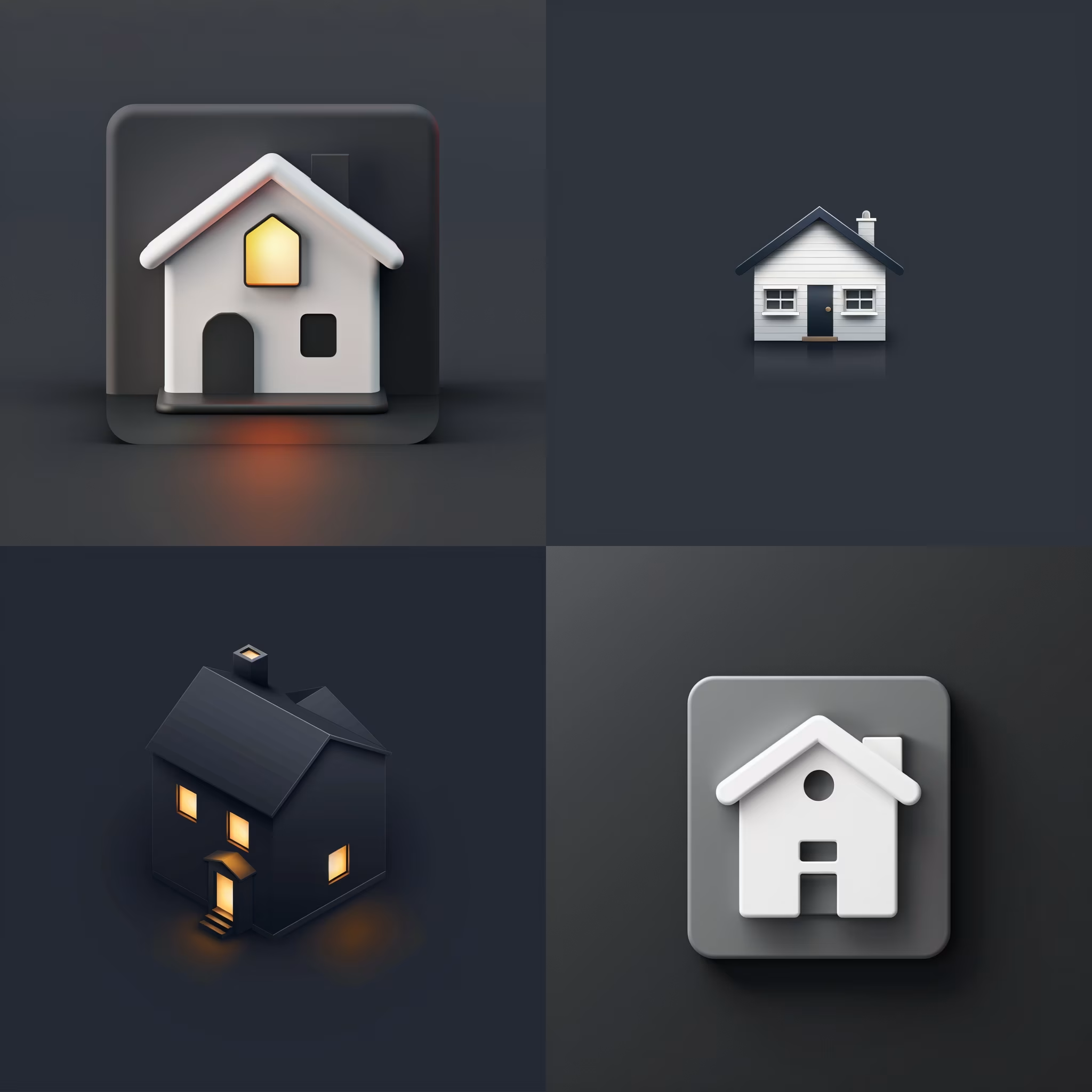
Create Icon Design Concepts
Design killer icons with this AI image prompt, using your chosen style and colors for a unique look.

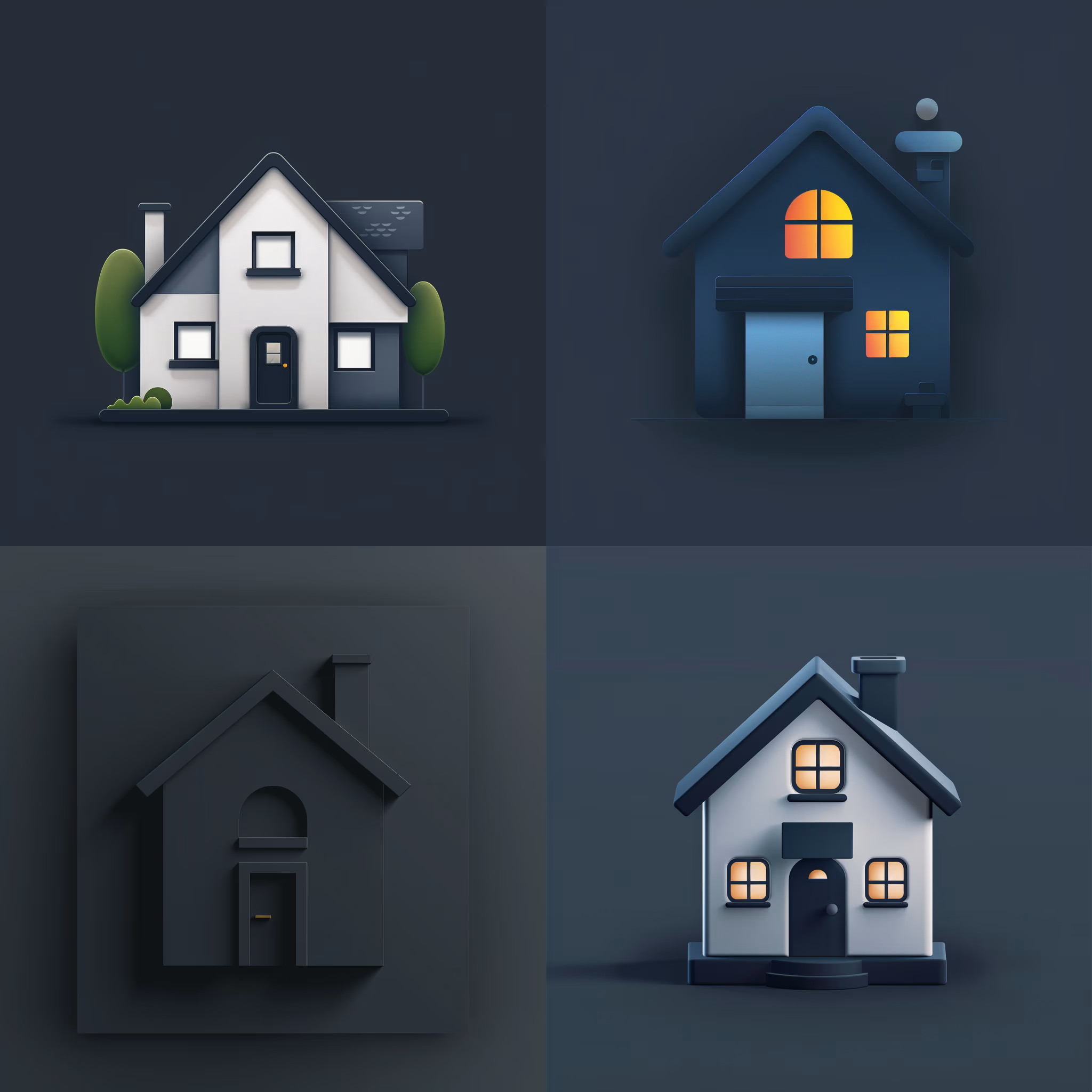
Generate Icon Designs
Design killer icons with this AI image prompt, using your chosen style and colors for a stunning visual impact.
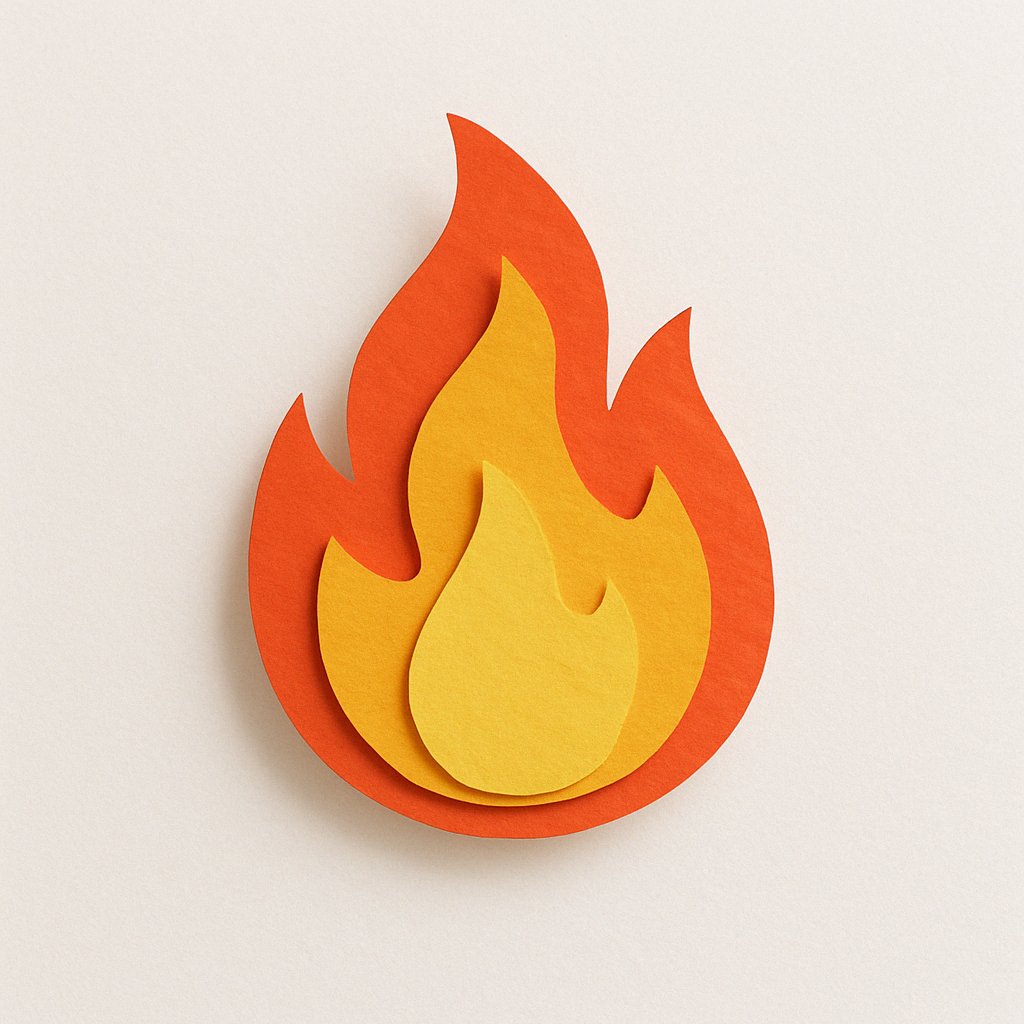
Create Paper Craft Icons
Create a playful paper craft-style AI image prompt with a colorful, textured emoji logo on a white background.
Create Custom Icons
Design jaw-dropping icons with this AI image prompt, using specific styles and color schemes for standout visuals.
Get Retro Pixel Icons
Transform your images with this AI image prompt, retexturing them into retro pixel UI icons with vibrant colors and outlines.
Get Playful Chunky 3D Icons
Retexture images with this AI image prompt, transforming them into a playful chunky 3D aesthetic with stylized overlays.