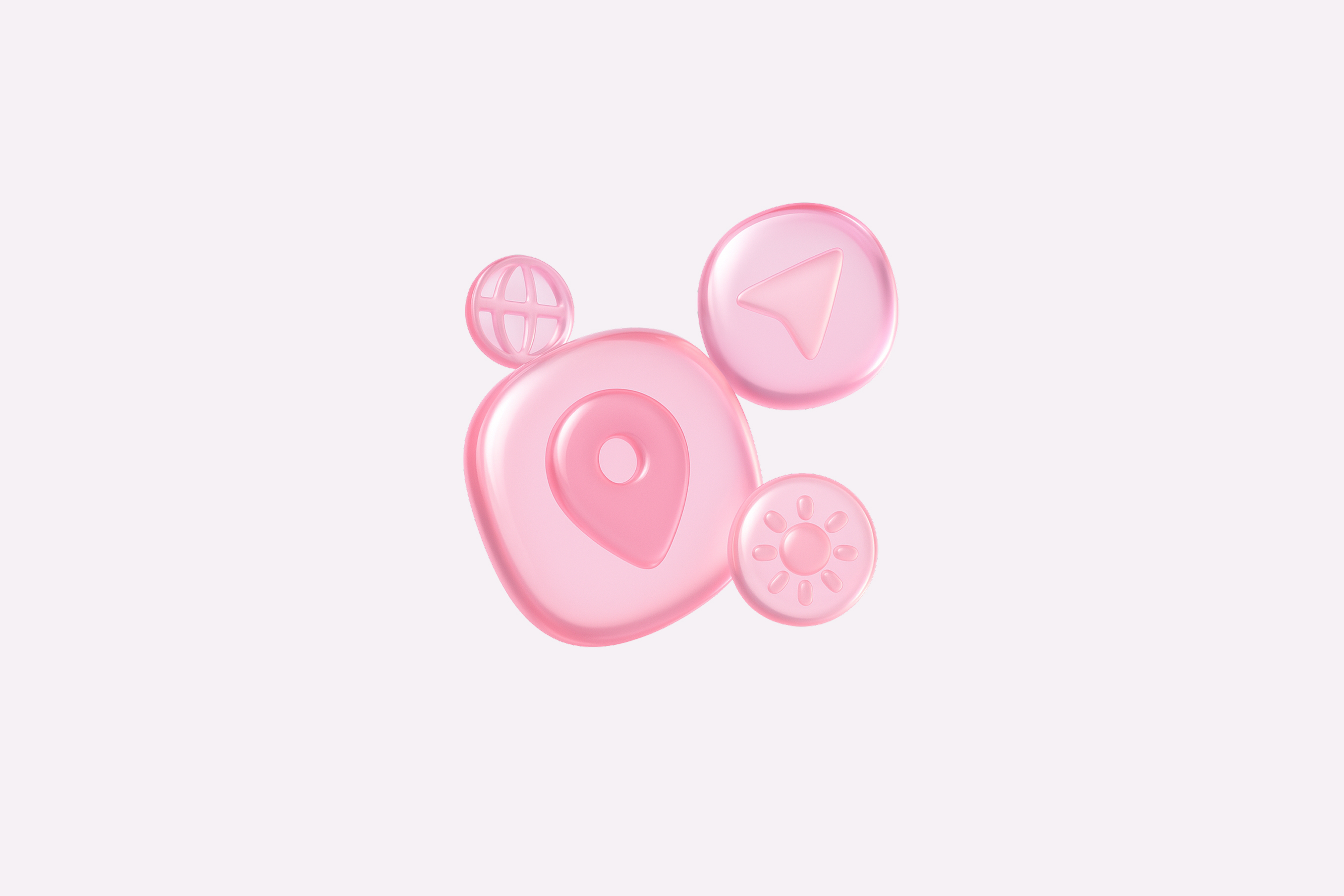
Get Translucent Pink Glass Icons
Transform your images with this AI image prompt, retexturing them into stunning translucent pink glass masterpieces.
 ChatGPT
What This Prompt Does
- ●Transforms the attached image into a hyperrealistic 3D render with a translucent pink glass texture.
- ●Ensures the object's silhouette and geometry are preserved while adding smooth spherical forms and internal reflections.
- ●Applies studio soft lighting with high key intensity to enhance the object's glossy and refractive properties.
Tips for This Prompt
- ●Consider using objects with smooth, spherical forms to maximize the effect of internal reflections and soft edges.
- ●Ensure the image has a clean, solid white background to complement the subtle pink-tinted drop shadow.
- ●Use the JSON prompt to guide the AI in creating a hyperrealistic 3D render with the specified translucent pink glass texture.
How to Use the Prompt
- ●Step 1: Attach your image.
- ●Step 2: Run the JSON prompt above.
- ●Step 3: Observe the transformation into a hyperrealistic 3D render with the specified texture.
The Prompt
Retexture the image attached based on the JSON below
{
  "style_name": "Translucent Pink Glass",
  "retexture_mode": "volumetric_3d",
  "object_analysis": {
    "preserve_silhouette": true,
    "geometry_sensitive_mapping": true,
    "detail_retention": "smooth spherical form with internal reflections and soft edges"
  },
  "material_properties": {
    "base_material": [
      "tinted transparent glass",
      "high-gloss outer shell",
      "slightly refractive and color-infused interior"
    ],
    "surface_details": [
      "subtle gradient transitions",
      "internal glow and light bleeding",
      "no visible seams or imperfections"
    ]
  },
  "lighting": {
    "type": "studio soft light",
    "intensity": "high key",
    "shadows": "soft, diffused, lightly tinted with object color",
    "highlight_behavior": "strong, specular highlights from above"
  },
  "color_palette": {
    "primary": ["#E594B5", "#F5B8D1"],
    "accents": ["#FFFFFF", "#D37AAE"],
    "transparency_level": "80%",
    "glow_tint": "#FADAE6"
  },
  "background": {
    "type": "solid white",
    "texture": "smooth and clean",
    "shadow": "subtle pink-tinted drop shadow directly beneath object"
  },
  "rendering": {
    "style": "hyperrealistic 3D render",
    "camera_angle": "eye-level, centered",
    "depth_of_field": "none (sharp throughout)",
    "focus": "object only"
  }
}
Related AI Prompts
Discover more high-performing prompts in Design
Create Icon Design Concepts
Design killer icons with this AI image prompt, using your chosen style and colors for a unique look.

Generate Icon Designs
Design killer icons with this AI image prompt, using your chosen style and colors for a stunning visual impact.
Create Paper Craft Icons
Create a playful paper craft-style AI image prompt with a colorful, textured emoji logo on a white background.
Create Custom Icons
Design jaw-dropping icons with this AI image prompt, using specific styles and color schemes for standout visuals.
Get Retro Pixel Icons
Transform your images with this AI image prompt, retexturing them into retro pixel UI icons with vibrant colors and outlines.
Get Playful Chunky 3D Icons
Retexture images with this AI image prompt, transforming them into a playful chunky 3D aesthetic with stylized overlays.