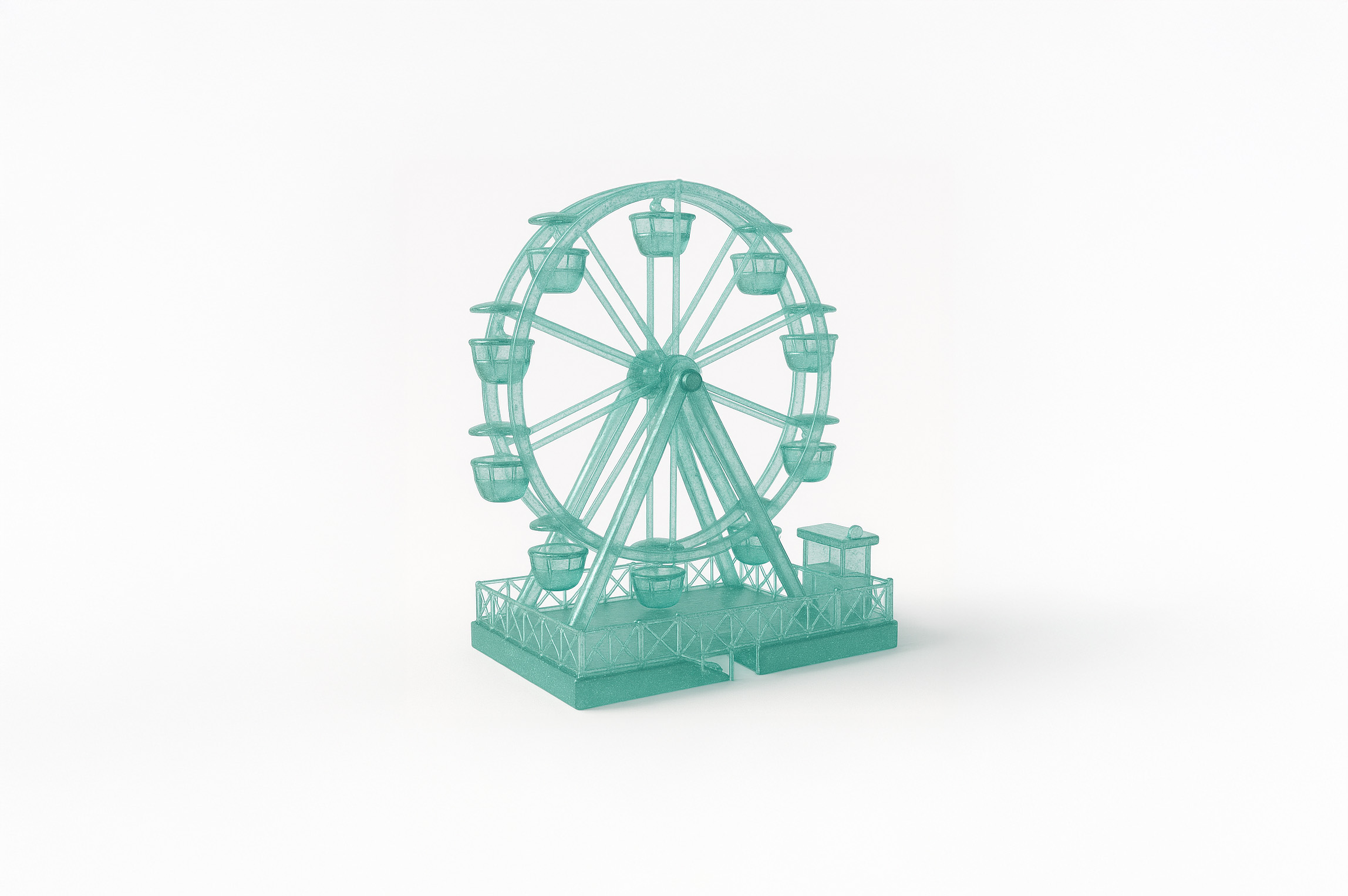
Get Translucent Playglass Icons
Transform your images with this AI image prompt, using Translucent Playglass style for a stunning retexture.
 ChatGPT
What This Prompt Does
- ●Retextures the attached image using a "Translucent Playglass" style, enhancing its visual appeal.
- ●Applies a hyper-realistic rendering with aqua-tinted translucent glass and high-gloss crystal effects.
- ●Ensures the image has a centered composition with a top-down flat lay camera angle.
Tips for This Prompt
- ●Ensure your image is high-resolution for best retexturing results.
- ●Consider using objects with distinct shapes to maximize the "shape_lock" retexture mode.
- ●Use the JSON prompt to guide the AI in creating a hyper-realistic translucent playglass effect.
How to Use the Prompt
- ●Step 1: Attach your image.
- ●Step 2: Run the JSON prompt above.
- ●Step 3: Review the retextured image for desired effects.
The Prompt
Retexture the image attached based on the JSON below
{
  "style_name": "Translucent Playglass",
  "retexture_mode": "shape_lock",
  "object_analysis": {
    "preserve_silhouette": true,
    "geometry_sensitive_mapping": true,
    "detail_retention": "replicate bump textures with glassy bubble clusters, retain curved surface ridges"
  },
  "material_properties": {
    "base_material": [
      "aqua-tinted translucent glass",
      "high-gloss crystal with micro-air bubbles",
      "frosted green tip and stem"
    ],
    "surface_details": [
      "light-refracting bubbles across the surface",
      "smooth but bumpy textures with subtle glints"
    ]
  },
  "lighting": {
    "type": "high-angle natural daylight",
    "shadows": "soft diffused with sharp glass reflections",
    "highlights": "strong specular highlights on curves"
  },
  "background": {
    "color": "pure white",
    "texture": "matte surface",
    "elements": "single shadow cast by main object, no other elements"
  },
  "composition": {
    "object_position": "centered",
    "camera_angle": "top-down flat lay",
    "focus": "sharp on full object with shallow background"
  },
  "rendering": {
    "style": "hyper-realistic",
    "depth": "shallow with subtle shadows and glows",
    "contrast": "high between object and white background"
  }
}
Related AI Prompts
Discover more high-performing prompts in Design
Create Icon Design Concepts
Design killer icons with this AI image prompt, using your chosen style and colors for a unique look.

Generate Icon Designs
Design killer icons with this AI image prompt, using your chosen style and colors for a stunning visual impact.
Create Paper Craft Icons
Create a playful paper craft-style AI image prompt with a colorful, textured emoji logo on a white background.
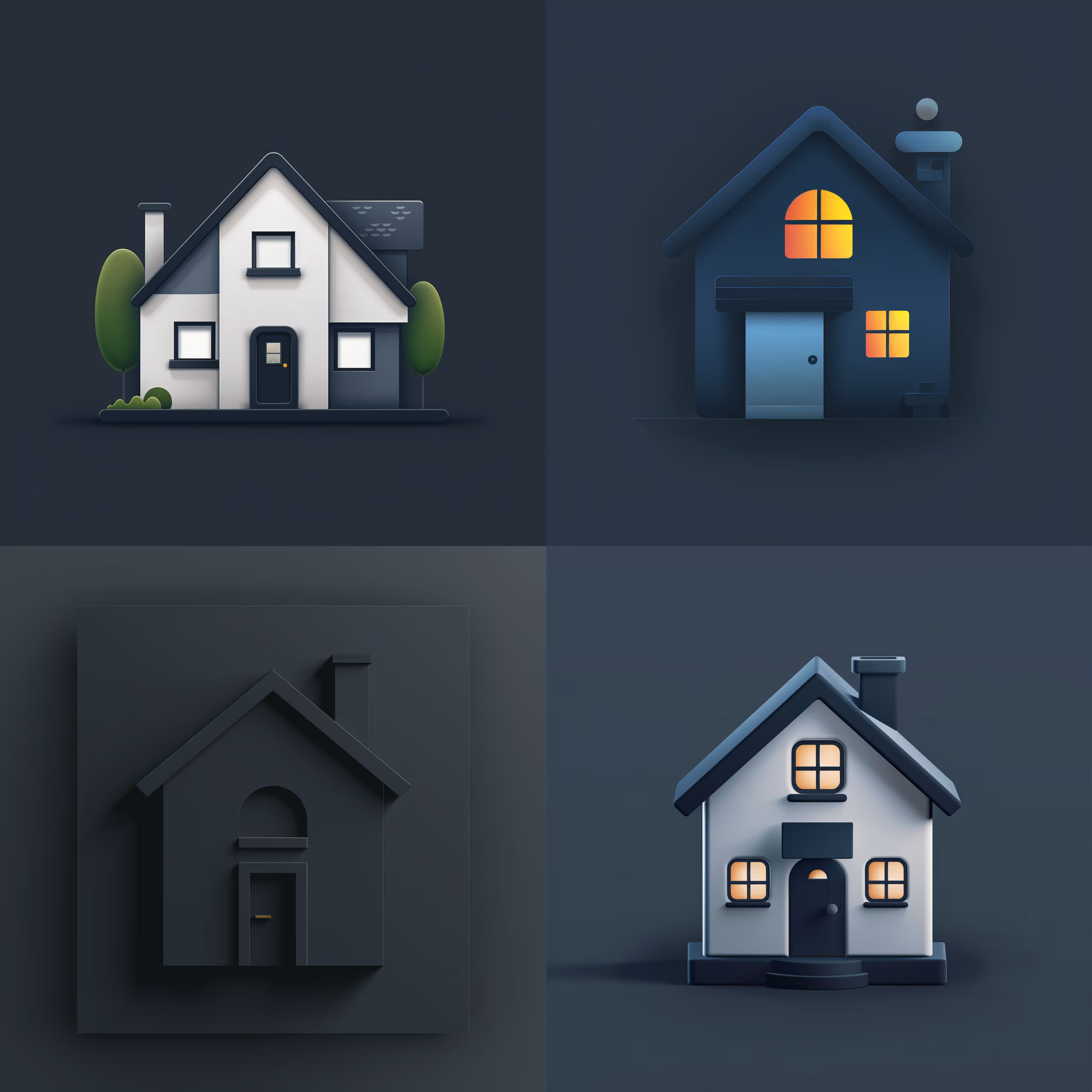
Create Custom Icons
Design jaw-dropping icons with this AI image prompt, using specific styles and color schemes for standout visuals.
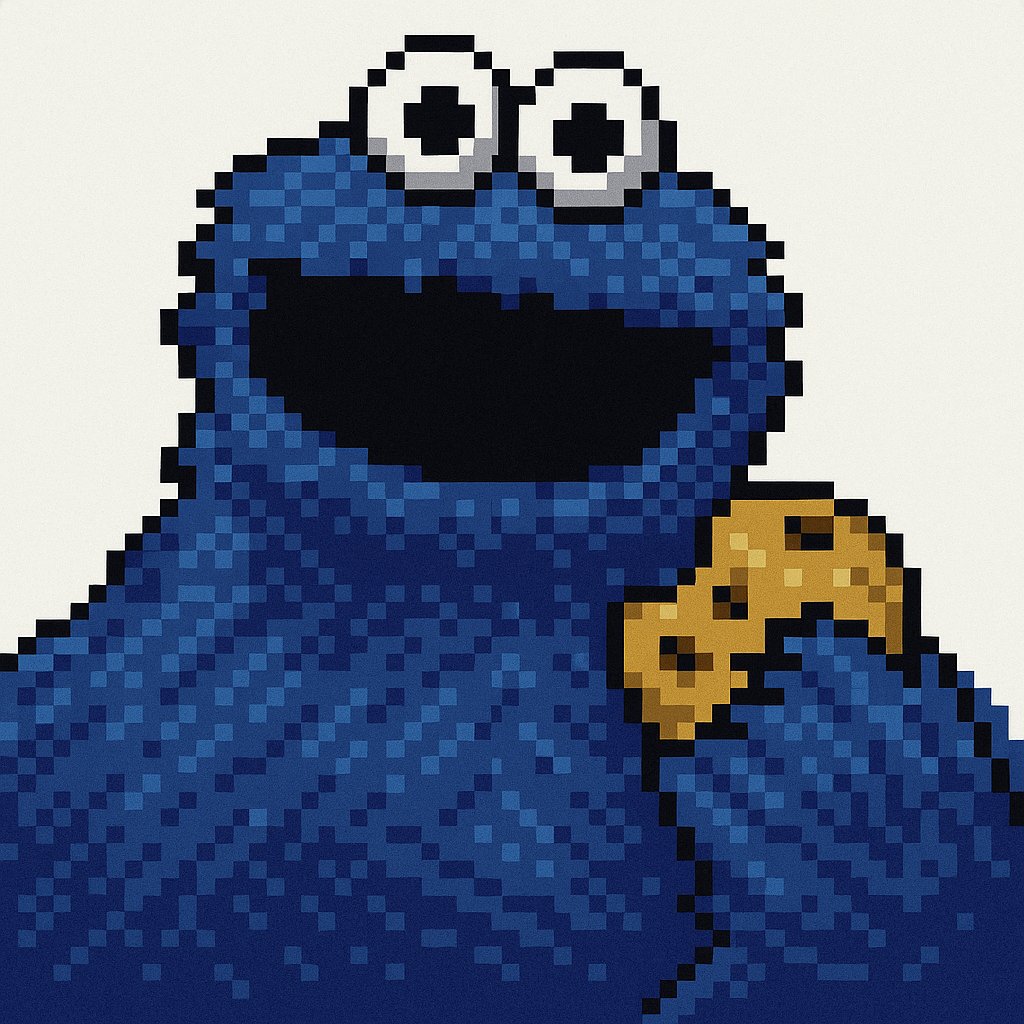
Get Retro Pixel Icons
Transform your images with this AI image prompt, retexturing them into retro pixel UI icons with vibrant colors and outlines.
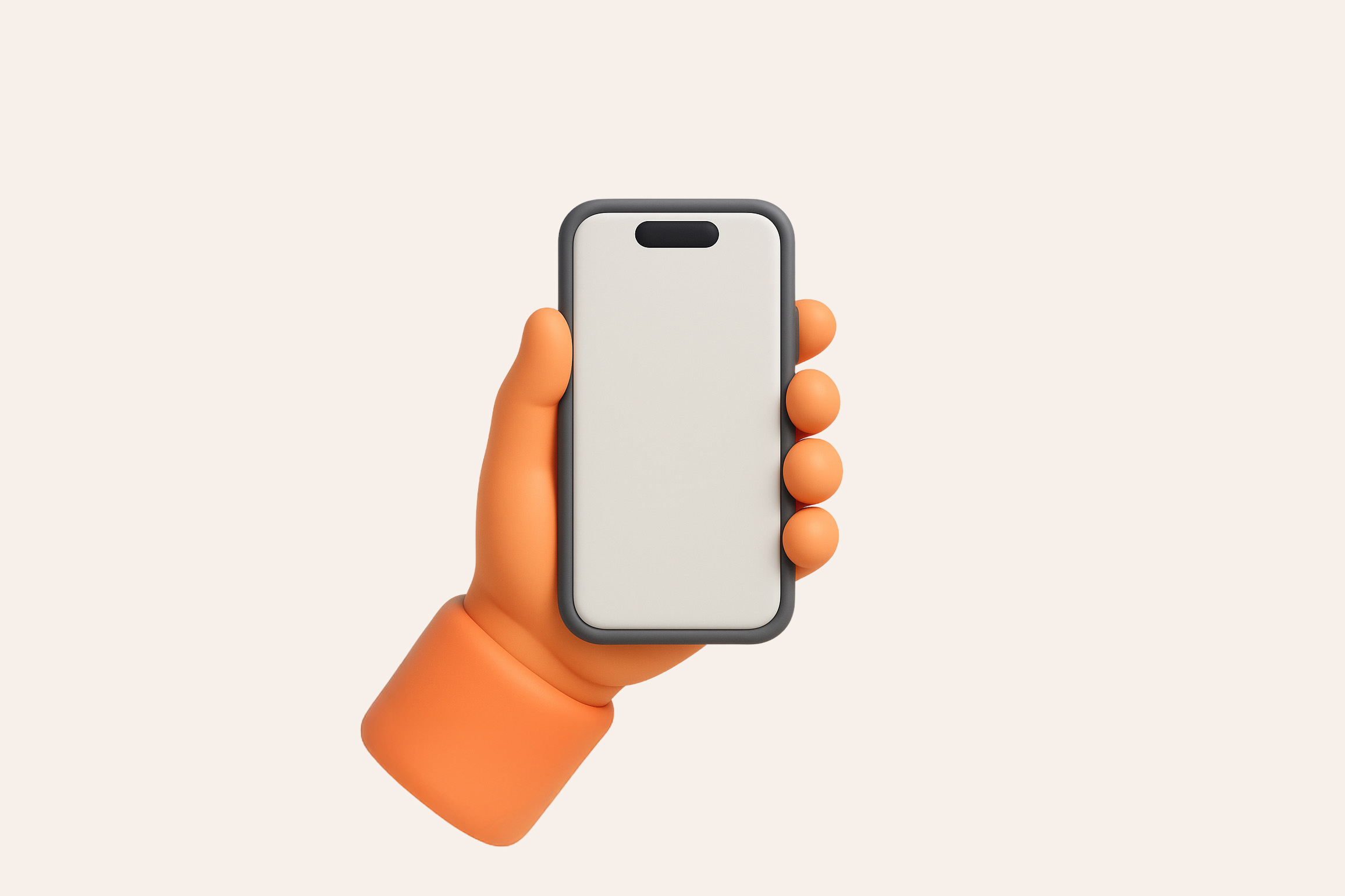
Get Playful Chunky 3D Icons
Retexture images with this AI image prompt, transforming them into a playful chunky 3D aesthetic with stylized overlays.