


Unleash your
imagination.
Discover the best AI prompts, explore powerful AI tools, and unlock your creativity. Access ready to use prompts for ChatGPT, Gemini, Claude, DeepSeek, Midjourney, Nano Banana, Muse, Qwen and other popular AI platforms.
What is ProCraft?
ProCraft is a creative resource for people who want to get better results from artificial intelligence. It brings together three connected parts in one place: a library of ready to use image prompts, a studio for writing and testing your own prompts, and a directory of AI tools sorted by purpose. Whether you are making a social media post, a product image, a blog illustration or a school project, ProCraft is designed to save you time and help you reach a polished result with less trial and error.
What Makes ProCraft Different?
Many AI websites show a long list of tools or a pile of random prompts with little explanation. ProCraft takes a more careful approach. Each resource is organized by purpose, written in clear language and meant to be understood by beginners as well as experienced creators. Instead of simply handing you a block of text, ProCraft explains why a prompt works, how to change it and where it fits in a real project.
The platform also treats the three parts as a connected workflow. You can find a prompt in the library, adjust it in the studio and then look through the directory for the right tool to run it. This joined up path means you do not have to jump between unrelated websites to finish one idea.
How ProCraft Works
Using ProCraft follows a simple path that you can repeat for every new idea.
Start with a goal
Decide what you want to make, such as a poster background, a product photo or a blog caption.
Find a starting point
Open the Prompt Library and pick a prompt in the style closest to your goal.
Shape it in the studio
Use AI Prompt Studio to rewrite the prompt so it matches your subject, audience and tone.
Choose the right tool
Visit the AI Directory to find a tool that fits your task, skill level and budget.
Generate, review and refine
Run the prompt, study the result and make small changes until the output feels right.
Each step feeds the next, so nothing you learn is wasted. A prompt you improve today becomes a template you can reuse next week.
The ProCraft CRAFT Framework
To keep your prompts clear and consistent, ProCraft teaches its own five part method called CRAFT. The name is a reminder of what good prompting really is: careful, deliberate work. Each letter stands for one question to answer before you press the generate button.
Need prompts tailored to your exact project?
The CRAFT method turns vague ideas into structured, repeatable prompts. Answer five simple questions before you generate to avoid guesswork, generic outputs, and endless back-and-forth rewriting.
Context
Background & AudienceWhat is the background, and who is the result for? Context anchors the AI and eliminates generic answers.
Role
Expert PersonaWhat kind of expert should the AI act as? Directs vocabulary, technical depth, and perspective.
Action
Specific TaskWhat exact task should be done? Strong action verbs keep the output focused without fluff.
Format
Structure & LengthHow should the answer be shaped and how long? Markdown tables, bullet lists, or clean code.
Tone
Voice & MoodWhat voice and mood should the writing carry? Professional, conversational, punchy, or academic.
In Practice
Worked ExampleCombine all five into one prompt. Spend less time rewriting and more time creating polished work.
Who Can Use ProCraft?
ProCraft is built for a wide range of creators, professionals, and curious learners.
Content Creators & Bloggers
Who need quick visuals, creative thumbnails, and fresh ideas for their daily publishing.
Graphic Designers & Illustrators
Who want visual inspiration, rapid concept exploration, and faster initial drafts.
Students & Teachers
Exploring artificial intelligence for academic projects, presentations, and interactive learning.
Small Business Owners
Who create their own high-converting product images, advertising banners, and marketing material.
Freelancers & Agencies
Who want to deliver more client work with higher consistency and less repetitive manual effort.
Curious Beginners
Who have never written an AI prompt before and want simple, step-by-step guidance without jargon.
No advanced technical knowledge is required. If you can describe an idea in simple words, you can start using the platform right away.
How ProCraft Helps Creators
Creative work is often slowed down by small obstacles: not knowing how to phrase an idea, not knowing which tool to try or not understanding why a result looks wrong. ProCraft removes these obstacles one by one. Ready made prompts give you a fast start. The studio teaches you to improve results on your own. The directory points you toward the right tool for each job.
Over time, you build a personal habit of clear, specific writing that works across different AI systems. That skill stays with you even when tools change. We encourage responsible use too, which means respecting copyright, avoiding the imitation of living artists and checking the terms of each tool before using results commercially.
Explore the Prompt Library for inspiration, open the Prompt Studio to sharpen your skills and browse the AI Directory to find your next tool. ProCraft is here to make your creative process simpler, faster and more enjoyable.
Latest from the Blog
Tested prompt engineering techniques, model guides, and step-by-step tutorials to help you get professional results from modern AI.
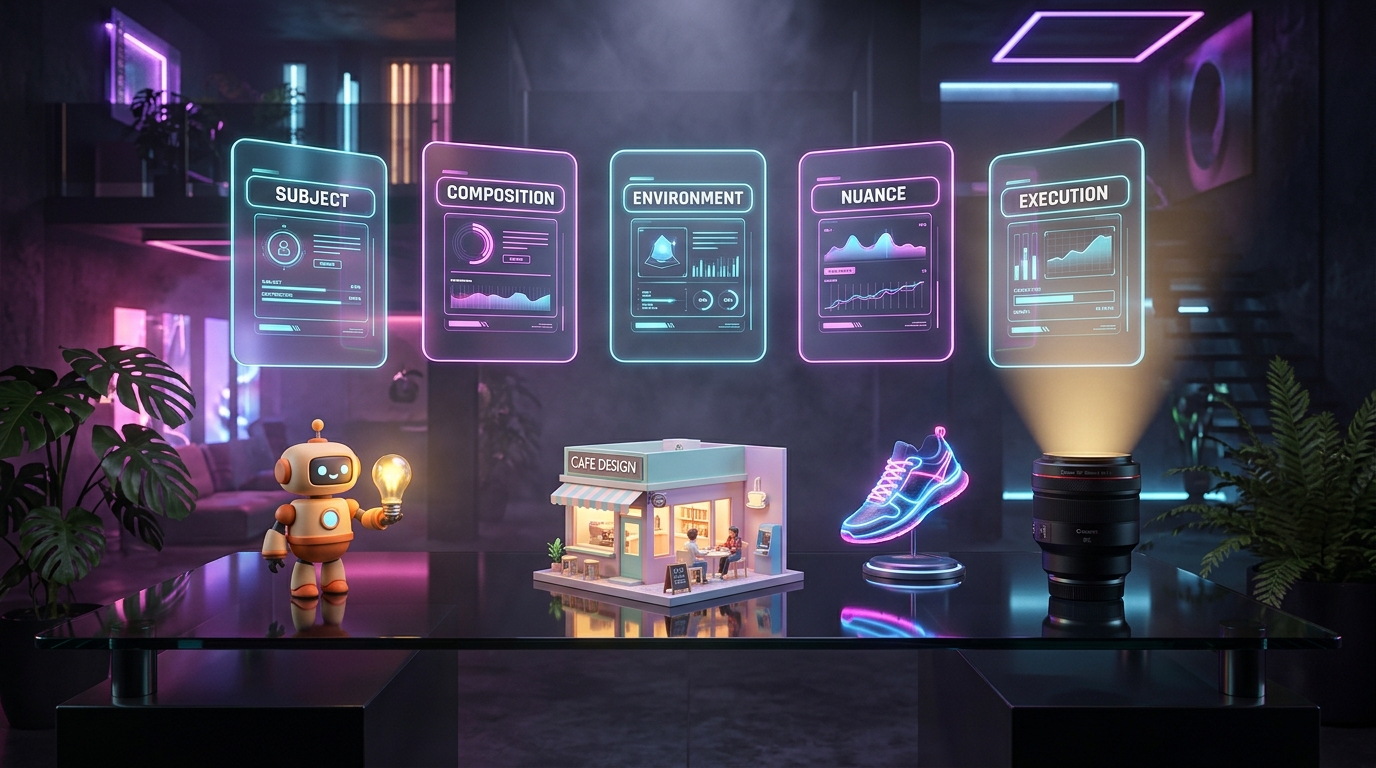
High-Impact AI Image Generator Prompts: Templates, Examples & Ideas for Creators
Get the complete toolkit for AI image generation: the SCENE framework, copy-paste prompt templates, a free 50-prompt list, 3D style formulas, a random prompt generator, and a troubleshooting table for common problems.
Meta Muse AI Agent: What It Is, How It Works, Pricing, and Is It Safe? (2026 Guide)
Meta Muse is Meta's personal AI agent designed to plan, shop, manage schedules, and execute everyday tasks on a dedicated virtual environment with human-in-the-loop approvals.
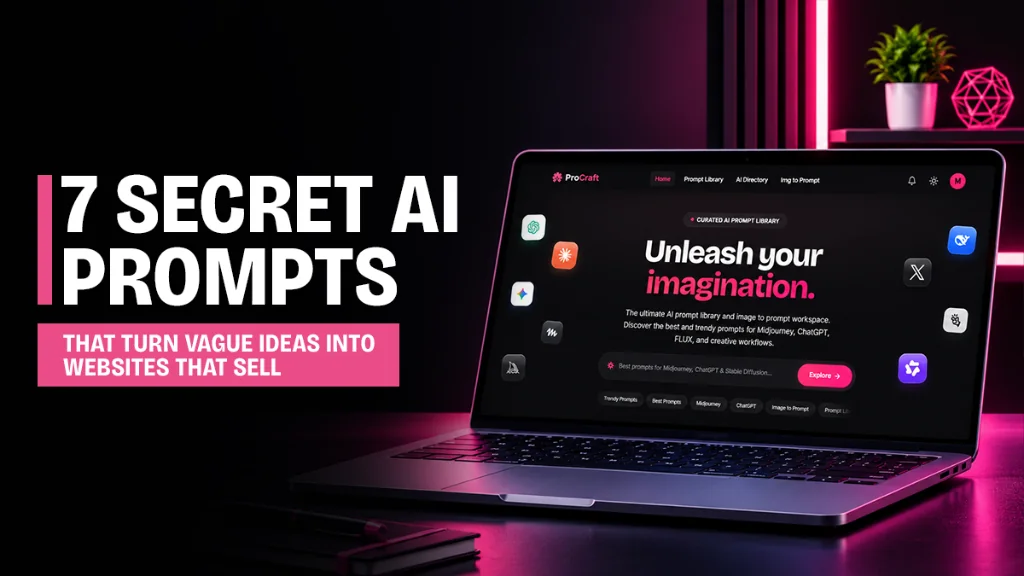
7 Secret AI Website Builder Prompts That Turn a Vague Idea Into a Site That Actually Converts
Stop getting generic AI websites. Copy 7 tested, fill-in-the-blank prompts that fix messaging, structure, mobile layout, and pre-launch quality, with tips to avoid fake content.