High-Impact AI Image Generator Prompts: Templates, Examples & Ideas for Creators

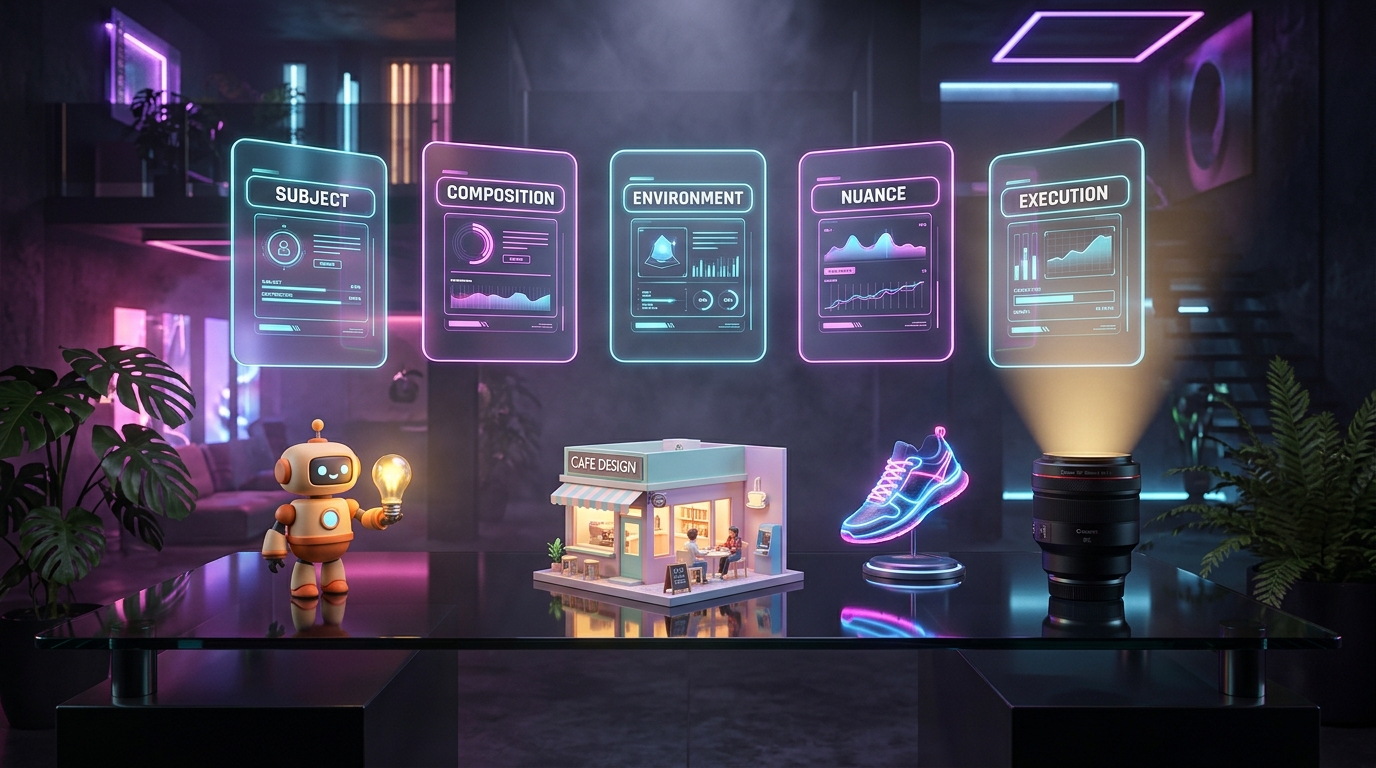
The difference between a muddy AI picture and a stunning one is almost always the prompt. A vague request like "a cat" gives you a random cat. A structured prompt gives you the exact cat, in the exact light, in the exact style you pictured.
This guide collects everything in one place: AI image generator prompt examples, a copy-and-paste prompt template, a prompt list by category, 3D prompts, a random prompt generator you can run by hand, and a cheat sheet of the best fixes. Everything works in most image generators, including free ones.
What Makes a Good AI Image Prompt
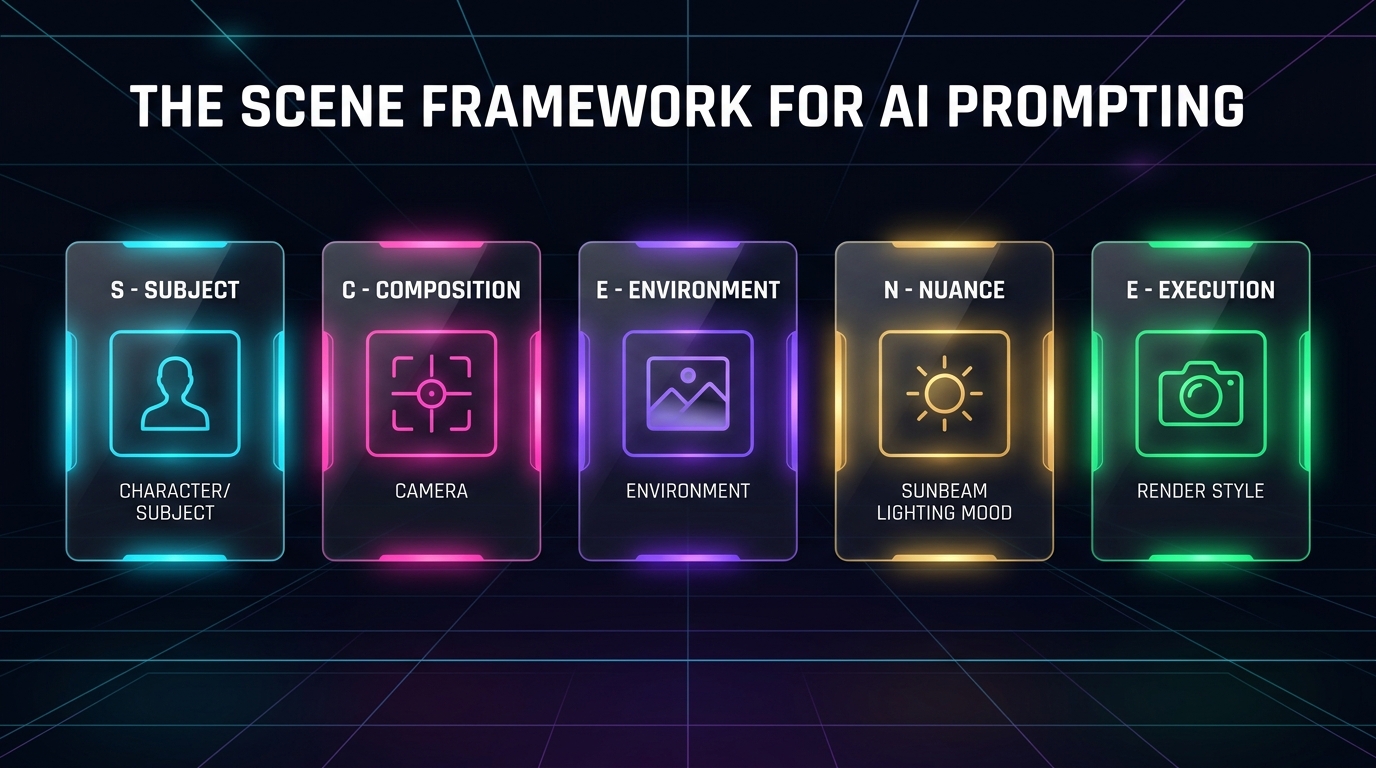
Every strong prompt answers five questions. ProCraft's SCENE framework turns them into slots:
| Slot | Question it answers | Example |
|---|---|---|
| S — Subject | What is in the picture? | A red fox sitting on a mossy log |
| C — Composition | How is it framed? | Close-up, eye level, shallow depth of field |
| E — Environment | Where is it? | Misty pine forest at dawn |
| N — Nuance | What mood and light? | Soft golden backlight, calm, dreamy |
| E — Execution | What style and format? | Wildlife photography, 4:5 ratio, high detail |
Subject: Be Concrete, Not Poetic
State who or what is in the image, how many, what they are doing and what they look like. "A woman" leaves everything open."A woman in her sixties with silver braids, wearing a mustard wool coat, laughing while holding a bunch of sunflowers" leaves very little to chance.
| ❌ Weak Prompt | ✅ Strong Prompt |
|---|---|
| A dog | A golden retriever puppy mid-jump, ears flying, tongue out |
| A house | A narrow three-story townhouse with a red door and window boxes full of geraniums |
| A car | A 1970s cream-colored convertible with chrome bumpers and a surfboard on the back seat |
| A chef | A young chef in a white apron tossing vegetables in a flaming pan |
Composition: Think Like a Photographer
Essential composition vocabulary
- Distance: extreme close-up, close-up, medium shot, full body, wide shot, aerial view
- Angle: eye level, low angle, high angle, overhead (top-down), 45-degree angle, tilted frame
- Lens feel: 24mm wide angle, 50mm natural look, 85mm portrait, macro, telephoto compression
- Layout: centered subject, rule of thirds, symmetrical, lots of negative space, leading lines
- Focus: shallow depth of field with a blurred background, or deep focus where everything is sharp
Nuance: Lighting and Mood Do the Emotional Work
Lighting vocabulary
- Natural light: golden hour, blue hour, soft overcast, harsh midday sun, dappled forest light, moonlight
- Studio light: softbox lighting, rim light, backlight, high-key (bright and airy), low-key (dark and dramatic)
- Artificial light: neon glow, candlelight, streetlamp, fairy lights, screen glow
- Mood words: serene, tense, nostalgic, playful, mysterious, triumphant, cozy, melancholic
- Color palette: muted earth tones, teal and orange, monochrome blue, pastel, high-contrast black and white
The Universal AI Image Prompt Template
[Subject], [composition and camera angle], in [environment], [lighting and mood], [style or medium], [aspect ratio], [details to include], [things to avoid]
Filled in example:
A ceramic teapot with steam rising, centered close-up, on a rustic wooden table by a window, soft morning light and cozy mood, product photography, 4:3 ratio, visible clay texture, no text or logos
AI Photo Generator Prompt Examples
These photo-style prompts work as starting points. Swap in your own subject.
Portrait of an elderly fisherman with weathered skin, 85mm lens, soft overcast light, shallow depth of field, natural color, candid expression.
Minimalist skincare bottle on a pale stone pedestal, soft shadow, pastel background, studio lighting, high-end catalog photo.
Overhead shot of a rustic sourdough loaf and butter on linen, warm window light, shallow focus, editorial food photography.
Narrow cobblestone street in an old European town at golden hour, warm lamps turning on, people walking, wide angle.
Modern glass house on a cliff above the sea, blue hour, long exposure feel, clean lines, architectural photography.
Snow-covered mountain lake at sunrise, mirror reflection, pink and orange sky, ultra wide, crisp detail.
Before-and-After Prompt Makeovers
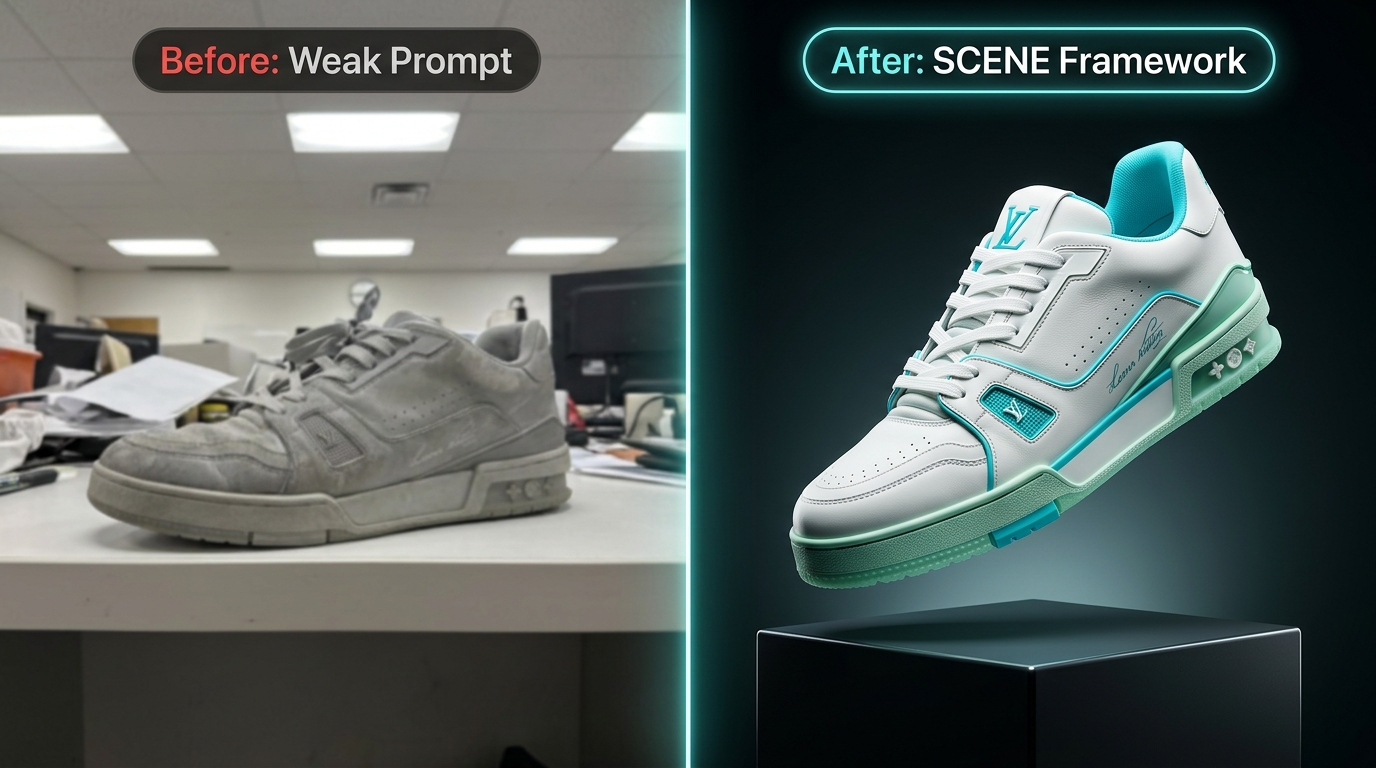
Seeing a weak prompt rebuilt is the fastest way to learn the pattern. Each makeover follows SCENE.
A beautiful mountain.
A snow-capped peak above a turquoise alpine lake, wide shot from a low shoreline angle, wildflowers in the foreground, soft pink light just after sunrise, calm and majestic mood, landscape photography, 16:9, crisp detail.
Photo of a sneaker.
A white leather sneaker with a mint-green sole, 3/4 front view, floating slightly above a pale gray seamless background, soft studio lighting with a gentle shadow beneath, clean and modern mood, product photography, 1:1, sharp stitching detail, no text or logos.
A cute robot.
A small round robot with big blue eyes and a dented yellow body, full-body front view, standing in a cluttered inventor's workshop, warm lamp light, friendly and curious mood, children's book illustration, soft watercolor texture, 4:5.
Logo for a bakery.
A simple wheat-stalk icon forming a heart shape, flat vector style, two colors (warm brown and cream), centered on a white background, thick clean lines, minimal, no text.
A nice living room.
A bright Scandinavian living room with a linen sofa, a round oak coffee table and a large fiddle-leaf fig, wide shot from the doorway, tall windows with morning sunlight, calm and airy mood, interior design photography, neutral palette with soft green accents, 3:2.
AI Image Generator Prompt List by Category
Fantasy & Illustration
A floating island village connected by rope bridges, watercolor illustration, soft pastel palette.
A friendly dragon reading a book in a cozy library, children's book style.
A lone knight at the edge of a glowing forest, dramatic backlight, concept art.
Business & Marketing
A flat-lay of a laptop, coffee and notebook on a clean desk, bright natural light, blog header image.
A diverse team around a whiteboard in a bright office, candid photo style, no readable text.
Abstract gradient background in deep blue and teal for a webinar title slide.
Social Media
A pastel pink aesthetic desk setup with plants, 1:1 ratio, soft diffused light.
A bold retro poster of a sunrise over the ocean, limited 3-color palette, vertical 9:16.
A cozy reading nook with rain on the window, warm lamp, vertical story format.
Logos & Icons
A simple geometric fox icon, flat vector style, two colors, white background.
A minimal mountain and sun badge logo, thick lines, centered, no text.
Packaging & Product Mockups
A matte black coffee bag with a simple gold stripe standing on a marble counter, soft studio light, no text.
A set of three pastel soap bars wrapped in kraft paper with twine, flat-lay on a linen cloth.
A glass jar of honey with a wooden dipper, backlit so the honey glows, shallow depth of field.
Blog Headers & Thumbnails
An abstract illustration of a lightbulb made of colorful paper shapes, wide 16:9, space on the right for a headline.
A split-screen image of a messy desk and a tidy desk, bright flat colors, bold and clean.
A person looking surprised at a laptop with a glowing screen, expressive face, high contrast, plain colored background.
3D AI Image Generator Prompts
For 3D-style renders, add material, lighting and render language. Here is a reusable 3D AI image prompt generator formula:
[Object or character], 3D render, [material: glossy plastic, brushed metal, clay, glass], [lighting: soft studio lighting, rim light], [background], [camera: isometric, front view, 3/4 view], [finish: octane-style render, high detail, smooth shading]
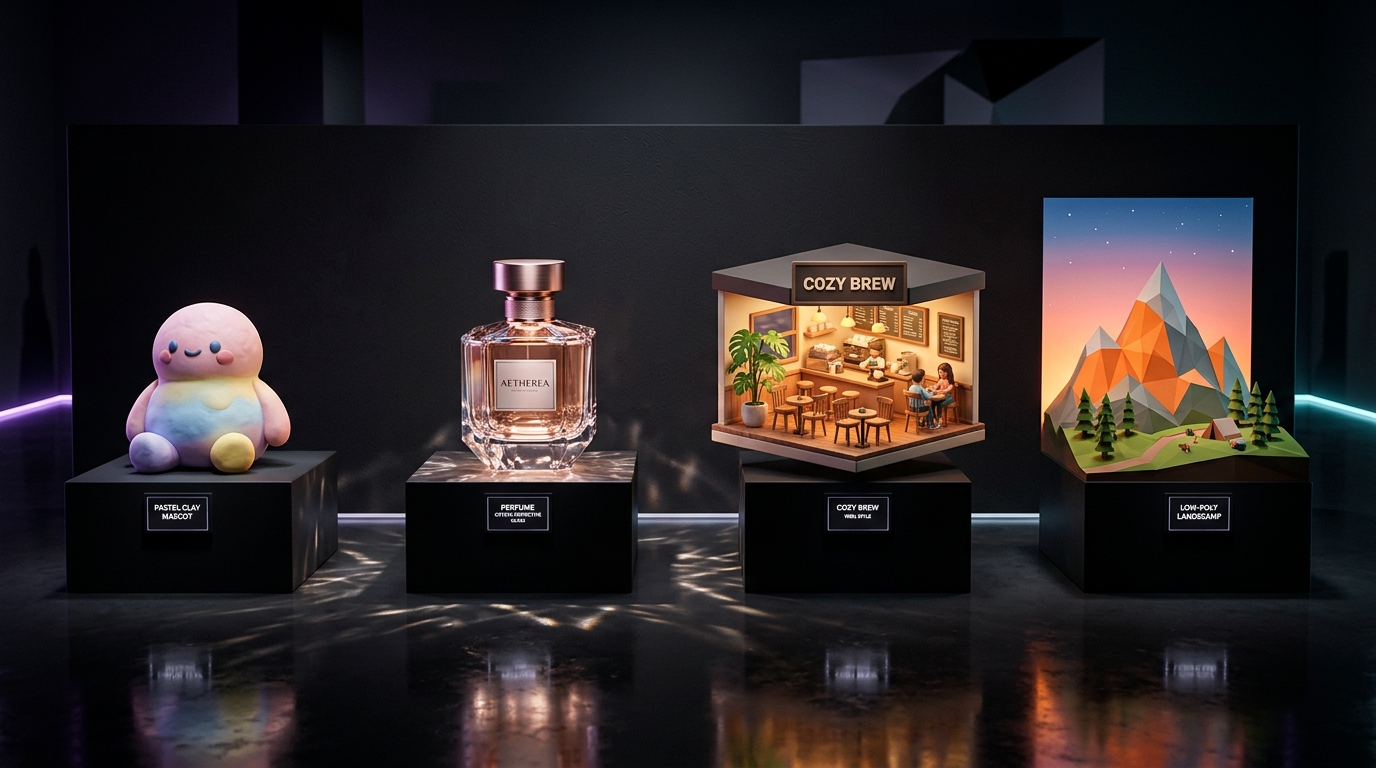
Cute round robot mascot, 3D render, glossy white plastic with teal accents, soft studio lighting, plain light-gray background, 3/4 view, smooth shading.
Isometric tiny coffee shop, 3D render, clay material, pastel colors, soft shadows, diorama style.
Glass perfume bottle on a mirrored surface, 3D render, caustic light, dark background, product visualization.
Low-poly mountain landscape, 3D render, flat shading, sunset gradient sky, game-style asset.
| 3D Style | Keywords to include | Best for |
|---|---|---|
| Clay / toy look | clay render, soft rounded shapes, matte finish, pastel palette | Mascots, app illustrations, social posts |
| Glossy product | glossy plastic, reflective surface, studio lighting, soft shadow | Product mockups, packaging concepts |
| Isometric diorama | isometric view, tiny scene, miniature, soft shadows | Website illustrations, infographics |
| Low-poly | low-poly, flat shading, faceted, gradient sky | Game assets, backgrounds |
| Voxel | voxel art, cube-based, blocky | Retro games, playful scenes |
| Realistic render | photorealistic 3D render, global illumination, subsurface scattering | Architecture, product visualization |
Four rules for better 3D-style results
- Name the material — "Brushed aluminum" and "soft felt" look completely different even with the same shape.
- Control the lighting — Studio lighting with a rim light gives depth. Flat lighting looks like a cartoon sticker.
- Pick one camera view — Front view, 3/4 view or isometric. Mixing them creates distorted objects.
- Remember what you get — Most generators produce a 3D-looking picture, not a 3D model file.
Random AI Image Prompt Generator
Pick one item from each column and combine them into one sentence. Add a composition and aspect ratio and it is ready to run.
| Subject | Setting | Style | Lighting | Mood |
|---|---|---|---|---|
| A fox | Neon city street | Watercolor | Golden hour | Peaceful |
| An astronaut | Desert dunes | 3D clay render | Moonlight | Mysterious |
| A tiny cottage | Floating in clouds | Oil painting | Soft overcast | Cozy |
| A robot gardener | Underwater ruins | Vector flat | Neon glow | Playful |
| A vintage car | Snowy mountain pass | Film photography | Dawn mist | Nostalgic |
| A giant owl | Library at night | Pencil sketch | Candlelight | Wise and calm |
Prompt Ideas When You Are Stuck
- Reimagine the ordinary: your kitchen as a fantasy tavern; your street in 1920 or in 2150.
- Mix two worlds: ‘Victorian greenhouse on Mars’ or ‘cyberpunk tea ceremony.’
- Change the scale: a miniature city inside a teacup.
- Borrow a medium: paper cut-out, stained glass, embroidery, ceramic tile.
- Tell a tiny story: ‘A snail delivering a letter in the rain.’
- Use a season or holiday: invitations, greeting cards, themed posts.
6 Rules for Any AI Image Generator
- Be specific about the subject, not just the style. "A red fox" beats "an animal."
- Name the lighting — it changes mood more than any other single word.
- Set the ratio for where the image will live: 1:1 for feeds, 9:16 for stories, 16:9 for headers.
- Say what to avoid (extra fingers, text, watermark, clutter).
- Change one thing at a time between runs so you know what worked.
- Save winners as templates with [brackets] for the parts you swap.
Fixing Common Problems
| Problem | Likely cause | Fix |
|---|---|---|
| Blurry or soft result | No focus or detail instruction | Add "sharp focus, high detail" and a clear camera term such as "85mm, shallow depth of field" |
| Distorted hands or faces | Too many subjects or a complex pose | Simplify the action, use a closer crop, or keep hands out of the frame |
| Garbled or fake-looking text | Generators often struggle to spell | Write "no text" and add lettering in a design tool afterward |
| Wrong style | Style slot missing or mixed | Choose one medium and put it near the end of the prompt |
| Cluttered scene | Environment too vague | Specify "plain background" or limit the scene to three elements |
| Muddy colors | No palette given | Name a palette such as "muted earth tones" or "pastel" |
| Part of the prompt ignored | Prompt too long or contradictory | Cut to the most important details and remove conflicting terms |
| Results feel generic | Subject too broad | Add one specific, unusual detail — a prop, a material, or a time of day |